CenterPoint Login: Energy Account Sign-In and Pay Bill
CenterPoint login steps for My Account: sign in, register with the Create Profile form, reset a forgotten password, pay your bill and call the right number.
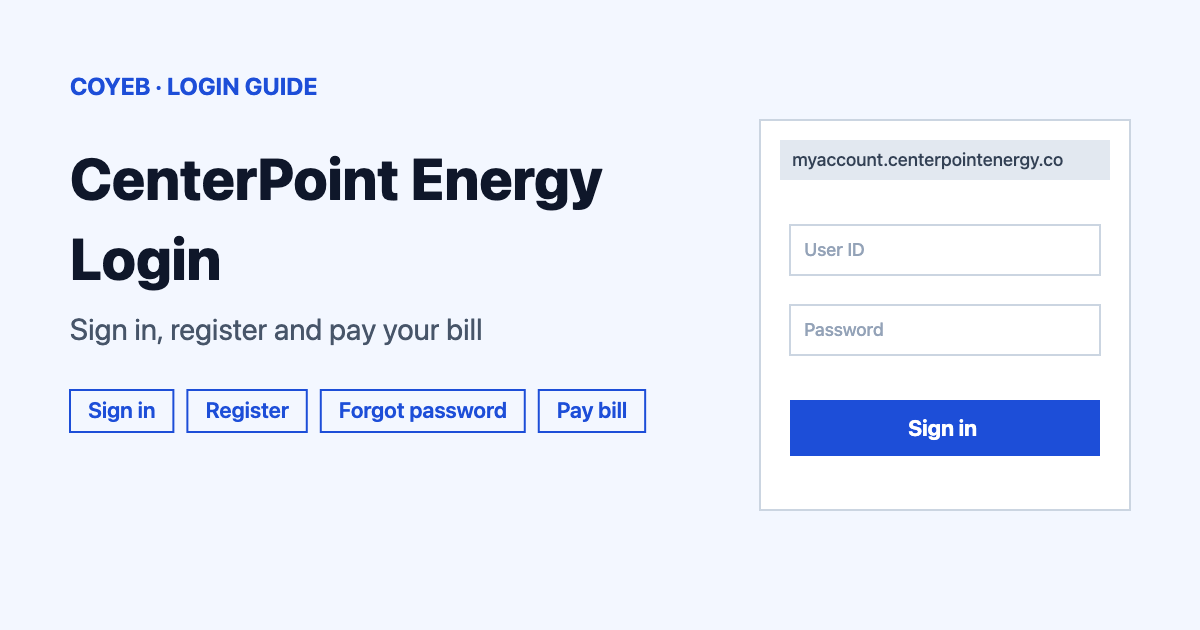
The CenterPoint login for your energy account is at myaccount.centerpointenergy.com. Type your User ID and Password, then select Sign In. No account yet? Choose Register Today. To pay a bill without an account, use Pay as a guest. The password reset screen calls the User ID your email address.
Last verified: 17 November 2026
Official sign-in page: https://myaccount.centerpointenergy.com/ (checked November 2026)
coyeb.com is not affiliated with CenterPoint Energy. Never share your password or OTP with anyone.
This guide is only for CenterPoint Energy, the electric and gas utility that serves customers in Texas, Indiana, Minnesota and Ohio. Other companies use a similar name but are not covered here.
What you will see on the CenterPoint login page
- User ID and Password, both required
- Remember me tick box
- Forgot your password? link
- Sign In button
- Register Today for new users
- Pay as a guest for a one-time payment
CenterPoint login: how to sign in to My Account
- Go to myaccount.centerpointenergy.com. The page is headed My Account and shows a Sign In form.
- Type your User ID in the first box.
- Type your Password in the second box.
- Tick Remember me only on your own phone or computer.
- Select Sign In.
You can also start from the CenterPoint Energy website. The Sign In link there goes to the same address. The sign-in itself runs on login.centerpointenergy.com, so you may see that name in the address bar.
First time here: register or pay as a guest
If you do not have online access yet, choose Register Today under “Don’t have an online access?”. CenterPoint Energy says registering takes only a few minutes. The Create Profile screen asks for:
- First Name and Last Name
- Email Address and Confirm Email Address
- Phone Number
- Create Password and Confirm New Password
- Select a Security Question and Security Question Answer
- A tick box to agree to the Terms of Use for the site
The password must follow these rules:
- 8 to 20 characters
- At least one number
- At least one letter
- At least one upper case letter
- At least one special character
- No spaces and no tabs
Tick the Terms of Use box and select Continue. Use Back or Cancel to leave the screen.
If you only need to pay once, choose Pay as a guest. The page says you may pay as a guest and register later.
Forgot your password
- On the sign-in page, select Forgot your password?
- The Set New Password screen opens. It has three steps: Enter Email Address, Set Password and Confirmation.
- Type your User ID (Email Address). Use the email address on your account.
- Select Continue and follow the prompts. Cancel takes you back.
The screen also has a Help link under “Need more help logging into Your Account?” and an Email us link under “Questions or Comments?”.
If you remember your password and only want a new one, sign in first and use the change password option in your account.
Login on your phone
CenterPoint Energy has a mobile app. You sign in with your My Account username and password. If you have no online account yet, register for My Account first. In the app you can:
- View your balance and pay your bill, with Apple Pay on supported devices
- Enroll in AutoPay
- Start or transfer service when you move
- Update communication preferences, your mailing address and your service address
- Track and compare your energy use
- Report outages and follow outage information
Download it from the App Store or Google Play.
Login not working
CenterPoint Energy does not list exact error messages for the sign-in page. These are general suggestions you can try.
| What you see | What it means | Fix |
|---|---|---|
| Sign-in is refused | The User ID or password may be typed wrong | Check for spaces and capital letters. Then try Forgot your password? |
| You do not remember if you registered | You may not have an online account yet | Choose Register Today, or pay as a guest |
| The page does not load properly | Your browser may be holding old data | Open the address again in a private window or another browser |
| The page looks different from this guide | You may be on a look-alike site | Close it and type myaccount.centerpointenergy.com yourself |
After you log in
Pay your bill
- Sign in to My Account.
- Open the payment option and pay your bill.
- Optionally, enroll in AutoPay or Paperless Billing from the billing options.
The Billing and Payment page on the CenterPoint Energy site also covers payment alerts, Average Monthly Billing and payment assistance. Payment assistance includes extensions that give you more time to pay your current bill and arrangements that spread a past-due balance over time. Future bills remain due as scheduled. Options depend on availability and eligibility.
Add an authorized user or manage several properties
- Sign in to My Account.
- Open the authorized users page to add or remove people and choose what they may do. Examples are viewing the account, making payments or scheduling services.
- Use the account summary page to see each property under one login. You can customize the display and search and sort the list.
Reconnect service after non-payment
- Sign in to My Account and pay the outstanding amount and any fees.
- When your payment is processed, schedule your reconnection.
- Make sure an adult over 18 is home when the technician arrives.
Moving? My Account can also be used to start or stop service and update your information.
Stay safe
Check that the address says myaccount.centerpointenergy.com before you type your User ID and password. Do not enter your details on a site with a different name or on a page that opens from a message you did not expect. To report a problem, call the customer service number for your area below.
CenterPoint Energy phone numbers
Customer service lines, checked November 2026:
- Houston area electric: 713-207-2222 or 800-332-7143
- Houston area gas: 713-659-2111 or 800-752-8036
- Beaumont and East Texas gas: 800-376-9663
- South Texas gas: 888-876-5786
- Texas gas hours: weekdays from 7 a.m. to 7 p.m., except holidays
- Minnesota residential gas: 612-372-4727 or 800-245-2377, weekdays from 7:00 AM to 7:00 PM except holidays
- Minnesota commercial gas: 612-321-4939, weekdays from 7:00 AM to 7:00 PM except holidays
- Home Service Plus: 877-HSP-1664 or 612-342-4610
- Indiana electric and gas: 800-227-1376, weekdays from 6:00 AM to 6:00 PM except holidays
- Ohio gas: 800-838-0933, weekdays from 7:00 AM to 7:00 PM CST except holidays
For questions that are not an emergency, the official contact page has a Send message form for residential customers. It also says most common requests can be done in My Account without a phone call.