Careerwill Login: App and Web Access for Students
Careerwill login for students: use web.careerwill.com or the app, register with an OTP, reset your password and fix common sign-in problems.
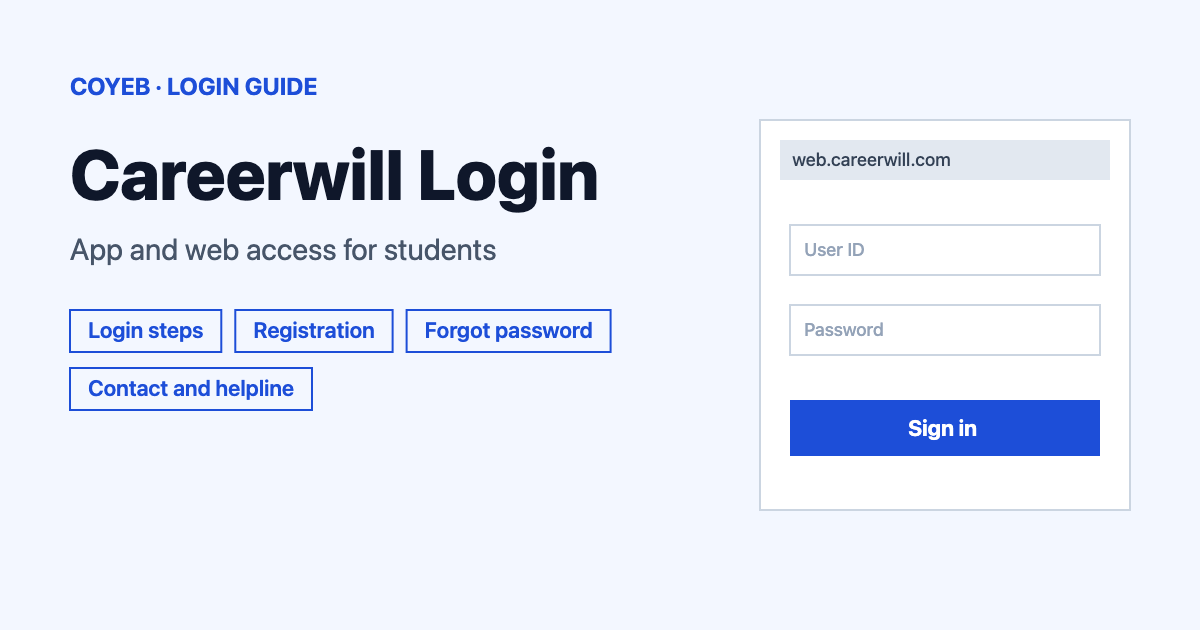
For a careerwill login, open web.careerwill.com, enter your Mobile or email address and Password, then press Log in. The screen has no OTP option, so use Forgot Password ? if needed. Careerwill says Sign Up is available in its Android or iOS app.
Last verified: 18 November 2026
Official Careerwill login: https://web.careerwill.com/ (checked November 2026)
coyeb.com is not affiliated with Careerwill. Never share your password or OTP with anyone.
Careerwill login steps on laptop or phone browser
The web login works in any browser, so the same steps apply on a laptop, a PC or a phone. Open the address above and the page sends you to its Log in screen. Use the mobile number or email and the password you set when you registered. If a box asks about exam updates and notifications, you can tap I’ll Do this later or Allow.
- Under Log in (it says “Please login to your account.”), type your registered number or email in Mobile or email address.
- Type your password in Password.
- Press the Log in button.
The login screen asks for a password only. You will not see an OTP option there. Forgot Password ? sits under the password box. Below the Log in button you will find Sign Up under “Don’t have an account Yet?”.
First-time login and registration
Careerwill’s registration guide says Sign Up is only available in the Android or iOS app. The web login page also has a Sign Up button under “Don’t have an account Yet?”. It opens a Register screen with these boxes: Full name, Mobile number, Email address, Password, Confirm Password and Referral code (Optional). If the web form gives you trouble, register in the app instead.
- Tap or press Sign Up.
- Fill in all the required details. Check them first, because you cannot edit any detail after you register.
- Press Submit.
- Enter the OTP sent to your mobile number. If it does not arrive, tap Resend. Then tap Verify.
- When you see that you are registered, choose your interface.
Already registered? The Log in link at the bottom of the Register screen takes you back.
Forgot password
Press Forgot Password ? under the password box. A window opens that says “Please enter your Mobile / Email. We will send your an OTP to reset your password.” Choose Mobile or Email, enter that detail and press Send.
Careerwill’s help page then says to enter the OTP, type your new password, confirm it and click Save Changes. After that, log in again with the new password.
Careerwill login on mobile
You can use the Careerwill App from Google Play or the Apple App Store. The developer shown on Google Play is Career Will Information Centre Private Limited. The listing says it is not a government app and is not affiliated with any government entity. If you do not want to install anything, the web address above also opens in a phone browser.
After you log in
Go to the My Courses tab and choose Purchased Batch to see all your enrolled and completed courses. Select a course and click a class to watch it. You can download recorded sessions for offline viewing only in the app, not on the web.
Careerwill login not working
Careerwill does not publish a list of error messages, so the table below shows common situations. The fixes are general suggestions, not official instructions.
| What you see | What it means | Fix |
|---|---|---|
| Login is refused after you press Log in | The number, email or password may not match your account. | Check for typing mistakes and capital letters, then try Forgot Password if it still fails. |
| No OTP after pressing Send | The OTP goes to the Mobile or Email you picked in the reset window. | Make sure you chose the detail you registered with, check spam if you chose Email, wait a minute and press Send again. |
| The page will not load or stays blank | Your browser or connection may be the problem. | Refresh the page, try another browser or a private window, or switch between Wi-Fi and mobile data. |
| The app misbehaves | Careerwill does not say what causes this. | Update the Careerwill App from Google Play or log in through the web address instead. |
Stay safe
The official web address is web.careerwill.com. Check the address bar before you type your password. Install the app only from the Google Play or Apple App Store listing above. Careerwill’s terms say you must never use another user’s account or give anyone else access to yours. They also ask you to tell Careerwill straight away if you notice unauthorized use of your account. Careerwill’s NEET centre uses a different student login on another website, so this guide does not cover it. If a message asks you for your password or OTP, do not reply.
Contact and helpline
- Phone and WhatsApp: +91-7082189797 (checked November 2026)
- Email: info@careerwill.com (checked November 2026)
- Hours: Careerwill does not publish calling hours (checked November 2026)
- Help icon: the login screen shows “If you have any query, please call us 7082189797” (checked November 2026)