Myspace Login: Can You Still Access an Old Account?
Myspace login at myspace.com/signin: sign in with email or username, reset a forgotten password and see what to do if you lost your old email.
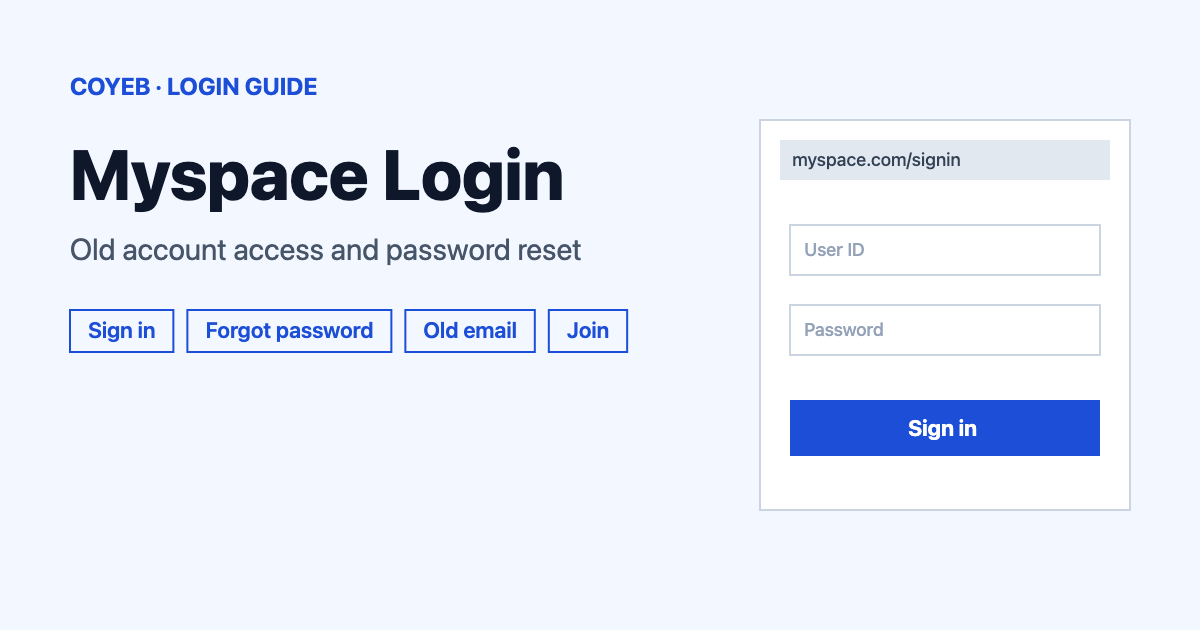
The Myspace login works at myspace.com/signin. Enter your email or username and your password, then select Sign In. You can also use the Facebook or Twitter button. If you forgot the password, use the Forgot password? link and check your inbox. If you no longer own the email on the profile, Myspace cannot recover it.
Last verified: 18 November 2026
Official sign-in page: myspace.com/signin (checked November 2026)
coyeb.com is not affiliated with Myspace. Never share your password or OTP with anyone.
Myspace login steps on a computer
Open myspace.com/signin in your browser. The page is headed “Sign in to Myspace” and tells you to use Facebook, Twitter or your email to sign in. Pick the way that matches how you first joined.
- In the box labelled EMAIL OR USERNAME, type the email address or the username of your profile.
- In the box labelled PASSWORD, type your password.
- Leave the Keep me signed in tick box as it is if this is your own device. It was ticked when this page was checked. Untick it on a shared computer.
- Select the blue Sign In button.
If you created the profile through Facebook or Twitter, use the matching button on the left side of the page instead of typing a password. The two buttons show only icons.
The page also carries a cookie banner with the choices “Do Not Sell or Share My Personal Information”, “Reject All Cookies” and “Accept All Cookies”. That choice is yours and is separate from signing in.
Opening an old Myspace profile
Many people land here asking whether an account from years ago still exists. Myspace’s Help Center says “Your Myspace profile from the Classic site is still here.” The site and its sign-in page were live and working on 18 November 2026 and the Help Center is still online.
So the way back in is the normal sign-in page. What decides whether you get in is the email address on the profile. If you can open that mailbox you can reset the password. If you cannot, the Help Center says Myspace support is not able to help you recover the profile.
Forgot your Myspace email or username
If you remember a username but not the email, type the username into the EMAIL OR USERNAME box. You will still need the password.
The Forgot Email article in the Help Center also suggests searching Myspace for the email address you think you used. A profile linked to that address should show up. Check every address you might have used in the past and look in the spam folder of each one. Myspace keeps the email on a profile private and will not tell it to you.
Reset a forgotten Myspace password
- On the sign-in page select Forgot password? or go straight to myspace.com/forgotpassword.
- Under the heading “Forgot your password?” choose YOUR EMAIL or USERNAME and enter it.
- Tick the I’m not a robot box.
- Select Submit. Use Back if you want to return to the sign-in page.
- Open the reset email in your inbox and select the link inside it.
- Type a new password and save it.
When you pick a new password, the sign-up form says it must be at least 6 characters long. The Help Center article on joining Myspace lists a stricter mix of 6 to 50 characters with a lowercase letter, an uppercase letter, a number and a special character. Using all of those is the safe choice because it satisfies both pages.
No access to the old email address
The Help Center article “Do Not Have Access To Old Email Address” tells you to get the mailbox back through your email provider first. It lists recovery pages for AT&T, Comcast, Gmail, Microsoft, Inbox.com, Apple, Mail.com and Yahoo. Once the mailbox works again you can use the forgot password form above.
If the mailbox is gone for good, Myspace says it cannot give you access to the profile. In that case you can create a new account instead, as described next.
Join Myspace if you have no account
Go to Myspace.com and select Join Myspace to sign up with an email address. You can also sign up with Facebook or Twitter. With Facebook the form is filled with details such as your name, email, date of birth, username, photo and gender. With Twitter it takes your full name, photo and username.
The form asks for a username, date of birth, gender (Female, Male or Unspecified) and a zip code. The email you enter is the one used to log in and to get notifications. You must accept the Terms of Use and agree to the Privacy Policy. You can also choose account types while signing up. The Help Center says to choose wisely.
Myspace login on a phone
This guide does not describe a Myspace app because Myspace’s own pages do not point to one. On a phone open your browser and go to myspace.com/signin. The same fields and the same Forgot password? link are used.
One thing to know: the Help Center says deleting a profile is possible on a computer only and not on mobile.
Myspace login not working
Myspace’s Help Center describes these problems by situation and not by an exact on-screen message, so the first column below names the situation. The fixes come from the Help Center and are worth trying in this order.
| What you see | What it means | Fix |
|---|---|---|
| No password reset email arrives | The message may be in spam or blocked by your email provider | Check spam or junk. Make sure noreply@new.myspace.com is not blocked. Ask your email provider if it blocks Myspace mail. If nothing arrives use the Help Center form and pick “Did Not Receive Password Reset Email”. |
| The reset link is expired or invalid | The link can no longer be used | Submit the forgot password form again to get a new link. |
| You cannot open the email on the profile | Myspace only sends the reset to that address | Regain the mailbox through your email provider and then reset the password. Without it Myspace cannot help. |
| You do not know which email you used | The profile may be tied to another address | Sign in with your username instead or search Myspace by email address. Check all your old addresses and their spam folders. |
After you log in
Myspace’s help pages describe two tasks in detail.
Make a post
- In your stream click in the What’s the latest? box.
- Add a song, video, link or photo. Each post holds one type of content.
- Click Post.
Delete your profile
- Use a computer because this is not available on mobile.
- Click the gear icon and select Account.
- Click Delete account and choose a reason.
- Click Delete my account.
Stay safe when you sign in
The only address this guide uses for signing in is myspace.com/signin. Check the address bar before you type a password. Never give your password to anyone. Because Myspace says its support team cannot recover a profile when you have lost the email, treat anyone who promises to recover it for you as not being Myspace support. This is general advice and not an official Myspace warning.
Myspace help and contact
Myspace does not list a phone number in its Help Center (checked November 2026). Help is given through the Log in section of the Help Center at help.myspace.com, which has a request form for problems such as a missing reset email.