PNB Knowledge Centre Login: Steps, OTP and Reset Help
PNB Knowledge Centre login guide for kc.pnb.bank.in: choose Employee or Non-Employee, enter username, OTP and password, reset a password and fix script alerts.
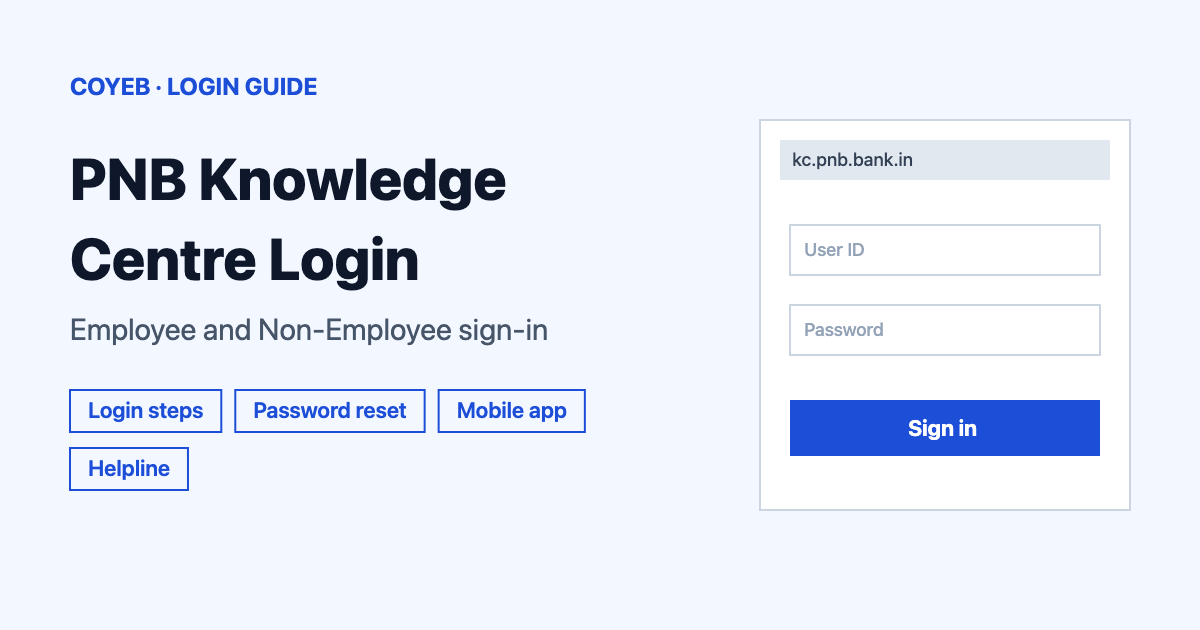
For PNB Knowledge Centre login, open kc.pnb.bank.in, pick Employee or Non-Employee under Select login option, then fill in Username, Enter OTP and Password and submit the form. If you forgot your password, use the Forgot Password? link. Your browser must allow scripts.
Last verified: 18 November 2026
Official address: https://kc.pnb.bank.in/ (checked November 2026)
coyeb.com is not affiliated with Punjab National Bank. Never share your password or OTP with anyone.
PNB Knowledge Centre login steps
The login page and the portal home page are the same page. It is titled “PNB Knowledge Centre (KC) – Punjab National Bank” and the heading reads “पीएनबी नॉलेज सेंटर | PNB Knowledge Centre”. While it loads you will see the text “Please Wait While Loading.” Give it a moment before you click anything.
- Open https://kc.pnb.bank.in/ in your browser.
- Under Select login option choose Employee or Non-Employee. The page does not explain who should pick which option, so ask the helpline below if you are not sure.
- Type your ID in Username *.
- Type the code in Enter OTP *.
- Type your Password *.
- Submit the form.
All three fields carry a star, which marks them as required. The page does not say what the username looks like or how the login OTP reaches you. If you have never received one or do not know your username, contact the helpline listed at the end of this guide.
If the page says scripts must be allowed
The first thing the page tells you is that your browser settings must allow scripts to run. It points you to your browser’s Help section for the steps. In most browsers this means turning JavaScript on for the site in the settings and then reloading the page.
First-time login on the Knowledge Centre
The page has a panel called New User!! with one field, Enter OTP:. Under it the page says the OTP has been sent to the registered mobile number. The page shows nothing more about the first-time steps, so keep the phone number registered with the bank nearby and follow what the panel asks for. If it does not work for you, call or email the helpline.
Forgot password on the PNB Knowledge Centre
The login form has a Forgot Password? link. It leads to a Reset Your Password panel with four fields:
- Username: your portal username.
- Enter OTP: the code the page says has been sent to your registered mobile number.
- Enter Password: your new password.
- Confirm Password: the same new password again.
The page sets one rule for the new password: it should be alphanumeric with a minimum length of 6 characters and a maximum length of 15 characters. So use letters and numbers and keep it between 6 and 15 characters. The reset OTP goes to the registered mobile number, so you need access to that number.
Login on mobile
The page says the bank has launched the PNB UNIV app for iOS. Its link leads to the App Store: PNB UNIV on the App Store. The page mentions iOS only and does not say anything about an Android version. On an Android phone you can open kc.pnb.bank.in in your mobile browser instead and follow the same steps as above.
The notice about browsers on the page lists Internet Explorer 9 or later, Chrome 30 or later, Mozilla 27 or later and Safari 9 as the best-viewed versions. Those are very old versions, so an up-to-date browser should work. You do not need to download any browser installer to use the portal.
PNB Knowledge Centre login not working
Only the first message below is real text from the official page. The other rows describe what you may see and the fixes are general suggestions, not official instructions.
| What you see | What it means | Fix |
|---|---|---|
| “Alert!! To use PNB Knowledge Centre Website, browser settings must allow scripts to run.” | Scripts are blocked in your browser. | Allow scripts in your browser settings (the page points to your browser’s Help) and reload the page. |
| The page stays on “Please Wait While Loading.” | The page has not finished loading. | Wait a little and then try a current version of Chrome. Clearing the browser cache can also help. |
| No OTP arrives | The page says OTPs go to the registered mobile number. | Check your phone signal and that the number registered with the bank is the one in your hand. Then contact the helpline. |
| New password is not accepted | It may not follow the page rule. | Use letters and numbers with 6 to 15 characters in total. |
After you log in
The login page does not describe what sits behind the login, so this guide does not either. What the page does show is that this is the bank’s Knowledge Centre site with a PNB E-Circular logo and a link to the PNB UNIV app.
Stay safe
The only address to use is kc.pnb.bank.in. Check it in the address bar before you type your username or password. Never give your password or OTP to anyone who calls or messages you. Install nothing from anywhere other than the official page and the App Store link on it. If something looks wrong, tell the helpline below. For other work portals you can also read our guides on NetSuite login and KeyBank login.
PNB Knowledge Centre helpline
At the bottom of the page the portal lists these details (checked November 2026):
- Phone: 0129-2414472
- Email: ecirculars[at]pnb[dot]co[dot]in (replace [at] with @ and [dot] with a full stop)
- Managed by: STC Faridabad
- Portal version shown: 3.0
The page gives no opening hours, so try during normal working hours.