Jio SSO Login for Partners, Store Users and Employees
Jio SSO login steps for business partners, store users and employees: the official sign-in addresses, password links and fixes when the page will not open.
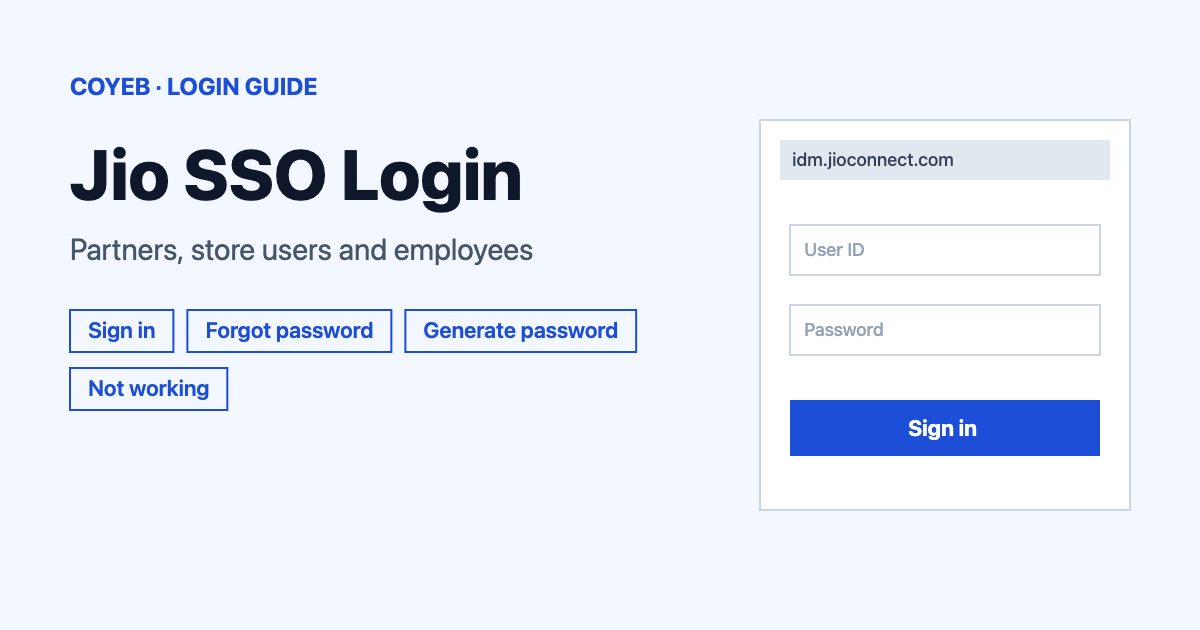
For jio sso login, open idm.jioconnect.com, type your user name or email and your password, then press Login. The Swayam 2.0 HR platform at swayam.jio.com also leads to a Jio SSO sign-in. Business partners and store users each have their own password link under the button. This sign-in is not meant for customer accounts.
Last verified: 18 November 2026
Official sign-in address (checked November 2026): https://idm.jioconnect.com/
coyeb.com is not affiliated with Jio or Reliance. Never share your password or OTP with anyone.
What Jio SSO is and who uses it
Jio SSO is the single sign-in page that Jio Platforms uses for its business systems. The page title is “Jio SSO Login” and the footer carries the Reliance Jio name. The two password links on the page tell you who it is built for. The Forgot Password notice says it is for business partners only and the Generate Password notice says it is for store users only. Employees come in through the Swayam address, which the site describes as an enterprise HR platform.
If you only want to manage a Jio SIM or a home connection as a customer, this is the wrong page. Customer accounts use a separate login that is not linked from these pages.
How to complete jio sso login
There are two official addresses and each one shows a slightly different screen. Pick the one your company or partner team told you to use.
Sign in from idm.jioconnect.com
- Open idm.jioconnect.com. It redirects to its own sign-in page by itself.
- Check the heading says Welcome to Reliance Jio with the line Sign in with Jio account under it.
- Type your user name or email in the box labelled user name or email.
- Type your password in the password box.
- Press the teal Login button.
Sign in from swayam.jio.com
- Open swayam.jio.com. The tab first shows the name Swayam 2.0 and then sends you to the Jio sign-in page.
- The screen now reads Welcome to Jio with Sign in with Jio account under it.
- Type your user name in the Username field and your password in the Password field.
- Press the blue Submit button.
On this screen the left side lists three security features by name: Risk Based Authentication, Windows Native Authentication and Multi Factor Authentication. The page only names them. It does not explain how each one works. Because Windows Native Authentication is listed, employees on a company Windows computer may find the sign-in behaves differently from what partners see, so follow your IT team if your screen does not match the steps above.
No official page spells out the format of the user name. The only hint is the box label on the first screen, which says user name or email.
Partner Central and the identity provider message
Partner Central at partnercentral.jioconnect.com opens a short page titled “Please select your identity provider.” with the text “Redirecting to your identity provider…”. It is simply handing you over to the Jio SSO sign-in. Give it a few seconds. If it stays on that message, you can try opening the Partner Central login address again or start from idm.jioconnect.com directly.
Forgot password or first password
Both links sit under the sign-in button. They are not interchangeable.
Business partners
- Press Forgot Password on the sign-in screen.
- The page is titled “Forgot Jio password?” and the heading reads Forgot Password?
- Type your user name in the User name field as the page asks: “Enter the user name to reset your password.”
- Press Continue and follow what the next screen asks.
Store users
- Press Generate Password on the sign-in screen.
- The page is titled “Generate your Jio password?” and the heading reads Generate Password.
- Enter your store user id in the User name field. The page says “Enter store user id to generate your password.”
- Press Continue and follow the next screen.
The screens that appear after Continue are not described on any official page, so what they ask for can vary. Employees do not have a reset link of their own on these pages. If your password stops working, ask your company IT or HR helpdesk to reset it.
Jio SSO login on mobile
No official app is listed on the sign-in pages. You can try opening idm.jioconnect.com or swayam.jio.com in a phone browser such as Chrome or Safari and following the same steps. Type the address yourself instead of tapping a link from a message.
Jio SSO login not working
The sign-in pages do not publish error texts, so the fixes below are general suggestions based on what the pages show on screen.
| What you see | What it means | Fix |
|---|---|---|
| Notice “This Forget password functionality is for Business partners only.” | The Forgot Password link is built for business partners. | Store users can use Generate Password. Employees can ask their IT or HR helpdesk. |
| Notice “This Generate password functionality is for Store users only” | The Generate Password link is built for store users. | Business partners can use Forgot Password instead. |
| Partner Central stays on “Redirecting to your identity provider…” | The page is passing you on to the SSO sign-in. | You can try allowing JavaScript and redirects, reloading the page or opening idm.jioconnect.com directly. |
| A blank page or only a Continue button with a note about JavaScript | The page needs JavaScript to hand you to the sign-in. | You can turn on JavaScript in the browser and press Continue once. |
| Password not accepted | No official message is published for this case. | Reset it with the link that matches your user type. Employees can contact their company IT desk. |
After you log in
What you can open depends on your user type and the sign-in pages do not list tasks. The hosts that lead into Jio SSO give a rough idea. Swayam is described by the site as an enterprise HR platform. Partner Central hands you to the same sign-in before it opens. Your company or partner manager is the best source for what your account can do inside each system.
If you work with Jio marketplace sellers, the JioMart seller login guide covers a different portal. For another single sign-in style business portal you can read the NetSuite login guide.
Stay safe
- Check that the address bar shows jioconnect.com or jio.com before you type anything.
- Never share your password or OTP with anyone who contacts you.
- Type the address yourself or use a bookmark you made from the official page.
- No fake-site warning is published on the sign-in pages, so treat any look-alike address with caution.
Helpline
No helpline number or support hours are shown on the sign-in pages (checked November 2026). Business partners can contact the Jio team that manages their account. Employees can contact their company IT desk.