FBO Login Bangladesh: Forever Living Distributor Sign In
FBO login Bangladesh for Forever Living: the official sign-in page, Distributor ID or email, password reset by ID and the Customer Service number.
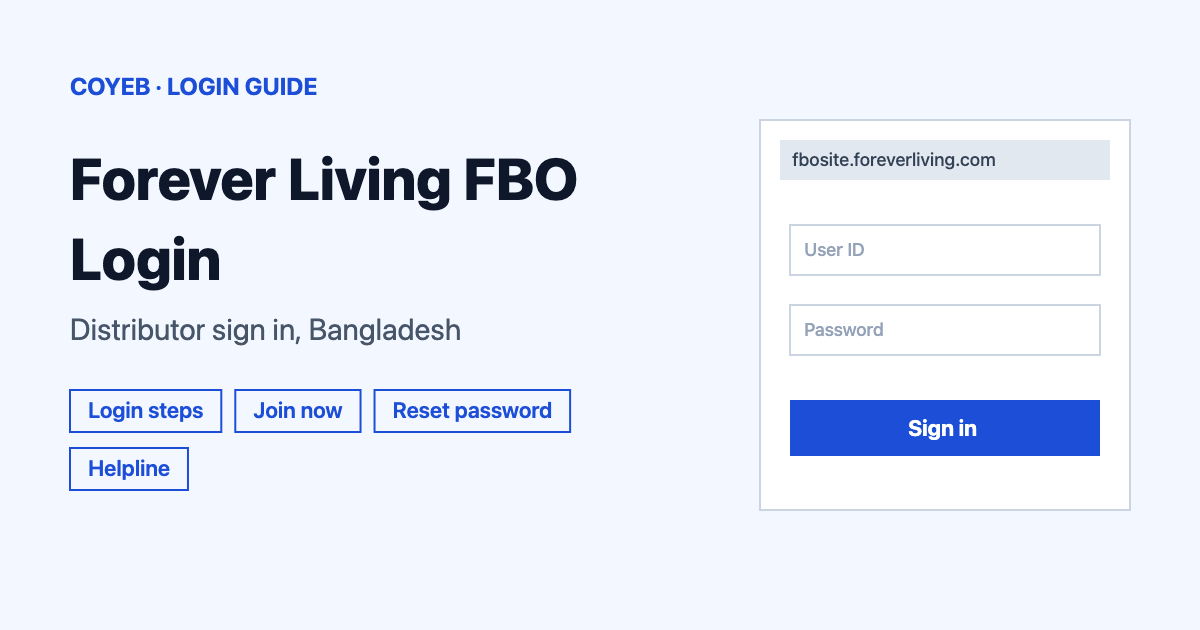
FBO login Bangladesh runs through one official page: fbosite.foreverliving.com. Check that Bangladesh is selected, enter your Distributor ID or email with your password and press LOGIN. If the password is lost, use the “Forgot your password” link on the same page.
Last verified: 18 November 2026
Official FBO login link
https://fbosite.foreverliving.com/distribNew/Login.do?store=BGD&language=en (checked November 2026)
coyeb.com is not affiliated with Forever Living Products. Never share your password or OTP with anyone.
FBO login Bangladesh step by step
On the login page the account is called a distributor account and the link to it is named “FBO LOGIN” on the join page so “FBO login” and “distributor login” lead to the same page. The login page is titled “Distributor Login” and shows “Bangladesh” and “English” in the top bar.
- Open the Forever Living Bangladesh website and tap the LOGIN button at the top right. It opens the login page in a new tab. You can also go straight to the login link above.
- In the Distributor ID or Email field type your Distributor ID or the email address on your account. The small help icon next to the field shows the format: “Example 001001222222 or abc@123.com”.
- Type your password in the Password field.
- Press the yellow LOGIN button.
If you reached the page from a general search, check that the country selector says Bangladesh before you type anything.
FBO ID or Distributor ID: which one to type
The first field on the Bangladesh login page is labelled Distributor ID or Email (checked November 2026). There is no separate “FBO ID” box, so type your Distributor ID there. The example shown on the page has 12 digits, so you can type the full number exactly as it appears on your account. Your email address works in the same field.
Join as a new FBO
People without an account see the line To Become a Distributor Join Now! under the login form. The link opens the Forever Living application page in a new tab, which says “You are registering into Bangladesh store.” The form starts with the step My Name and Address and has sections for Sponsor Information, Personal Information and Contact Information. Fields marked with an asterisk (*) are required. The official site for this step is join.foreverliving.com.
Forgot your password
Under the password field is a link that reads (Forgot your password NO ID?). After you click it the page says there are two ways to reset your account.
- Contact Customer Service at +880 882 5717.
- Or type your Distributor ID in the Distributor ID# field and click the RESET PASSWORD button.
The page offers no other way to recover a lost Distributor ID. If you do not remember it at all you can try asking Customer Service for help.
Login on mobile
The login page is a normal web page. A phone browser such as Chrome or Safari can open it the same way as a computer can. The official pages checked in November 2026 show no Forever Living app for this login, so it is best not to install an app from an unknown source that promises FBO access. If you prefer an easier view on a small screen you can try turning the browser to desktop mode.
FBO login not working
The table below lists what you may see. The fixes are general suggestions to try.
| What you see | What it may mean | Suggested fix |
|---|---|---|
| Login fails after typing your ID | The ID may be incomplete or mistyped | Type the full ID as shown in the page example or use the email on your account. |
| Password not accepted | Wrong password or Caps Lock on | Check Caps Lock and type slowly. Then use the reset link described above. |
| A page that cannot be found | An old saved link or old search result | Open the login from the Forever Living Bangladesh website or use the official link at the top of this guide. |
| The country shown is not Bangladesh | The wrong country store was opened | Use the country selector in the top bar or the link with Bangladesh preselected. |
| Reset does not help | The account may need help from the company | Call Customer Service on +880 882 5717. |
Stay safe
The official addresses all end in foreverliving.com. The login page is on fbosite.foreverliving.com and the join page is on join.foreverliving.com. Look at the address bar before you type your password. The official pages do not list any known fake sites. A message that asks for your password or an OTP by chat or phone should be treated as a scam.
Helpline
- Bangladesh Customer Service: +880 882 5717 (shown on the forgot-password page, checked November 2026).
- International: 1-888-440-ALOE (2563) and customercare@foreverliving.com (shown in the website footer, checked November 2026).
No opening hours are published on the official pages.