athenahealth Login: Patient Portal vs athenaOne Sign-In
athenahealth login steps for patients and athenaOne staff: Email and Password sign-in, Create an account, Forgot Password reset and fixes when it fails.
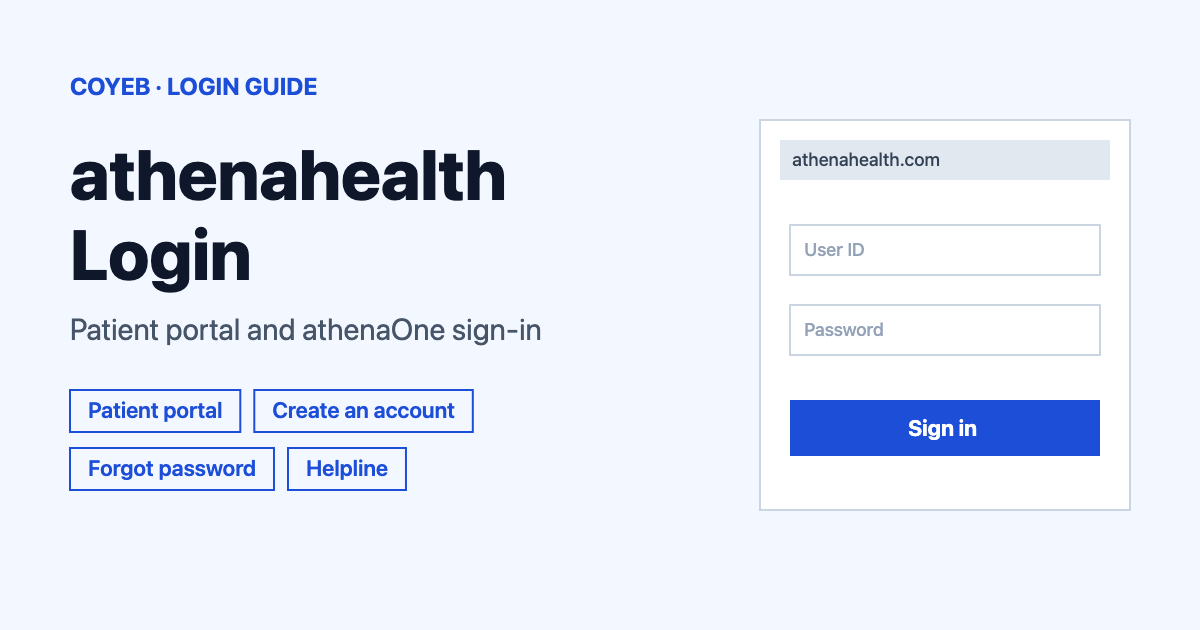
For an athenahealth login as a patient, go to athenahealth.com/patient-login and type your Email and Password, then select Log In. Practice staff use the separate athenaOne® Login link at the top of athenahealth.com. The catch: if the patient page does not open your portal, use the Patient Portal link on your own provider’s website.
Last verified: 17 November 2026
Official sites: athenahealth.com/patient-login for patients and the athenaOne Login page for practice staff (checked November 2026).
coyeb.com is not affiliated with athenahealth. Never share your password or OTP with anyone.
Which athenahealth login do you need?
athenahealth makes software for medical practices, so it has two sign-in pages. The top bar of athenahealth.com pages shows athenaPatient® Login and athenaOne® Login. Pick the one that matches your role.
| You are | Where to sign in | What you type |
|---|---|---|
| A patient or caregiver of a practice that uses athenahealth | athenahealth.com/patient-login | Your email and password |
| Practice staff | athenanet.athenahealth.com/1/26/login.esp (the athenaOne® Login link at the top of athenahealth.com) | The sign-in details from your practice administrator |
What you will see on the athenahealth login page
The patient sign-in screen has these items:
- Email and Password fields
- Log In button
- Pay a Bill button
- Create an account link under the line “Don’t have an account?”
- Forgot Password? link
How to do your athenahealth login as a patient
- Go to athenahealth.com/patient-login.
- If a Patient Resources page opens, select Find your portal.
- On the sign-in screen, type your Email and Password.
- Select Log In.
If that link does not take you to your portal, look for a Patient Portal link or a patient section on your own provider’s website. You can also call the practice and ask for the right address.
How staff sign in to athenaOne
Practice staff use the athenaOne® Login link in the athenahealth site header. It opens the athenaOne login page. If you are unsure of your sign-in details, ask your practice administrator.
First-time login and creating an account
You need an account if your healthcare provider uses athenahealth products and you have not signed up yet.
- On the sign-in screen, select Create an account under “Don’t have an account?”.
- On the Create your athenahealth account screen, type your First name, Last name and Email address.
- Select Email Me.
athenahealth first verifies your email address. It sends an invite to the address you typed, so use the email you want to log in with.
Many practices also put a Patient Portal link on their website homepage. It opens the portal welcome page, where the sign-up link sits below the Log in with athenahealth button. If you cannot find the link, ask the office for the right address or for an email invitation to the portal.
Forgot your athenahealth password
- On the sign-in screen, select Forgot Password?.
- Type the email address you use to log in in the Email address field.
- Select Email Me. A link to reset your password is sent to that address.
Select Back to login to return to the sign-in screen. If the reset does not work, contact your provider’s office. They may be able to send you a password reset email.
Login on mobile
athenahealth offers a free app called athenaPatient. It lets you see your health information, message your care team and view or self-schedule appointments. Search for athenaPatient in your phone’s app store. You can also use the steps above in a mobile browser with the latest Chrome, Microsoft Edge, Mozilla Firefox or Safari.
athenahealth login not working
These are general suggestions unless a message is quoted.
| What you see | What it means | Fix |
|---|---|---|
| Error code: 201303, Please contact the CSC for support | The athenaOne login page blocked the connection. This can happen when the page is opened from some locations or networks. | Contact support as the message asks. athenahealth lists 800-981-5084 for calls. |
| Cannot find the portal page | Each practice has its own entry point. | Use Find your portal or the Patient Portal link on your provider’s website. |
| Password not accepted | The password may be wrong or out of date. | Select Forgot Password? and follow the steps. Ask the office for a reset email if needed. |
| Page loads badly | An old browser can cause problems. | Use an internet-enabled device with the latest Chrome, Microsoft Edge, Mozilla Firefox or Safari. If that does not help, contact your provider’s office. |
Caregivers who cannot open a family member’s account need to contact that person’s healthcare provider.
After you log in
See test results
- Log in to the portal.
- Select the Test Results tab on the left side.
Pay a bill
If you have a paper statement, go to payment.athenahealth.com and enter the code from the statement. Inside the portal you can also pay toward your balance.
Download your health records
- Select My Health on the left.
- Open the Health Records tab.
- Choose a time window and whether to download, email or exchange the records.
Update your phone or email
- Open the drop-down arrow by your name at the top right.
- Select My Profile.
- Open the Contact Preferences tab and select Edit.
Turn on text messages or multifactor authentication
For text messages from your provider, open the drop-down arrow by your name and select Notification Settings. Tick the channels you want (email, phone or text) and the types of updates. Agree to the Terms and Conditions before you apply. For extra protection, go to My Profile, select Security Settings and switch on Require Multifactor Authentication.
Stay safe
Check that the address belongs to athenahealth.com before you type your password. Your health records are sensitive, so use your own device instead of a shared or public one and log out when you finish. Never share your password or a code with anyone who contacts you.
Contact and helpline
- Phone: 800-981-5084, listed as “Call us anytime” (checked November 2026)
- Hours for practices: live customer support is available 24/7 by phone, chat or email (checked November 2026)
- Practice staff: log in to the athenaOne Success Community to contact the support teams or track a support case (checked November 2026)
- Patients: for a problem with one practice’s portal, contact your provider’s office. The patient portal FAQ page gives the same advice (checked November 2026)
Using a different patient portal? See the healow Login guide.