myuday.lupin.com Login: MyUday Employee Portal Access
The myuday.lupin.com login needs your Login ID and Password. See the Azure AD button, Reset Password, Unlock Account and Lupin helpdesk hours (November 2026).
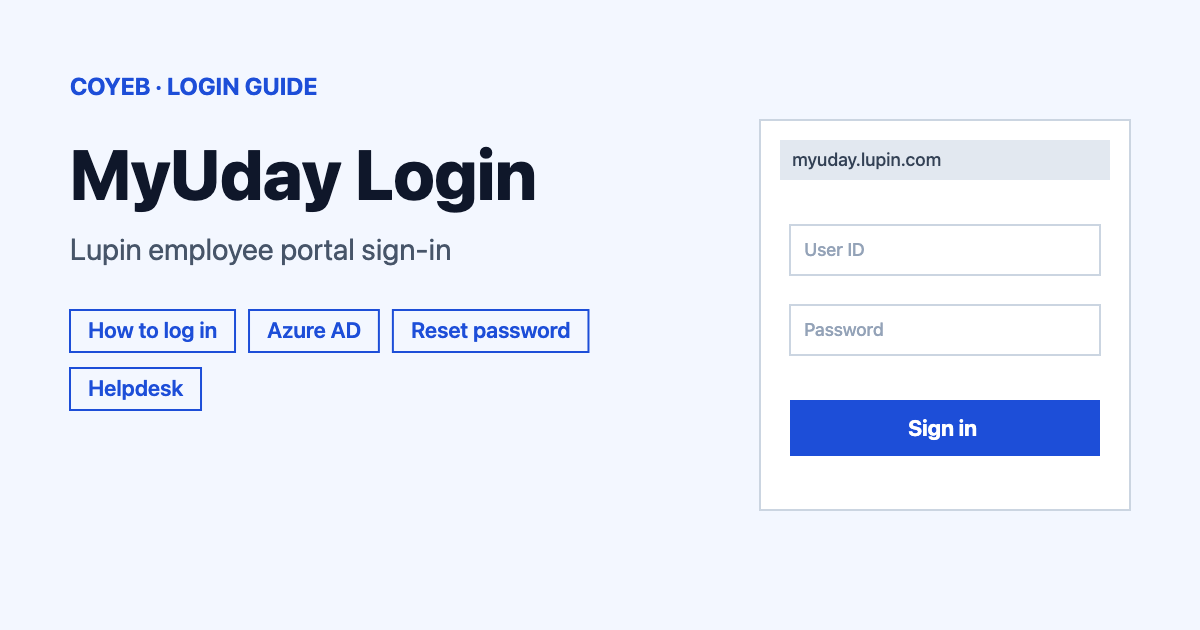
The myuday.lupin.com login is at https://myuday.lupin.com/. Type your Login ID and Password, then press LOGIN, or use LOGIN WITH AZURE AD. The catch: the Change password link opens a different Lupin address, myhelpdesk.lupin.com, where you pick Reset Password or Unlock Account.
Last verified: 18 November 2026
Official address: https://myuday.lupin.com/ (checked November 2026)
coyeb.com is not affiliated with Lupin or MyUday. Never share your password or OTP with anyone.
What you will see on the myuday.lupin.com login page
MyUday is the Lupin employee portal. The sign-in page is best viewed in Google Chrome version 143 and above with a screen resolution of 1024*768, so update Chrome first if the page looks broken. The page has:
- A Login ID box and a Password box.
- A LOGIN button and a LOGIN WITH AZURE AD button.
- A [ Change password] link.
- A table of helpdesk phone numbers and emails (listed at the end of this guide).
How to use the myuday.lupin.com login
Sign in with the Login ID and password your company gave you.
- Open https://myuday.lupin.com/ in Chrome. You land on the Lupin sign-in page.
- Type your ID in the Login ID box.
- Type your password in the Password box.
- Press LOGIN.
The Login with Azure AD button
Under the normal button you will also see LOGIN WITH AZURE AD. This is a second way to enter the portal. If you are not sure which button to use, ask the Support Desk listed below.
Forgot or want to change your password
Press the [ Change password] link on the sign-in page. It opens the Account Management page on myhelpdesk.lupin.com. That page has a Domain list with the options lupin and Other, a Login Name box and three options: Reset Password, Unlock Account and Update User Information.
Pick Reset Password if you forgot your password. If that does not solve it, the IRF Helpdesk handles password questions and other IT issues. Its phone number and email are in the contact list below.
Account locked
The Account Management page has an Unlock Account option next to Reset Password. Open it from the [ Change password] link on the sign-in page.
Login not working
The portal does not list error messages, so the first column shows what you may see. The fixes are general suggestions and not official steps.
| What you see | What it may mean | Fix |
|---|---|---|
| Page looks broken or buttons do not respond | Browser is too old or the screen is small | Use Google Chrome version 143 or newer and a 1024*768 resolution. |
| You are not let in with Login ID and password | Wrong ID or password | Check for typing mistakes and caps lock, then use the Change password link. |
| Account may be locked | The Account Management page has an Unlock Account option | Open the Change password link and pick Unlock Account. |
| Normal LOGIN does not work for you | You may need the other sign-in button | Try LOGIN WITH AZURE AD. |
| Still stuck | Account or portal problem | Call the Support Desk for MyUday questions. |
Stay safe
The official addresses for this login are myuday.lupin.com for sign-in and myhelpdesk.lupin.com for the Change password page. Check the address bar before you type anything. If a page that looks like MyUday asks for your password somewhere else, close it and tell the IRF Helpdesk.
Lupin helpdesk contact details
- IRF Helpdesk for password questions, other IT issues and Outlook. Phone: +91-22-68652250. Email: irfhelpdesk@lupin.com. Hours: 9.00 am to 6.00 pm (checked November 2026).
- Support Desk for MyUday related queries. Phone: 8799929457 or 9226513956 or 9226513958. Email: irfhelpdesk@lupin.com. Hours: 10.00 am to 1.30 pm and 2.30 pm to 6.00 pm (checked November 2026).
- Pride Helpdesk for iPad hardware, SIM network, application installation, iPad configuration, Apple ID and MaaS360. Phone: 022 6865 2212. Email: pridehelpdesk@lupin.com. Hours: 9.00 am to 1.00 pm and 2.00 pm to 5.30 pm (checked November 2026).
- Help page: Account Management on myhelpdesk.lupin.com (checked November 2026).