Riya B2B Login: Travel Agent Portal Access
Riya B2B login for travel agents on Riya Connect: sign in at b2b.riya.travel with Terminal Id, reset your password with an OTP and find the helpline.
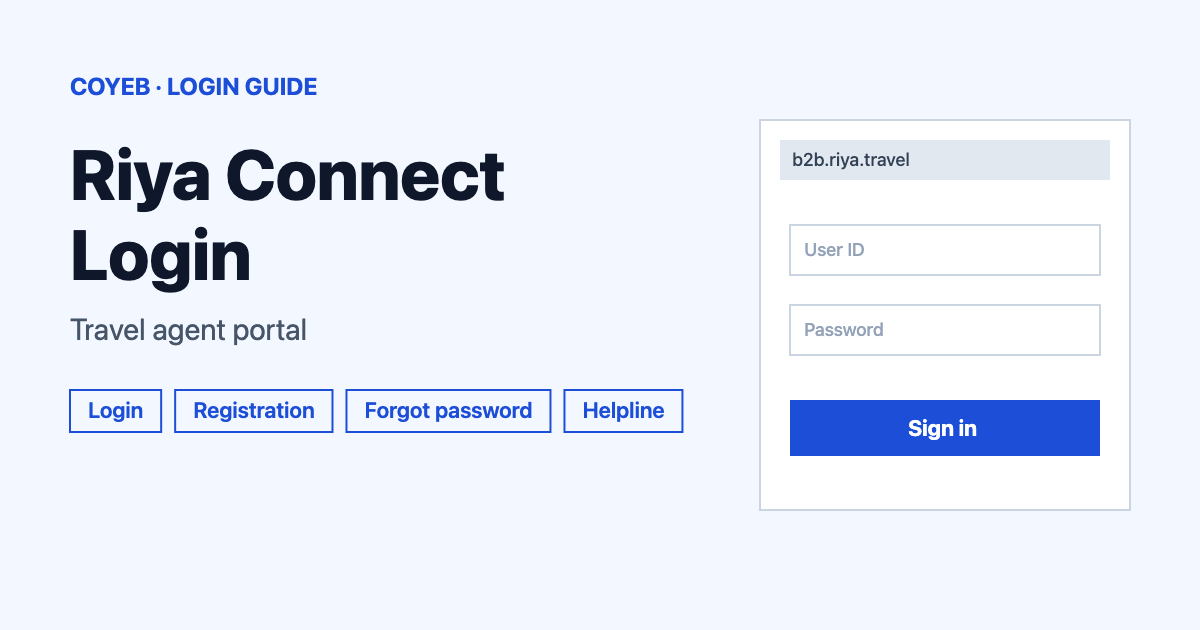
For the Riya B2B login, open b2b.riya.travel and fill three boxes under Sign In: Terminal Id (14 digits), Username and Password. Then press LOG IN. The catch is the Terminal Id, which has its own box and is needed for password reset too. If you forgot your password, choose FORGOT PASSWORD.
Last verified: 17 November 2026
Official link: https://b2b.riya.travel/ (checked November 2026)
coyeb.com is not affiliated with Riya. Never share your password or OTP with anyone.
What you will see on the Riya Connect login page
Riya Connect is the portal where travel agents book flights, hotels, rail and other services. The box headed Sign In to has these items:
- Terminal Id (14 digits)
- Username
- Password
- Remember me tick box
- LOG IN button
- FORGOT PASSWORD link
A REGISTER NOW button at the top of the page is for new agents.
How to do the Riya B2B login
- Open b2b.riya.travel in your browser. Type it yourself instead of using a search result.
- In the Sign In to box, type your 14 digit number in Terminal Id (14 digits).
- Type your Username and your Password.
- Tick Remember me only on your own device.
- Press LOG IN.
First-time login and registration
New agents do not have a login yet. Press REGISTER NOW to open the agent registration page. The form has two parts, Personal Details and Communication Details.
- First Name and Last Name
- Landline (not marked required)
- Mobile and E-mail ID
- Address and Landmark
- Country (India is the default), State, City and Postal Code
After you press SUBMIT, the process has three stages:
- Online registration: fill in the details about yourself and your travel agency.
- Verification (KYC): a travel expert from Riya Connect checks your profile and contacts you by call or email.
- Start booking: log in and use the products and services.
Riya Connect says you submit the required documents during KYC. It also says you receive a login ID and password after successful verification. Once your account is set up, sign in as shown above. If you registered but cannot sign in, call the helpline below and ask them to check your account.
Forgot password
- In the sign-in box, press FORGOT PASSWORD.
- Enter your Terminal Id (14 digits) and your User Name.
- Press Generate OTP.
- On the OTP Verification screen the portal says it has sent an OTP on your registered details. Enter it and press SUBMIT.
- On the Change Password screen, type your new password. Use Show Password if you want to check what you typed.
- Press UPDATE PASSWORD.
The portal sets three rules for a new password. It needs at least eight characters with a mix of uppercase, lowercase, special characters and numbers. It must not contain your username. It must not match any of your previous 5 passwords.
Riya agent login on mobile
Riya Connect also has an app for travel agents. You can get it from Google Play or the App Store. The portal also mentions a desktop application and one-touch login in the app.
Riya B2B login not working
The portal does not publish a list of error messages. These are general suggestions, so try them in order.
| What you see | What it means | Fix |
|---|---|---|
| Login not accepted | One of the three boxes may be wrong. The Terminal Id must be 14 digits. | Retype the Terminal Id, Username and Password slowly. If it still fails, use FORGOT PASSWORD. |
| New password rejected | It may break one of the portal’s password rules. | Use eight or more characters with uppercase, lowercase, a number and a special character. Do not include your username or reuse your last 5 passwords. |
| No OTP arrives | The OTP may be going to a different registered detail than the one you are checking. | Wait a little and check the right phone or inbox. Then call the helpline. |
| Page will not load | This is usually a browser or network problem. | Retype b2b.riya.travel, try another browser or switch networks. |
What you can do after you log in
The Riya Connect page lists the services agents can book, including flights, hotels, rail, bus, car, cruise, insurance, theme park tickets, bill payment, mobile and DTH recharge and airport lounge. For hotels it mentions a hold booking feature. Other listed features are blocking and issuing of tickets, a single wallet for all products and a detailed transaction report.
Stay safe
Check that the address in your browser is b2b.riya.travel before you type anything. Do not share your OTP over a call or message. If someone asks for it, tell the helpline.
Helpline
- Phone: 022 7120 0900 and 022 6120 0900 (checked November 2026)
- Registration help: +91 022 71200900 and +91 022 25744818, shown on the registration page (checked November 2026)
- Email: support@riya.travel (checked November 2026)
- Hours: 24 x 7 customer helpline (checked November 2026)
- Branches: the Contact Us page on the portal lists branch addresses and phone numbers by city (checked November 2026)