S&T Bank Login: Online Banking Access
S&T Bank login guide: use stbank.com/login, pick your Account Type, enter your User ID and find sign up steps, the mobile app and helpline details.
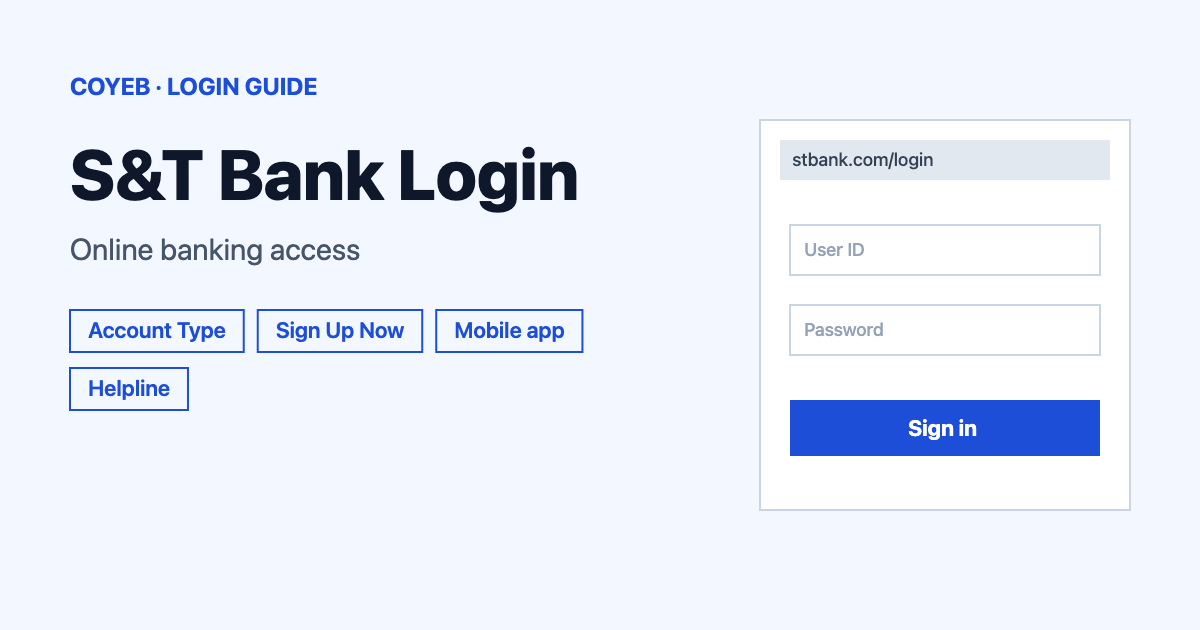
For your s&t bank login, open stbank.com/login, choose your Account Type, type your User ID and select Log In. New to online banking? Select Sign Up Now on the same page. The only official address is stbank.com. Never use a link from an email or text.
Last verified: 18 November 2026
Official S&T Bank login page: www.stbank.com/login (checked November 2026)
coyeb.com is not affiliated with S&T Bank. Never share your password or OTP with anyone.
How to do the S&T Bank login
S&T Bank is the bank in Indiana, Pennsylvania. Its online banking login lives on the bank’s own website, so you do not need any other site. The page is titled “Online Banking Login | S&T Bank” and the heading says “Log In”. If you search for the bank and land on a different bank with a similar name, go back and check that the address bar shows stbank.com.
- Open stbank.com/login in your browser. You can also use the “LOG IN” link in the top menu of the bank’s website.
- Look at the Account Type dropdown. It is set to “Personal Online Banking” by default. Leave it if you bank as an individual.
- Type your User ID in the field of the same name. The first screen asks only for the User ID.
- Select the Log In button and continue with the prompts the bank shows you next.
Pick the right Account Type
The dropdown has six choices, in this order:
- Personal Online Banking
- Small Business Online Banking
- Business Online Banking
- Credit Card Account
- ICS Depositor Control Panel
- Ameriprise
If you have a business account or an S&T credit card, change the dropdown before you enter your User ID. Choosing the wrong type is an easy mistake to make when you hold more than one kind of account with the bank.
First time on S&T online banking
If you have never signed in, look under the User ID field for “Not Registered? Sign Up Now”. Selecting Sign Up Now opens a page called “Enroll in Digital Banking” that starts with “Confirm Your Identity”. The bank asks you to provide the requested information so it can verify who you are, so keep your personal details close by before you start. The enrollment page may open on a different web address than stbank.com. Always start from stbank.com/login and reach it through the Sign Up Now link.
Forgot your S&T Bank login password
The bank’s help page says to use the Forgot Password link during online banking sign-in, confirm your identity and change your password. If your account is locked, the bank says to follow the “Locked Password” instructions it shows you. Those also involve confirming your identity and choosing a new password.
Already signed in and just want a new password? Log in, open the Customer Service tab and use Change Password.
If you cannot get through these steps, call the Solution Center on 800.325.2265. Hours are listed in the helpline section below.
S&T Bank login on your phone
The bank says its Mobile App provides all the features of online banking on your mobile device. Its personal banking page links to the app in the App Store and on Google Play.
- iPhone and iPad: S&T Bank app on the App Store
- Android: S&T Bank app on Google Play
You can also skip the app and open stbank.com/login in your phone’s browser. Avoid signing in over public Wi-Fi. The bank’s security center says public Wi-Fi hotspots “are not secure”.
S&T Bank login not working
The bank does not publish exact error message texts on the pages checked in November 2026. The table below therefore lists what you might run into with general suggestions that come from the bank’s own help pages and sign-in screen.
| What you see | What it means | Fix |
|---|---|---|
| You are not sure which Account Type to choose | The login page serves personal, business and credit card customers | Pick the type that matches your account from the six options. Personal Online Banking is the default. |
| You have not registered yet | You have no online banking User ID | Select Sign Up Now under the User ID field and complete the identity check. |
| You forgot your password | The bank has a reset path | Use the Forgot Password link during sign-in, confirm your identity and change your password. |
| Your account is locked | The bank shows “Locked Password” instructions | Follow those instructions to confirm your identity and change your password. |
| Nothing works | The problem may need the bank’s staff | Call 800.325.2265 (Solution Center) during opening hours. |
What you can do after you log in
Change your password
- Log in to online banking.
- Open the Customer Service tab.
- Choose Change Password.
Check balances and pay bills
The bank describes online banking as a way to check balances and pay bills. The same features are available in the mobile app.
Use the mobile app tools
The bank’s personal banking page highlights Mobile Deposit for depositing checks and Zelle for paying people. Both are listed alongside the app.
Stay safe when you sign in
Check that the address bar shows stbank.com before you type your User ID. The bank says no one from S&T Bank will “Initiate contact with you requesting your user ID, PIN, password or sensitive information.” Its Security Center adds that you should never share personal information in response to an unsolicited call, email or text. It also says your passwords and PINs are private.
If you suspect identity theft, call the Solution Center on 800.325.2265 immediately. For a comparison with another US bank sign-in, see our KeyBank login guide.
S&T Bank helpline
- Solution Center and support: 800.325.2265 (toll-free). The bank also lists 724.349.1800.
- Solution Center hours: Monday to Friday 7:00 am to 7:00 pm. Saturday 8:00 am to 3:00 pm. Sunday 10:00 am to 3:00 pm.
- ExpressLine (24 hours a day): 800.328.2285
Numbers and hours checked November 2026.