Myntra Seller Login: Partner Portal Sign-In Guide
Myntra seller login explained: the official partners.myntrainfo.com portal, email or Google sign-in, Recover Password, documents and fake-agent warnings.
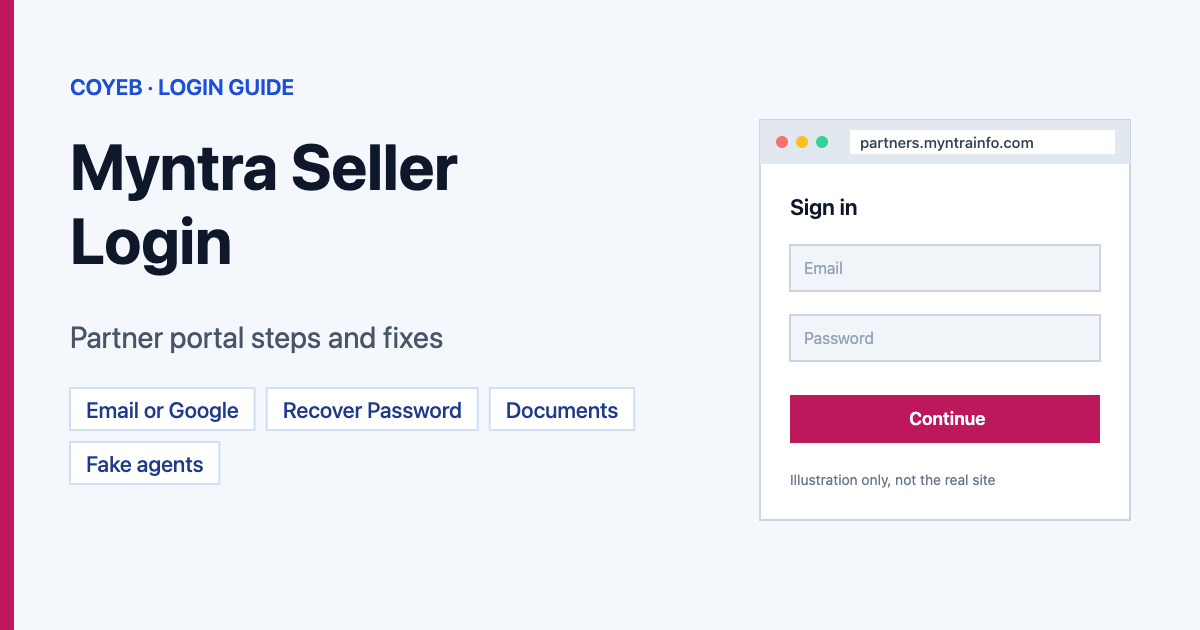
Quick answer: Myntra seller login starts on the official partner portal, partners.myntrainfo.com. Click LOGIN at the top. You are sent to a Myntra sign-in page on accounts.myntra.com, where you pick Use Email And Password or Login In With Google. Enter your registered Email and Password, then click LOG IN.
Last verified: 14 November 2026
Official Myntra partner portal: https://partners.myntrainfo.com/
coyeb.com is not affiliated with Myntra. Never share your Myntra seller password with anyone.
Which website is the real Myntra seller portal?
The page Myntra uses for sellers is partners.myntrainfo.com, titled “Partner at Myntra-Jabong”. Its top menu shows Sell On Myntra, Success Stories, Services, FAQs, LOGIN and REGISTER. When you click LOGIN, the sign-in itself happens on accounts.myntra.com, Myntra’s own account domain. The sign-in box shows the name partners_mdirect and the line Powered by Myntra.
Some answers online point sellers to other addresses. Start from partners.myntrainfo.com and let it send you to the sign-in page, so you know you are on Myntra’s own pages.
How to log in to the Myntra seller portal
With email and password
- Open partners.myntrainfo.com.
- Click LOGIN in the top menu.
- On the sign-in page, click Use Email And Password.
- Type your registered Email and your Password. Tick Show Password if you want to check what you typed.
- Click LOG IN.
With Google
- Click LOGIN on partners.myntrainfo.com.
- Click Login In With Google (Myntra’s own spelling on the button).
- Sign in with the Google account linked to your seller account.
When we checked, the sign-in page offered only these two options. We did not see a mobile-number or OTP login on it. This guide covers the screens up to the sign-in; the seller dashboard needs a live account and was not checked.
New seller? How registration starts
- Click REGISTER on partners.myntrainfo.com.
- A page titled Protecting Our Seller Community opens with Myntra’s fraud warning (see “Stay safe” below).
- Click Continue And Start Selling to go on with the sign-up.
Documents Myntra asks for (from the FAQ on the partner portal): PAN Card, GSTN Certificate, Cancelled Cheque, Authorised Signatory Signature Copy, and the Original Trademark Certificate or an Authorisation Letter / NOC on the brand owner’s letterhead. For listing, you also need brand tag details, accurate size details and product images that meet Myntra’s guidelines.
How long approval takes: Myntra says a brand that meets its selection criteria can be onboarded within 15 business days, and up to 45 days during major sale events. Myntra looks for a sizeable catalogue and quality products with a unique value proposition, so not every applicant is accepted.
Forgot your Myntra seller password
- Click LOGIN, then Use Email And Password.
- Click Forgot Password under the LOG IN button.
- On the Recover Password screen, type your registered Email.
- Click RECOVER PASSWORD (we did not test what happens after this). The Log In link on that screen takes you back.
If you sign in with Google, use Login In With Google; a forgotten Google password is reset at Google.
Myntra seller login on mobile
The partner portal opens in a mobile browser. Go to partners.myntrainfo.com, tap LOGIN and follow the same steps. We did not find a seller app linked from the partner portal (checked November 2026).
Myntra seller login not working? What to check
| Problem | Possible reason | What you can try |
|---|---|---|
| Email and password not accepted | Wrong email, typo, or the account was made with Google | Use Show Password to check, try Login In With Google, or use Forgot Password. |
| No OTP option | The sign-in page offers email/password or Google only | Use one of those two options. |
| A site asks you to pay to “activate” your seller login | Likely a scam | Myntra says it charges no onboarding fee or refundable deposit. Do not pay. |
| Registered but cannot sell yet | Onboarding still under review | Myntra says onboarding takes up to 15 business days, longer (up to 45) in big sales. |
| Page will not load or keeps reloading | Browser data or network | You can try clearing cookies for myntra.com, another browser, or another network. This is a general suggestion, not a Myntra instruction. |
We did not find a list of exact Myntra sign-in error messages, so the fixes above come from the screens we saw and general browser checks.
Stay safe: fake Myntra seller agents
- The official seller portal is partners.myntrainfo.com, and sign-in happens on accounts.myntra.com.
- Myntra warns about people posing as Myntra employees, agents or representatives who ask for money or personal details to make you a seller. It says it does not charge any onboarding fee or refundable deposit.
- There is a one-time growth enablement charge once you start selling. Myntra says it is adjusted against your payouts and gives you the same value in ad credits.
- Myntra says all its representatives use email IDs containing @myntra.com. Ignore seller “offers” from any other email address.
- The sign-in page’s terms ask you to use a unique password, never share it, and sign off when using a shared computer.
Myntra seller support
The partner portal does not list a public seller phone number (checked November 2026). Treat phone numbers on third-party pages with care: they may belong to private agencies, not Myntra. Use only contact details you find on myntrainfo.com or myntra.com pages, or inside your seller account.
Sellers on other marketplaces: see our Flipkart Seller login guide.
FAQ
What is the Myntra seller login URL?
Start at partners.myntrainfo.com and click LOGIN. The sign-in page then opens on accounts.myntra.com.
Can I log in to the Myntra partner portal with OTP?
When we checked in November 2026, the sign-in page offered Use Email And Password and Login In With Google only, with no OTP option.
Does Myntra charge a fee to register as a seller?
Myntra says there is no registration charge, onboarding fee or refundable deposit. A one-time growth enablement charge applies after you start selling and is adjusted against your payouts.
How long does Myntra seller onboarding take?
Up to 15 business days for brands that meet Myntra’s criteria, and up to 45 days during major sale events.
When does Myntra pay sellers?
Myntra’s partner FAQ describes a 15-day payment settlement cycle from the date the products are delivered to customers.