Entrar Login: School App Access for Parents and Staff
Entrar login steps for parents, students and teachers: the official page, OTP password reset, the school apps and the Tech Support number for help.
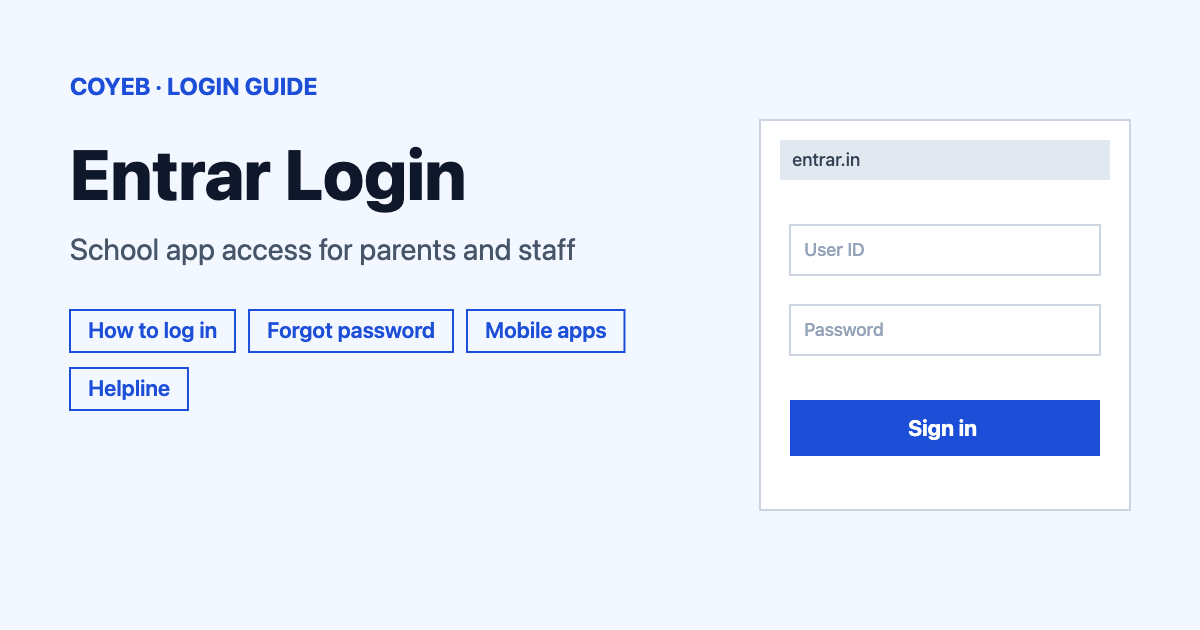
For the Entrar login, open https://entrar.in/login/login, type your Username and Password and tap Login. Parents, students and teachers use the same page. Your school arranges your access, so ask the school if you have no details yet. To reset a password you need your username and date of birth.
Last verified: 17 November 2026
Official Entrar login: https://entrar.in/login/login (checked November 2026)
coyeb.com is not affiliated with Entrar. Never share your password or OTP with anyone.
What you will see on the Entrar login page
The page shows one form with the fields Username and Password, a Login button and a Forgot Password? link. There are no separate buttons for parent, student or teacher, so everyone uses the same screen.
Entrar login steps
- Go to entrar.in/login/login in your browser.
- Type your Username.
- Type your Password.
- Tap Login.
First-time login and getting your details
The login page has no register link, so there is no online sign-up. Entrar says parents and students get access to its platform through their education institution. The school authorises and arranges that access. Ask your school for your Username and Password if you have not received them.
Forgot password
Tap Forgot Password? on the login page. The reset screen asks for your username and date of birth and sends a one-time verification code.
- Type your Username and Date of Birth.
- Tap Get OTP.
- Enter the code in Authentication code and tap Verify. If it does not arrive, tap Resend OTP.
- Type a New Password and repeat it in Confirm Password.
- Tap Update Password.
The new password needs at least 8 characters, with a letter, a digit and one of @ $ ! * #. If you typed the wrong username or date of birth, tap Change username / date of birth. Tap Back to login when you are done.
Forgot username
Entrar has no separate forgot username screen. The reset needs your username, so ask your school if you do not remember it.
Entrar login on mobile
You can open the same login page in your phone browser. You can also install the official apps from Google Play: Entrar Student is described as an app for students and parents. Entrar Teacher is a school management app for teachers. Both are published by Skoodle Learning Private Limited.
Entrar login not working
Entrar shows no error messages that could be quoted, so the fixes below are general suggestions.
| What you see | What it means | Fix |
|---|---|---|
| Login does not accept your details | The username or password may be typed wrong | Check for spaces and capital letters. Use Forgot Password? if you are unsure |
| No OTP arrives | The code may be delayed | Wait a little and tap Resend OTP |
| The reset does not recognise you | The username or date of birth may be typed wrong | Tap Change username / date of birth and enter them again |
| New password is refused | It may not meet the rule | Use at least 8 characters with a letter, a digit and one of @ $ ! * # |
If none of this helps, contact your school or Entrar support using the details below.
After you log in
What you see depends on what your school has switched on. Entrar describes its student side as an assignment dashboard that shows assignments across subjects in one place, practice questions at Easy, Medium or Difficult level and a study chatbot for school subjects.
Stay safe
Before you type a password, check that the address starts with https://entrar.in. A login page on a different address is not the official one. If a page asks for your OTP outside the reset steps above, close it. Report a suspicious page to your school and to Entrar support.
Entrar helpline
- Tech Support phone: +91 73488-73488 (checked November 2026)
- App support phone: +91 97388 66630, listed on the Google Play pages of both apps (checked November 2026)
- Email: support@entrar.in (checked November 2026)
- Hours: no opening hours are published (checked November 2026)
- Help page: entrar.in/contact.html, where a form lets you choose your role (Parent, Student, Teacher and others) and share your details (checked November 2026)
Entrar says questions about your personal data should go to your school first.
Looking for another school portal in India? Try the Sampoorna login guide for Kerala schools.