Citizens Bank Online Login: Sign In, Enroll and Reset
Citizens Bank online login: the official sign-in page, how to enroll, reset a forgotten user ID or password, pick the right login and use the mobile app.
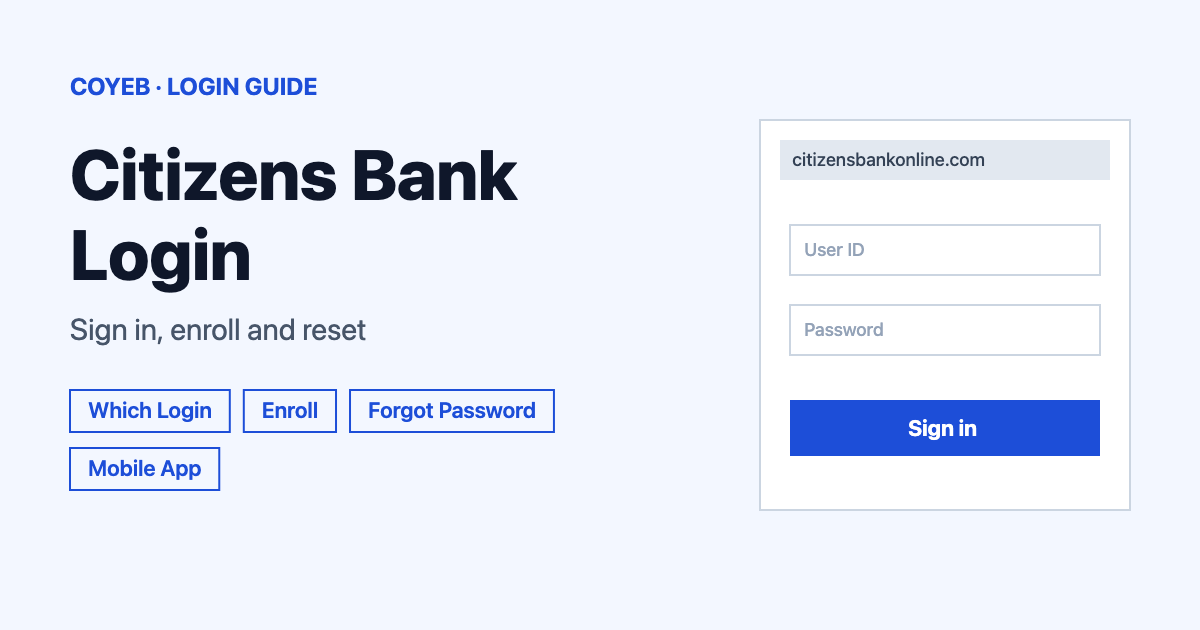
The Citizens Bank online login is at citizensbankonline.com/olb-root/login. Enter your User ID and Password, then select Log In. New user? Select Enroll now. The catch: one link, Trouble logging in/Password change, handles a lost user ID, a lost password and a lockout.
Last verified: 16 November 2026
Official login page: citizensbankonline.com/olb-root/login (checked November 2026)
coyeb.com is not affiliated with Citizens Bank. Never share your password or OTP with anyone.
This guide covers Citizens Bank at citizensbank.com. Make sure the address you are on ends in citizensbankonline.com or citizensbank.com.
Which login do you need
The citizensbank.com homepage has a Select a secure login menu. The links in that menu go to different places, so pick the one that matches your account.
| You are | Where to sign in | What you type |
|---|---|---|
| Personal or small business customer | Personal/Small Business: citizensbankonline.com/olb-root/login | User ID and password |
| Mortgage, auto loan or loan payment customer | The menu items Access My Mortgage, Access My Auto Loan, Pay My Loan and Pay My Auto Loan all link to the same online banking login | User ID and password |
| Personal loan customer | Access My Personal Loan page. If you applied before July 12, 2019 its Log in link goes to a separate loan site. If you applied after that date it goes to the online banking login | Follow the page you reach |
| Credit card customer | Credit Card Online Services in the menu (accessmycardonline.com) | Use that site’s own screen |
| Business credit card customer | Business Credit Card Online Services in the menu | Use that site’s own screen |
| Commercial customer | Cash Flow Essentials or Commercial Services in the menu | Use that site’s own screen |
The menu also lists Access My Student Loan, Citizens Pay, Private Wealth Client Access, Clarfeld Client Access and Brokerage Services. This guide covers the online banking login only.
What you will see on the login page
The page is headed Welcome back! and says “To log in, enter your user ID and password below.” It has:
- A User ID box.
- A Password box with a Show button.
- A Remember user ID checkbox.
- A Log In button and a Cancel button.
- Links: Trouble logging in/Password change and New to Online Banking? Enroll now.
By logging in you agree to the Citizens Online Terms & Conditions and the Electronic Notice Disclosure & Consent. You also confirm that you have given Citizens a valid primary email address.
How to log in
- Go to the official login page above. The same page opens from the Login to online banking button on citizensbank.com.
- Type your user ID in the User ID box.
- Type your password in the Password box. Select Show if you want to check what you typed.
- Tick Remember user ID only on your own device.
- Select Log In.
Citizens says a one-time password “will be requested for you to confirm should we find it necessary”. It also says it is no longer asking for security questions. Online Banking is available 24 hours a day, 7 days a week, apart from system maintenance.
User ID and password rules
Citizens describes the user ID as “a unique combination of letters and numbers between 5-20 characters”. It is not case sensitive and cannot already be taken by another Online Banking customer. Passwords are case sensitive, 8 to 15 characters long and contain only letters and numbers. A password must include at least one letter and at least one number. It must also be different from your user ID.
First-time login: enroll in Online Banking
If you have never signed in, select New to Online Banking? Enroll now. on the login page. The enrollment screen shows four steps: Find Account, Verify Identity, Accept Terms and Create User ID. The first screen says “Let’s start by finding your account”.
- Under Account type, choose Personal account or Small business account.
- Select Next and enter the details it asks for so Citizens can find your account.
- Verify your identity, accept the terms and create your user ID.
Citizens says enrollment needs your account information or your Social Security number. You can begin using Online Banking right after you enroll. Bill Pay needs no separate sign-up, although business customers may need up to 24 hours to enroll in Online Bill Pay.
Forgot user ID
Citizens says: “To retrieve your User ID, go to citizensbank.com, click Login, then select Trouble logging in?”. On the login page the link is called Trouble logging in/Password change. On the Login support page choose I forgot my user ID and select Next.
Forgot password
Select Trouble logging in/Password change. The Login support page says “Let’s get you back into your account.” and asks “How can we help?” Pick one option and select Next:
- I forgot my user ID
- I forgot my password and want to change it
- I forgot both my user ID and password
- I got locked out of my account(s)
Then follow the prompts. In the mobile app the links are called Forgot Online User ID? and Forgot Password?. For a lost user ID or password Citizens also lists Customer Service at 800-656-6561. Citizens says it will not prompt you to change your password unless you forget it or get locked out. It recommends changing it every 3 months. The pages read do not state how many wrong attempts cause a lockout or the steps that follow, so if the support page does not solve it, call customer service below.
Citizens Bank online login on mobile
Citizens has a mobile banking app. Download it from the App Store or Google Play. Sign in with the same user ID and password you set up when you enrolled in Online Banking. To log out, tap the gear icon in the top-right corner and select Log Out.
To use your fingerprint, open Settings and go to Login & Security. Citizens says “Fingerprint and Touch ID” must be set up on your device before they can be enabled in the app. If you had the older Citizens app, the new app should update automatically, so there is no need to delete and reinstall it.
The official site says the app lets you make mobile deposits (eligibility, limits and restrictions may apply), send money and pay bills. You can also order a replacement debit or credit card. It also says e-statements, transfer set-up and stop payments are not available in the app.
Login not working
Citizens does not publish exact error messages for the login screen, so the fixes below are general suggestions based on its help pages.
| What you see | What it means | Fix |
|---|---|---|
| Password not accepted | The password may have been mistyped. Passwords are case sensitive | Retype it using Show. If it still fails, use Trouble logging in/Password change and choose I forgot my password and want to change it. |
| You do not remember your user ID | You need your user ID to log in | Use the same support page and choose I forgot my user ID. |
| Your account is locked | The account cannot be used until you recover access | Choose I got locked out of my account(s) on the support page, or call customer service. |
| A request for a one-time password | Citizens wants to confirm it is you | Enter the code only on the official page. Never read it out to anyone who calls you. |
| You were signed out while away | Online Banking disconnects you after 10 idle minutes, following a 60-second countdown | Log in again. Always use Log Out when you finish. |
Citizens recommends browsers with 128-bit encryption and has a Site Requirements page for the recommended browsers.
After you log in
Check activity. Citizens says you can view up to 18 months of transaction history. Personal credit card activity is limited to 12 months.
Pay bills. Select the Pay Bills tab. There is nothing extra to sign up for.
Find statements. Select the Document Center tab for up to 18 months of statements. For older statements, contact the bank.
Stay safe
The login page shows an FDIC-insured banner and the footer says Member FDIC. The same page notes that non-deposit products are not FDIC insured.
- Check the address before you type anything. The official online banking login is on citizensbankonline.com and the main site is citizensbank.com.
- Citizens says: “Keep your password a secret — even from us!”
- Citizens warns that scammers use links from shortening sites. Its advice: “If you don’t recognize a URL, don’t click on it.”
To report suspicious activity on your Citizens accounts, call 1-800-922-9999 or the number on the back of your card or on your monthly statement. See the Citizens Online Banking FAQs for more.
Contact and helpline
Numbers below come from the Citizens Contact Us page (checked November 2026). Hours are as listed there.
- Personal online banking: 1-800-656-6561. Monday to Friday 7am to 10pm EST, Saturday and Sunday 9am to 6pm EST.
- Mobile banking: 1-877-353-9274. Monday to Friday 7am to 10pm EST, Saturday and Sunday 9am to 6pm EST.
- Business online banking: 1-877-229-6428. Monday to Friday 7am to 7pm EST, Saturday 9am to 6pm EST, closed Sunday. Citizens also lists 7am to 10pm on weekdays for business banking, so calling before 7pm is the safe choice.
- Credit card service: 1-800-684-2222 (Amp, Spring and Summit cards) or 1-866-455-9444 (Summit Reserve). Monday to Friday 7am to 10pm EST, Saturday and Sunday 9am to 6pm EST.
- Debit card issues: 1-888-861-5700. Monday to Friday 7am to 10pm EST, Saturday and Sunday 9am to 6pm EST.
- Mortgage online or mobile banking: 1-800-234-6002 (no hours listed).
Paying federal taxes online as well? See our EFTPS login guide.