Sampoorna Login: Kerala School Management Portal
Sampoorna login steps for Kerala schools: main portal, Sampoorna Plus for parents and teachers, HSS/VHSS login, forgot password and KITE contact details.
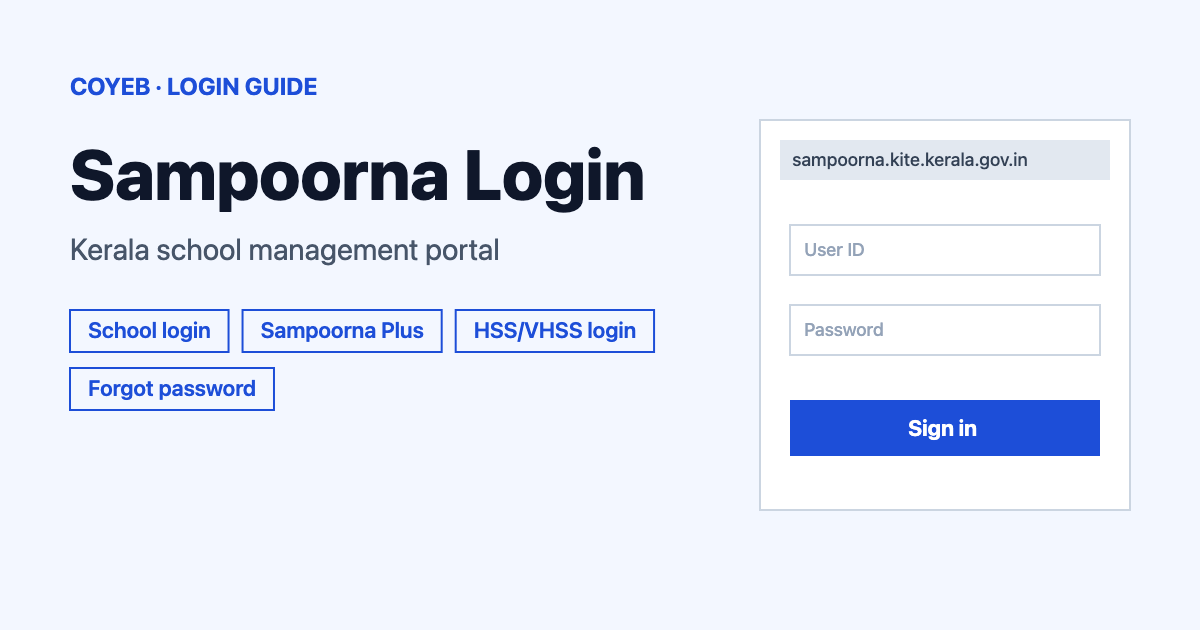
The Sampoorna login page is at sampoorna.kite.kerala.gov.in. Type your Username and Password, fill in Enter Captcha and press Login. Parents, teachers and school users of Sampoorna Plus use a different page, where you pick a user type first.
Last verified: 16 November 2026
Official link: https://sampoorna.kite.kerala.gov.in/ (checked November 2026)
coyeb.com is not affiliated with Sampoorna or KITE. Never share your password or OTP with anyone.
Which Sampoorna login do you need
| You are | Where to sign in | What you type |
|---|---|---|
| School user on the main portal | sampoorna.kite.kerala.gov.in (the address changes to end in :446) | Username, Password, Enter Captcha |
| Parent, teacher or school user of Sampoorna Plus | Parent Login button on the main page, or sampoorna.kite.kerala.gov.in:446/plus/ | Select User, Username, Password |
| HSS or VHSS user | HSS/VHSS Login link on the main page (opens a page on education.kerala.gov.in) | Username, Password, District, HSS or VHSS |
What you will see on the main login page
When the page opens, the address in your browser changes to end in :446. This is normal. The login page has these items:
- Username and Password boxes.
- An Enter Captcha box.
- The Login button.
- A Forgot Password? link.
- Links at the top called Govt. Order and HSS/VHSS Login.
- A Sampoorna Plus box under the text “Are you a Parent?” that says “Access student attendance, academic reports & results”, with a Parent Login button.
How to log in to Sampoorna
- Open sampoorna.kite.kerala.gov.in in your browser.
- Type your Username.
- Type your Password.
- Type the captcha in the Enter Captcha box.
- Press Login.
Sampoorna Plus login for parents, teachers and school users
The Plus page is headed “Sign in to continue to Sampoorna Plus”. It has no captcha box. When you choose PARENT in the list, two more links appear: Forgot password? and “New parent? Register here“. They do not show for SCHOOL or TEACHER.
- Press Parent Login on the main page or open sampoorna.kite.kerala.gov.in:446/plus/.
- In the Select User list choose SCHOOL, TEACHER or PARENT.
- Type your Username and Password.
- Press Submit.
HSS and VHSS login
The HSS/VHSS Login link opens a page titled “Sampoorna HSS” on education.kerala.gov.in. Inside the boxes the hint text reads HSCAP/VHSCAP Username and HSCAP/VHSCAP Password. The District list runs from Thiruvananthapuram to Kasaragod. This page has no captcha box and no forgot password link.
- Type your Username and Password.
- Choose your District from the list.
- Choose HSS or VHSS.
- Press Login.
Getting a username
Parents can register on the Sampoorna Plus page. Choose PARENT in the Select User list and press Register here. A window titled “Parent Registration” opens and asks you to Enter Mobile Number registered with Sampoorna, then press Send OTP. The number must be one already registered with Sampoorna.
The portal has no sign-up option for school or teacher users, so ask your school office for your username. There is no forgot username link either, so the school office is also where to ask if you lose it.
Forgot password
Press Forgot Password? on the main login page. The reset page asks for your username in Enter Username, your mobile number in Enter Phone Number and a captcha in Enter Captcha, then you press Submit. If the reset does not work, ask your school’s Sampoorna administrator for help.
Parents on Sampoorna Plus reset the password differently. Choose PARENT in the Select User list and press Forgot password?. A window titled “Reset Password” asks you to Enter Mobile Number, then press Send OTP. The page states the password rule for the new password: “Password should contain at least one special character, one number and minimum 6 length”.
Sampoorna login on mobile
The login pages are simple forms, so you can open them in your phone browser with the addresses above. Type the address yourself instead of tapping links from messages.
Sampoorna login not working
These fixes are general suggestions, not official error messages.
| What you see | What it may mean | Fix |
|---|---|---|
| Page will not open | The address may be typed wrongly | Type sampoorna.kite.kerala.gov.in again and wait for the login page to load. |
| Sign-in fails | Username or password typed wrongly | Check spelling and capital letters, then use Forgot Password?. |
| Captcha rejected | Characters typed wrongly | Reload the page to get a new captcha and try again. |
| Cannot enter Sampoorna Plus | Wrong user type chosen | Pick SCHOOL, TEACHER or PARENT in the Select User list to match your account. |
| No Forgot password? link on the Plus page | PARENT is not chosen | Choose PARENT in the Select User list. The link shows only for parents. |
After you log in
The main page says Sampoorna Plus is for parents to access student attendance, academic reports and results. KITE lists Sampoorna as “Sampoorna School Management Software” on its home page.
Stay safe
Check that the address starts with sampoorna.kite.kerala.gov.in (or education.kerala.gov.in for the HSS/VHSS page) before typing your password. KITE’s own site is kite.kerala.gov.in.
Contact KITE
The KITE contact page (checked November 2026) lists the State Office: KITE IT Division, Office of IT@School Project, Poojapura, Trivandrum – 695012, phone +91-471-2529800, email contact@kite.kerala.gov.in. It also lists a phone number and email for each district office. It shows no helpline or working hours. The page is at kite.kerala.gov.in/KITE/index.php/welcome/contact.
For another Kerala government login, see Kerala PSC Thulasi login.