ARDV Login: Member Sign-In and Password Help
ARDV login steps for login.ardvecomhub.com: UserCode, Password and Captcha, Forgot Password recovery, Sign Up fields, the APK app and ARDV support contacts.
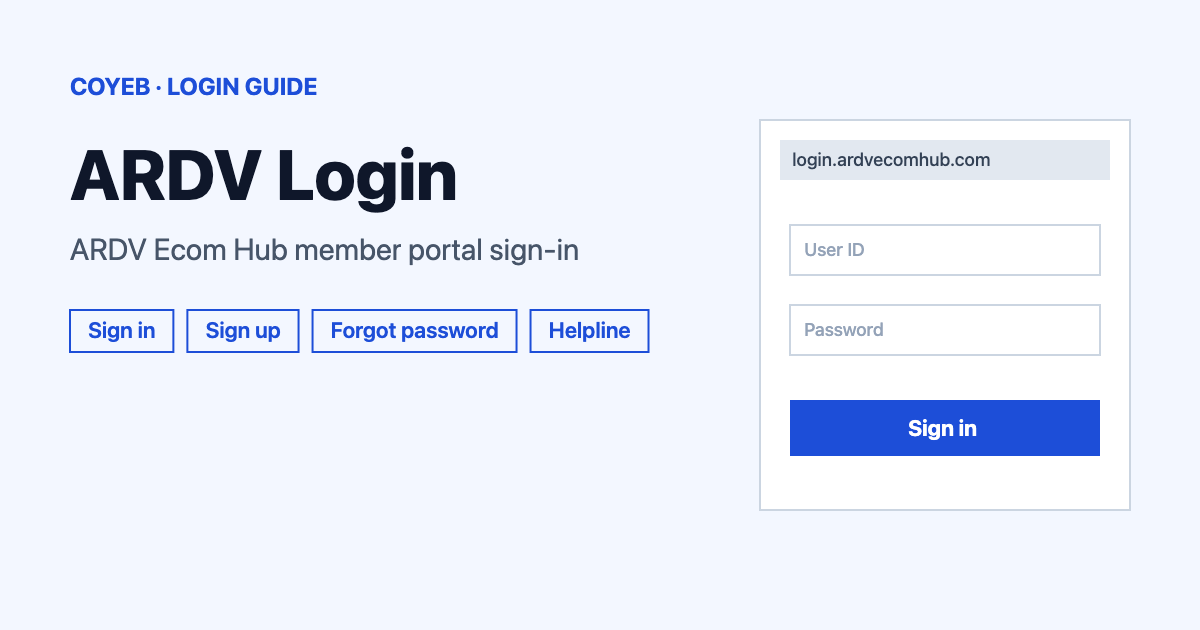
For an ARDV login, open login.ardvecomhub.com/Login.aspx. Type your UserCode and Password, type the characters in the Enter Captcha box and press Sign In. The catch: the Forgot Password box needs both your User Code and the Email Id saved on your account.
Last verified: 18 November 2026
Official login page (checked November 2026): https://login.ardvecomhub.com/Login.aspx
coyeb.com is not affiliated with ARDV Ecom Hub Pvt. Ltd. Never share your password or OTP with anyone.
What you will see on the ARDV login page
The page is titled LOGIN-ARDV ECOM HUB PVT. LTD and has one form.
- UserCode box (shows “Enter UserCode”)
- Password box (shows “Enter Password”)
- Enter Captcha box next to the CAPTCHA image
- Sign In button
- Forgot Password ? link
- Don’t have an account? with a Sign Up button
- Download APK image link for the ARDV app
How to do the ARDV login
- Open https://login.ardvecomhub.com/Login.aspx in your browser.
- Enter your UserCode.
- Enter your Password.
- Read the CAPTCHA image and type the characters in the Enter Captcha box. If the image is hard to read, reload the page to get a new one.
- Press Sign In.
A separate shopping site at ardvshoppingmall.com has Login, Store Login and User Login links in its header and also a My Account link. The member sign-in described above is on login.ardvecomhub.com.
ARDV Sign Up and first-time registration
New members register on the same site. Press Sign Up under “Don’t have an account?” on the login page or open login.ardvecomhub.com/Registration.aspx. The page is headed “Register Your Account To ARDV ECOM HUB PVT. LTD”.
Fields marked with a star are required:
- Sponsor Id* and Sponsor Name*.
- Full Name*. The terms ask for the name as on your Aadhar Card.
- Mobile No*. The box takes 10 digits.
- Email ID. This one has no star. Add an email address you can open, because password recovery asks for the Email Id saved on your account.
- Password* and Confirm Password*.
- Tick I Agree With Terms and Conditions. The page notes: “Age should be above 18+”.
- Press Register.
Read the Terms and Conditions page before you pay anything. It states that registration is free of cost but a ₹1300 activation payment is mandatory. It also says the fee is non-refundable under any circumstances and the ID is valid for 1 year from the activation date. After activation the terms list 1 physical product (MRP ₹800) and access to shopping and recharge services. The terms say users create a Login Password and a Transaction Password and must keep both secure.
Forgot password for your ARDV login
- On the login page, click Forgot Password ?.
- A Recover Password box opens with two fields, User Code (shows “Enter UserCode”) and Email Id (shows “Enter Email Id”).
- Enter both. Use the email address that is saved on your account.
- Press the Recover Password button in the box. Use Close to leave the box without sending.
If you have forgotten the User Code itself, the recovery box needs it, so ask ARDV support. If nothing arrives after you press the button, email support.
ARDV login on mobile
Open the same login page in a phone browser and follow the steps above. The page also has a Download APK link for the ARDV app. It is a direct file download from login.ardvecomhub.com and not a Google Play or App Store link. Because an APK installs from outside an app store, download it only from the official login page and not from links sent by other people.
ARDV login not working
ARDV does not publish a list of error messages. These are general suggestions and not official error texts.
| What you see | What it means | Fix |
|---|---|---|
| Login does not accept your details | The UserCode or Password may be typed wrongly | Show the password with the eye icon and check each letter. Make sure Caps Lock is off. |
| CAPTCHA looks wrong or unreadable | The image may be old or hard to read | Reload the page and type the new characters in the Enter Captcha box. |
| Page will not load or looks broken | The browser may have an old copy of the page | Try another browser or mobile data and type the address yourself. |
| You cannot remember the password | You need a reset | Use Forgot Password ? with your User Code and Email Id. |
After you log in
The official terms describe what an activated ID gives: access to e-commerce shopping, recharge services and digital promotion programs. Points can be redeemed for shopping on AR Mall. The daily task listed in the terms is to watch 20 promotional YouTube videos of 1 minute each, which earns 35 AR BV Points. Withdrawals need at least 2 direct active members and are processed within 7 working days after TDS and applicable taxes are deducted. The home page adds that payouts are processed Monday to Saturday from 6:00 PM to 11:59 PM by IMPS and that tasks and payouts do not run on Sundays. For account questions, use the support contacts below.
Stay safe on the ARDV login page
- Check that the address begins with login.ardvecomhub.com before you type anything.
- Do not sign in from links in messages or social posts. Type the address or use the Login link on ardvecomhub.com.
- The terms say all updates are sent from official company email IDs or WhatsApp numbers. Treat any other sender as unofficial.
- Fraudulent activity may lead to account termination without refund, so keep your Login Password and Transaction Password private.
- If you receive a message that asks for your password or OTP, do not reply. Report it to ARDV support.
ARDV helpline and support
- Hours: the home page describes customer support as available 24×7 (checked November 2026)
- Phone: 01169270210 (checked November 2026)
- WhatsApp: +91 9460750094 (checked November 2026)
- Email: Support@ardvecomhub.com (checked November 2026)
- Second email: ardvofficial@gmail.com (checked November 2026)
- Head office: 334, Scheme, Jaipur, Rajasthan 302039 (checked November 2026)
- Website: ardvecomhub.com (checked November 2026)