Safeco Agent Login: Safeco Now Portal for Agents
Safeco agent login steps for the Liberty Mutual agent portals: personal and small commercial sign-in, forgot username or password and the helpline numbers.
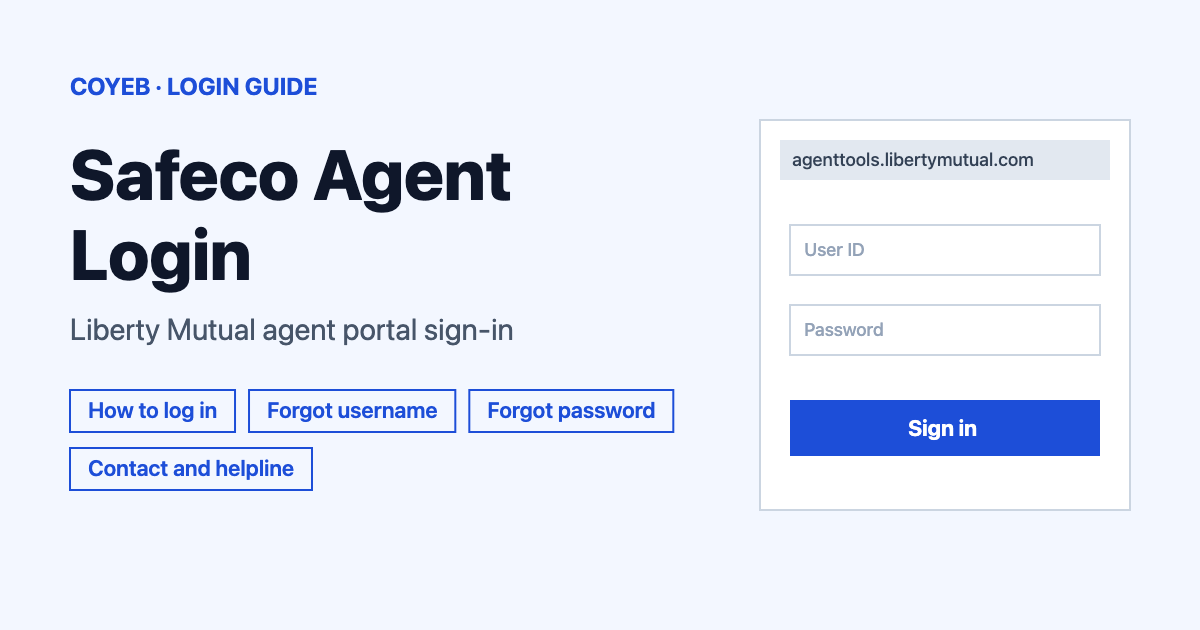
For a safeco agent login, go to agenttools.libertymutual.com, type your Username and Password and select Log in. The catch: the Safeco name is retired so the pages say Liberty Mutual. Small business agents use a separate portal at commercial-agent.libertymutual.com.
Last verified: 18 November 2026
coyeb.com is not affiliated with Safeco or Liberty Mutual. Never share your password or OTP with anyone.
Which Safeco agent login do you need
Personal insurance agents and small business agents sign in at different web addresses.
| You are | Where to sign in | What you type |
|---|---|---|
| A personal lines agent | agenttools.libertymutual.com (personal-agent.libertymutual.com opens the same Personal lines page) | Username and Password |
| A small commercial agent | commercial-agent.libertymutual.com | Username and Password |
Both login pages also list links to the other agent portals: Middle market / major accounts, Surety and State Auto. The personal page lists Small commercial and the small commercial page lists Personal lines. Choose the one for the line of business you write.
Safeco now agent login: the Safeco name is retired
Safeco Insurance was bought by Liberty Mutual in 2008 and kept the Safeco name for years. The official Independent Agent FAQs page now says “Safeco is now Liberty Mutual.” Safeco customers keep their agent and their policies change only in name. That is why the sign-in pages show Liberty Mutual and not Safeco.
What you will see on the login page
- A heading Agent portal login, with Personal lines or Small commercial above it.
- Two boxes: Username and Password.
- A Log in button.
- Two links under it: Forgot password and Forgot username.
- A help line with a phone number. On the personal page it also has a get login help link. On the small commercial page it also has an email address.
- An Access other agent portals list.
How to log in to the personal lines agent portal
- Open agenttools.libertymutual.com. It sends you to the Personal lines page headed Agent portal login.
- Enter your Username.
- Enter your Password.
- Select Log in.
How to log in to the small commercial agent portal
- Open commercial-agent.libertymutual.com. It sends you to the Small commercial page headed Agent portal login.
- Enter your Username.
- Enter your Password.
- Select Log in.
Forgot username
Select Forgot username under the Log in button. The next screen says “Enter your name and email address to retrieve your username”. Fill in First name, Last name and Email Address and select Submit. Use Back to return to the login page.
Forgot password
Select Forgot password under the Log in button. The next screen says “Enter your username to reset your password”. Type your Username and select Submit. Use Back if you opened it by mistake. If you do not know your username, get it first with Forgot username.
Login on mobile
Use your phone’s browser. Type the address yourself rather than tapping a link in a message. Liberty Mutual advises typing website addresses directly into the browser. Check that the address ends in libertymutual.com before you enter anything.
Safeco agent login not working
Only one error message is shown on the page, so the other fixes below are general suggestions.
| What you see | What it means | Fix |
|---|---|---|
| “Username is required.” | The Username box is empty | Type your Username before you select Log in. |
| Sign-in does not accept your details | The Username or Password may be mistyped | Check for typing mistakes. Then use Forgot password. |
| You do not remember your Username | You need it to start a reset | Select Forgot username on the sign-in page. |
| You are on the wrong portal | Personal lines and small commercial have separate portals | Use the other portal links on the sign-in page. |
| Still locked out | You may need help from support | Call the number in the contact section below. |
Stay safe
The real sign-in pages sit on libertymutual.com. The Forgot password and Forgot username screens open on open.dpec.libertymutual.com, which is also a Liberty Mutual address. If the address ends in anything else, close the page.
The Liberty Mutual fraud protection page says not to cash suspicious checks that appear to be from Liberty Mutual. It also says to check any request by calling a number on your billing statement or the official website and not a number given by the sender. Report misuse of the Liberty Mutual name or logo to abuse@libertymutual.com (checked November 2026). The login pages link to this guidance under Fraud protection.
Contact and helpline
- Personal lines phone: 877-566-6001, Monday to Friday, 8 AM to 8 PM ET (checked November 2026)
- Small commercial phone: 888-451-8414, Monday to Friday, 8 AM to 8 PM ET (checked November 2026)
- Small commercial email: agencyinterfacesupport@libertymutual.com (checked November 2026)
- Help link: the personal lines page has a get login help link next to the phone number (checked November 2026)