CAQH Login: ProView Provider Data Portal Access
CAQH login steps for the Provider Data Portal (ProView): sign in, find your CAQH ID, reset your username or password, fix errors and get help.
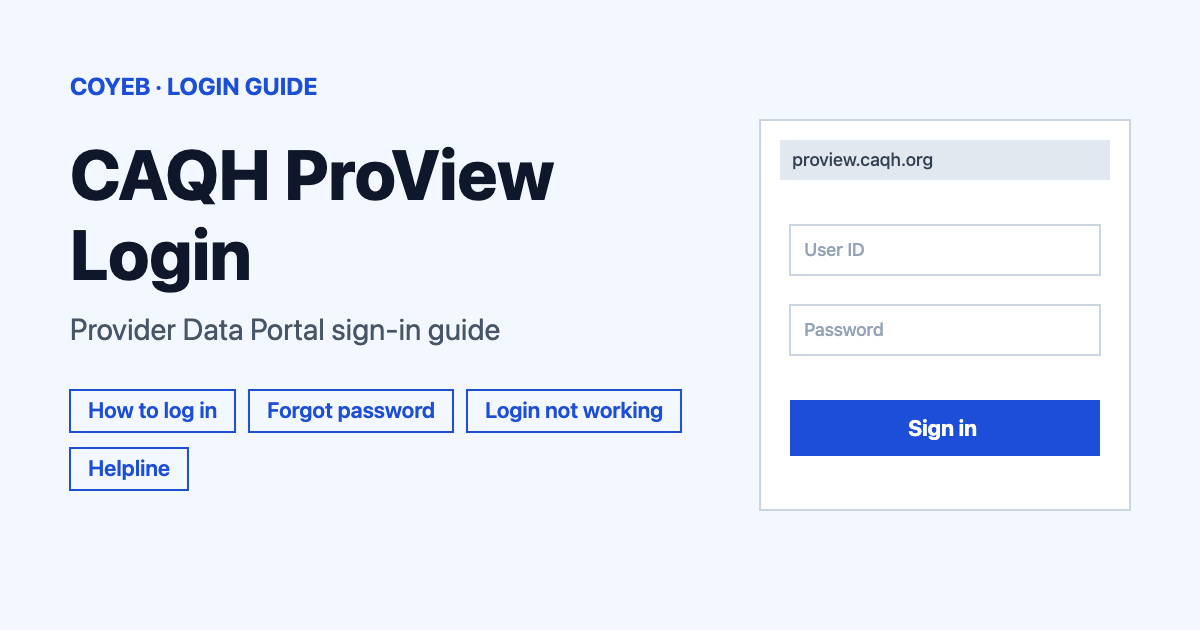
For a CAQH login, go to proview.caqh.org/pr, open the Provider tab, enter your Username and Password and select Sign In. Dentists do not use this page. They sign in through the American Dental Association portal instead. Forgot a login detail? Use the links on the same screen.
Last verified: 18 November 2026
Official link (checked November 2026): https://proview.caqh.org/pr
coyeb.com is not affiliated with CAQH or DataSpring. Never share your password or OTP with anyone.
What you will see on the CAQH login page
The page is called Provider Data Portal (CAQH ProView). CAQH now works under the name DataSpring, so you may see both names. Existing users keep the same login details and the web address still starts with proview.
At the top you will see four tabs. Choose the one that matches your role:
- Provider
- Provider Groups
- Practice Managers
- Participating Organizations
Under the tabs are the Username and Password fields, a Remember me box and the Sign In button. The links Check for CAQH ID, Forgot Username and Forgot Password sit on the same screen.
How to log in to CAQH as a provider
- Open proview.caqh.org/pr.
- Stay on the Provider tab. Other roles pick their own tab.
- Enter your Username and Password. Passwords are case sensitive, so check your CapsLock key.
- Tick Remember me only on a device that is yours.
- Select Sign In.
If you are a dentist, sign in through the American Dental Association portal at ada.org/attestationlogin instead.
CAQH first-time login and registration
Look at the First Time Here? box on the right. If you got a welcome email, use the link inside it to start. Your unique CAQH Provider ID may already be in that email. If a health plan invited you, use the link in the email to register with your CAQH ID. If you have no email, select register here and create your profile. You can also wait for registration instructions after a healthcare organization tells CAQH that you need access.
Registration is free for providers. The first profile takes about two hours. It can take longer with several practice locations, long postgraduate training or a long work history. Gather your documents first so you do not get stuck halfway. You can save the profile and finish it later, but it must be complete before it can be verified and shared.
Forgot your CAQH ID
Select Check for CAQH ID on the login page. Enter your Provider First Name and Provider Last Name only, with no titles or degrees. Then answer one question: your 10-digit Individual (Type 1) National Provider Identifier (NPI) or your Provider Birth Date. Answer the DMD or DDS question, tick the Terms of Service box and select Continue.
Your CAQH ID is not your NPI. CAQH assigns the ID when you register. The NPI is just one way to find it.
Forgot your CAQH username
Select Forgot Username. Under Enter your CAQH Provider ID, type your ID, tick “I have read and agree to the CAQH Terms of Service.” and select Continue.
Forgot your CAQH password
Select Forgot Password. Type your Username, tick the Terms of Service box and select Continue. Then follow the next screens. Choose a strong password that you do not use on any other site.
CAQH login on mobile
No official app is listed on the login page. Open proview.caqh.org/pr in your phone browser and use the same tabs and fields.
CAQH login not working
| Error message | What it means | Fix |
|---|---|---|
| Your session expired. You have been redirected to the login screen. | You were signed out after being inactive. | Select OK and sign in again. |
| Your session is about to expire. | A warning after inactivity. Unsaved changes are lost if you are logged out. | Select Stay signed in. The other choice is Sign out now. |
| MFA Reset Failed: Multi-factor Authentication Reset has failed at this time. Please try again later. | The reset did not go through. | Wait a bit and try again. If it keeps failing, call support. |
| CAQH solutions will be unavailable during all times above | The portal is in its maintenance or deployment window. | Sundays 12:00 AM to 8:00 AM ET and Mondays 12:00 AM to 8:00 AM ET (Tuesday for federal holidays). Try again after 8:00 AM ET or check the portal status page. |
After you log in
- Re-attest your data. CAQH sends reminders. You need to review and attest to your data every four months. You can update your record online at any time.
- Authorize health plans. You must authorize each health plan before it can see your data.
- Removing a record. Any documents attached to that record are removed with it.
Stay safe on the CAQH login
Check that the address starts with proview.caqh.org before you type anything. DataSpring (dataspring.com) is the new name of CAQH. Type the address yourself rather than tapping a link in a message. Do not sign in from links in unexpected emails.
CAQH helpline and support
- Phone: 1-888-599-1771, Monday to Friday, 8 AM to 8 PM ET (checked November 2026)
- Live chat: Monday to Friday, 8 AM to 6:30 PM ET. Sign in and select the chat icon at the bottom right (checked November 2026)
- Help page: dataspring.com/resources/support (checked November 2026)