Shady Grove Patient Portal Login Guide
Shady Grove patient portal login at portal-sgf.fertemr.com: sign in with your email, reset a forgotten password and fix common login problems.
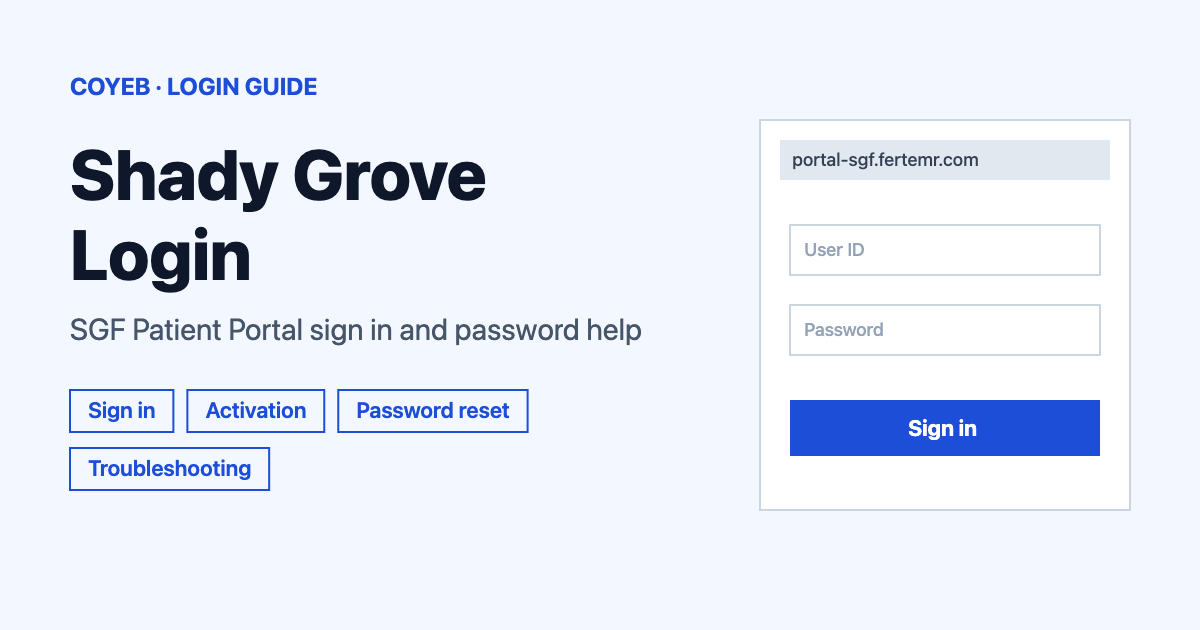
To open the Shady Grove patient portal, go to portal-sgf.fertemr.com, type the email address you activated your account with in the Email box and enter your Password, then select Sign In. If you forgot the password, use the Forgot your password? link below the fields.
Last verified: 18 November 2026
Official login page: https://portal-sgf.fertemr.com/#/Login (checked November 2026)
coyeb.com is not affiliated with Shady Grove Fertility. Never share your password or OTP with anyone.
How to log in to the Shady Grove patient portal
The login screen is titled “Sign in to the SGF Patient Portal”. There is only one type of user here, the patient. Your username is simply your email address, so there is no separate username to remember.
- Open portal-sgf.fertemr.com in your browser. You can also start from the Patients page of the Shady Grove Fertility website, which links to the same login screen.
- Type your email address in the Email box. Use the exact address you used when the account was activated.
- Type your password in the Password box. The eye icon next to it lets you see what you typed.
- Select Sign In.
Chrome is the browser Shady Grove Fertility recommends for the portal. If you use a VPN and sign-in fails, log off the VPN and try again.
First-time login and account activation
The login screen has no sign-up button. It only offers Sign In, “Forgot your password?” and “Trouble Logging In?”. A new account starts with an invitation email from the clinic. That email holds the activation link.
- Activate the account within 14 days of the invitation.
- If the link has expired, ask your clinic to send a new one.
- If you have received more than one invitation, use the most recent link.
After activation, the email address you used becomes your username for every later login.
Forgot username or password
Forgot your username? The username is the email address used to activate the account. There is no “Forgot username” link on the screen. If you are not sure which of your email addresses was used, your SGF office can confirm the one on file.
Forgot your password? Follow these steps.
- On the login screen select Forgot your password?, which sits below the Email and Password boxes.
- On the “SGF Patient Portal Password Recovery” screen type your email in the Email Address box.
- Select Submit. The page refreshes and shows a confirmation that the email was sent.
- Open the email and use the link inside it to set a new password.
The new password should use upper and lower case letters and numbers. Avoid special characters and make it longer than 12 characters.
If the email does not arrive, look in your spam and junk folders. Gmail users should also check All Mail. The reset email goes to the address the clinic has on record. If it still fails, speak to the front desk at your SGF office.
A wrong password does not lock your account. Even if you feel locked out, you can still ask for a reset.
Login on mobile
The SGF patients page gives only the web address, with no app link. You can open the same address in your phone browser and sign in with the same email and password. If the page behaves oddly on a phone, SGF’s help sheet suggests clearing the browser data. The steps are in the next section.
Login not working
The first two rows quote real messages from the portal and SGF’s help sheet. The other rows describe what you may see and their fixes come from SGF’s own help text.
| What you see | What it means | Fix |
|---|---|---|
| “Email Address is required” in red under the box on the Password Recovery screen | Submit was pressed with the box empty | Type the email address on file and select Submit again. |
| “XMLHttpRequest error” when you try to reset the password | The reset request did not go through | Clear your browser cache and try again. |
| No reset email arrives | The message may be filtered or sent to a different address | Check spam, junk and All Mail. Make sure you typed the email the clinic has on file. |
| Activation link no longer works | The invitation may be older than 14 days | Ask your clinic for a new invitation and use the latest link. |
| Wrong password | The password does not match | It does not lock the account. Use Forgot your password? to set a new one. |
For most sign-in trouble the clinic’s own help sheet, which opens from the Trouble Logging In? link, suggests the same routine. You can also read it at the SGF login help PDF, which is undated.
- Clear your cache for “All Time” or “All History” and tick cookies, site data and cached files.
- Use Chrome.
- If a VPN is on, log off the VPN and try again.
Where to find the clear option:
- Chrome on a phone: three dots, History, Delete browsing data.
- Safari on iPhone: Settings, Apps, Safari, Clear History and Website Data.
- Edge on Android: Settings, Privacy and Security, Clear Browsing Data.
- Chrome on a computer: three dots, Delete Browsing Data.
- Safari on a Mac: Safari menu, Settings, Privacy, Manage Website Data, Remove all.
- Edge on a computer: Settings, Privacy, Clear browsing data.
If the problem continues, tell the clinic what is happening. Useful details are any error message (with a screenshot that shows your browser), the browser and device you use with its version, your network, whether you use a VPN and whether your password is over 12 characters.
After you log in
Once you are in, the one account task SGF describes is changing the email where notifications are sent.
- Log in with your current email.
- Open Menu and then Settings.
- Update the email address.
This changes only where notifications go. Your login email stays the same. To change the email you log in with, contact the clinic.
Paying a bill is not done inside the login screen. SGF has a separate Online Bill Pay page on its website for deposits and statement balances. New patient paperwork goes through Phreesia, SGF’s separate electronic intake system.
Is the portal on the Shady Grove Fertility website?
The portal address ends in fertemr.com instead of shadygrovefertility.com. That is normal. The Shady Grove Fertility Patients page links to this address. The login page itself shows a Redshift Technologies copyright for 2026. A different host name does not make it a fake site, because this is the portal the clinic points patients to.
Stay safe
- Check that the address bar reads portal-sgf.fertemr.com before you type anything.
- Other websites copy the Shady Grove name. Reach the login from the SGF Patients page if you are unsure.
- Never share your password with anyone.
- If a message asks for your password or sends you to another address, call your SGF office before you click.
Helpline
The SGF phone number shown on the Patients page of its website is 1-888-761-1967 (checked November 2026). Opening hours are not listed there. For portal problems the official text says to speak to the front desk of your SGF office or to call your local office or nurse and clinical team.
If you also use another provider’s portal, see the healow login guide.