ICICI Bank Login: Net Banking Sign In and Reset
ICICI Bank login guide with the official address, User ID, Mobile No and QR Code tabs, password reset steps and the route for NRIs living in the US.
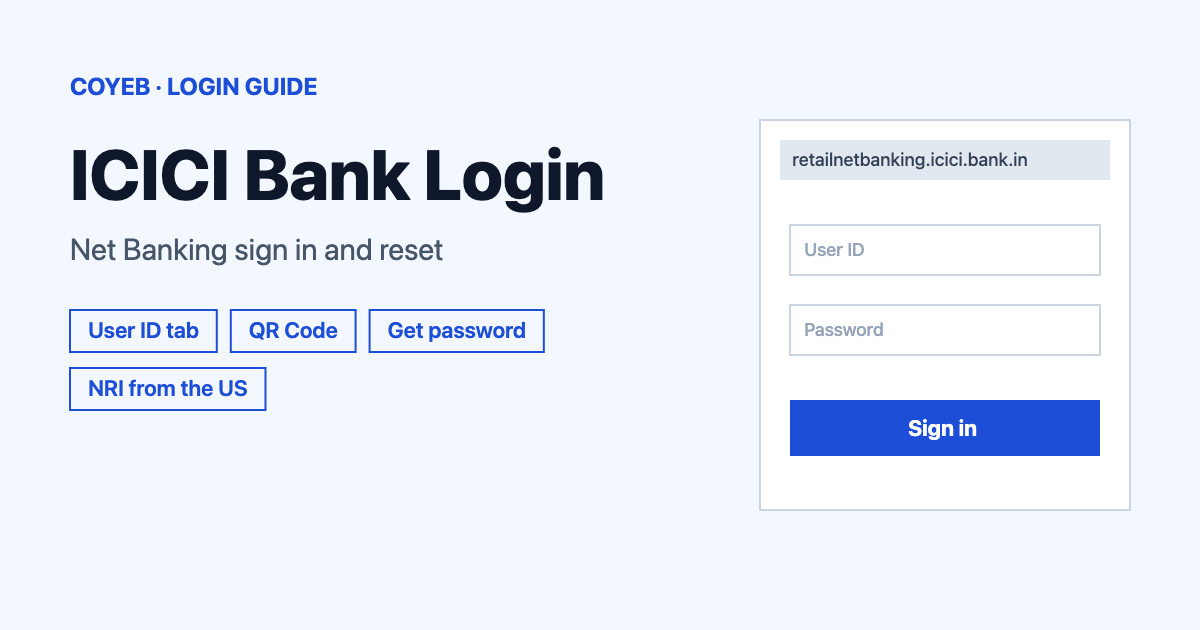
For the ICICI Bank login, type icici.bank.in into the browser, open the Login panel and choose Login to Net Banking. On the User ID tab enter your User ID and Password, then select Login. Forgotten details can be recovered with Get User ID or Get password on the same screen.
Last verified: 18 November 2026
Official ICICI Bank login address
The address to type is icici.bank.in. In the header of that site the Login panel offers “Login to Net Banking” and “Personal and NRI”. Both open the same Net Banking sign-in page at retailnetbanking.icici.bank.in. The page title reads “ICICI Bank – Login to Net Banking” and the header shows the helpline 1800 1080.
The same panel also lists “Corporate”, “Commercial Card”, “Money2World” and “Money2India” for other services. For personal Net Banking use Login to Net Banking.
coyeb.com is not affiliated with ICICI Bank. Never share your password or OTP with anyone.
How to do the ICICI Bank login with your User ID
- Open icici.bank.in in your browser.
- In the header open Login and select Login to Net Banking. Customers living abroad can select Personal and NRI, which goes to the same page.
- Stay on the User ID tab. The page has three tabs: User ID, Mobile No and QR Code.
- Type your User ID. The Remember User ID checkbox is there if you want the field filled next time. On a shared or public computer it is safer to leave it unticked.
- Type your Password. The eye icon in the field shows or hides what you typed.
- Check the Start In: dropdown. It is set to Overview by default.
- Select Login and follow whatever the bank asks for next on screen.
If something goes wrong on this screen, use the Trouble logging in? link on the same tab.
ICICI Bank login with Mobile No or QR Code
Besides the User ID tab the login page has two other ways in.
The Mobile No tab has a Mobile number field that already shows +91. Enter your number and select Authenticate. The same Start In: dropdown and Trouble logging in? link appear here.
The QR Code tab works together with the iMobile app. The page says it applies to iOS app version 23.6 and above and to Android app version 24.2 and above. Its steps are:
- Open the iMobile app and sign in.
- Click the Me icon and select Login/authorisation.
- Select Login to Net Banking and then Continue.
- Scan the QR code shown on the Net Banking page.
ICICI Bank login from the US
A customer in the US who holds an Indian account uses the same login page as everyone else. The NRI section of icici.bank.in has a “Login now” link that goes to that page at retailnetbanking.icici.bank.in.
The bank’s USA website (icicibankusa.com) opened on its Business Banking page when it was checked in November 2026 and no personal Net Banking login was seen there. For a personal NRI account the page to use is the Net Banking login described above.
Registration is the part that needs a phone call or a visit. The bank’s own notes say NRI customers can register for Internet Banking by contacting 24 hour Customer Care or by visiting the nearest ICICI Bank branch. The same applies to adding or updating the registered mobile number. The notes also say NRI customers can generate a User ID only through the Bank Account option.
The Know your User ID page has a country code list for the mobile number and that list includes 1. Its own note, though, says the facility is for Savings Account, Credit Card, Travel Card and PayLater account holders registered with an Indian mobile number. If the number on file is a foreign one, you can ask Customer Care or a branch which number is registered before trying.
First-time ICICI Bank login
A first sign-in needs a User ID and a password. Both are created online from the login page.
- On the User ID tab select Get User ID.
- Pick the tab that matches your product: Bank Account, Credit Card, Travel Card, Loan Account, Pay Later / Gold Loan or Joint account (Secondary Holder).
- Enter the Account Number: and Mobile Number: and the answer to the captcha, then submit.
- The User ID and its status arrive on the registered mobile number.
- Activate the User ID by generating a password online. The steps are in the next section.
This is also the route for credit card holders. A credit card holder opens the same Net Banking page and uses the Credit Card tab under Get User ID. The bank’s note says this works for card holders registered with an Indian mobile number.
Forgot User ID or password for ICICI Bank login
Forgot User ID. Select Get User ID on the User ID tab. The page is titled “Know your User ID” and says “You are 1 step away from getting your User ID”. Choose the right tab and enter the account number and the registered mobile number plus the captcha result. The User ID is sent to the registered mobile number.
Forgot password. Select Get password. The page is titled “Generate Password” and describes three steps:
- Enter your User ID and registered Mobile Number to receive a One Time Password (OTP) on your mobile.
- Validate the OTP together with the Grid Card Authentication (GCA) on the reverse side of your Debit Card.
- Generate the new password.
This means the OTP alone is not enough. The debit card with its grid is needed as well. For anyone without it the bank’s note says: “In case you are unable to generate your User ID or do not have your Debit Card (grid card), please call our Customer Care.”
ICICI Bank login on mobile
On a phone you can try the same address in your mobile browser. Type icici.bank.in and open Login from the header. The QR Code tab is the route for people who already use the iMobile app: sign in to the app first and then scan the code shown on the Net Banking page.
ICICI Bank login not working
The table below shows what you may see. Apart from the grid card row, which comes from the bank’s own note, the fixes are general suggestions.
| What you see | What it means | Fix |
|---|---|---|
| Search results show a different site or a site with a similar name | It is not the bank’s official page | Close it and type icici.bank.in yourself |
| You do not remember the User ID | The User ID can be looked up again online | Use Get User ID with the account number and registered mobile number |
| You do not remember the password | A new one has to be generated | Use Get password with the User ID and registered mobile number |
| No debit card or grid card at hand | The password reset asks for the grid on the debit card | The bank says to call Customer Care |
| No OTP or User ID message arrives | Messages go to the mobile number registered with the bank | General suggestion: check that the number matches the one on file. NRI customers can update it through Customer Care or a branch |
| The QR Code tab does not work with the app | The app may be older than version 23.6 on iOS or 24.2 on Android | General suggestion: update the iMobile app and try again |
| The page does not load from abroad | Often a browser or network problem | General suggestion: try another browser or connection and use the Trouble logging in? link |
After the ICICI Bank login
The Start In: dropdown on the login page is set to Overview unless you change it. To check an account balance you can look for your account on that Overview page after signing in.
Stay safe
The official domain is icici.bank.in and the Net Banking sign-in sits on its retailnetbanking.icici.bank.in host. Search results can include look-alike names or unrelated pages that mention ICICI Bank internet banking in the address. Never trust a result whose domain is different. Type icici.bank.in and open Login from there. Never give your password or OTP to anyone.
ICICI Bank helpline
The Net Banking login page shows 1800 1080 in its header (checked November 2026). It is an India number, so it may not connect from abroad. NRI pages on icici.bank.in list +91 40 3099 8025 with the note “Charges Apply” (checked November 2026). No opening hours are listed with it. The bank’s note on the Know your User ID page describes NRI Customer Care as 24 hour.
For other sign-in guides see the KeyBank login guide and the Angel One login guide.