First Citizens Login: Online and Mobile Banking Guide
First citizens login for First Citizens Bank: official address, ID and password rules, Secure Access Code, enrollment, forgot ID and app steps.
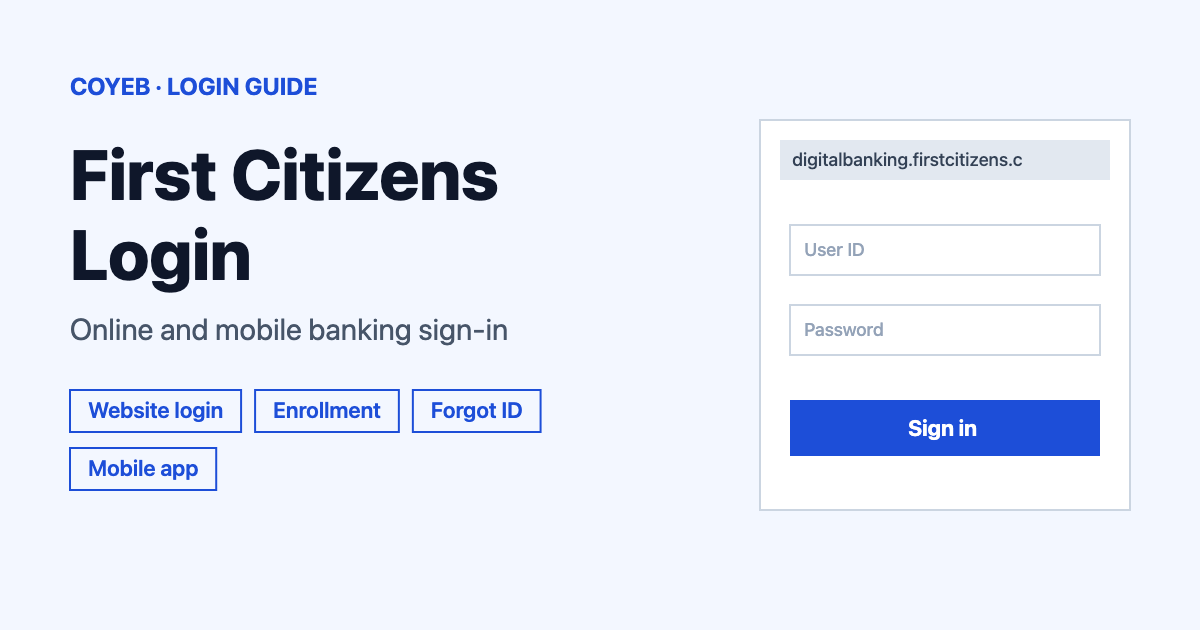
The first citizens login for First Citizens Bank starts at firstcitizens.com. Select Log In, pick First Citizens Digital Banking under Login Type, enter your ID and password, then select Log In. On a device the bank has not seen before you will be asked for a one-time Secure Access Code.
Last verified: 18 November 2026
Official login address (checked November 2026): https://digitalbanking.firstcitizens.com/FCBTCOnline/uux.aspx#/login
You can also reach it from the Log In button on firstcitizens.com. coyeb.com is not affiliated with First Citizens Bank. Never share your password or OTP with anyone.
This guide is about First Citizens Bank (First Citizens Bank and Trust). Two other institutions have similar names but are separate: First Citizens Federal Credit Union and First Citizen in Trinidad. If your account is with either of them the steps below do not apply.
First citizens login steps on the website
The Log In box on the bank’s homepage opens a window titled “Welcome Back”. Its first field is a dropdown called “Login Type” and that choice decides which login you get.
- Open firstcitizens.com and select Log In.
- Under Login Type choose First Citizens Digital Banking. The other choices are Commercial Advantage, Wealth and Other Services.
- Type your login ID in the ID field and your password in the Password field.
- Select Log In.
If you go straight to the digital banking address instead you will see a page with Login ID and Password fields (the password has a Show option) plus a Remember me checkbox. The button there is also Log In.
Business and wealth customers do not use this page. Commercial Advantage has its own address at commercialadvantage.firstcitizens.com and Wealth uses firstcitizens.wealthaccess.com. For business digital banking questions the bank lists 866-322-4249.
Login ID and password rules
The bank’s FAQ says login IDs must have 6 to 14 characters and cannot match the password. Passwords are case sensitive and must be 8 to 72 characters long with an uppercase letter and a number and a special character. If the site rejects what you type while creating them these rules are the first thing to check.
New device and the Secure Access Code
The FAQ explains that the first time you log in from a new device you receive a one-time Secure Access Code. You pick one of the contact methods on file and then enter the code the bank sends.
The FAQ also mentions a Register Device option that avoids a code at every login. It warns against registering public devices. A code can come back after you clear cookies or switch browsers or reinstall the app or close the browser before the login finished or go through a security reset. Some customers approve logins with a push notification instead.
If you cannot receive a code at any contact method on file the FAQ says to call 888-323-4732 or visit a branch.
First time login and enrollment
Enrollment is for current customers with an active account. The digital banking page says to select Enroll Now on the login page and provide the requested information. You set up a Secure Access Code contact method for verification and create a password. You also agree to the Digital Banking Consent to Receive Electronic Disclosures and the Digital Banking Agreement. After that you can download the app.
If you already have a login ID from when the account was opened the FAQ describes another route:
- Select First Time Log In on the homepage box or New User Log In on the digital banking page.
- Enter the login ID you chose when you opened the account.
- Follow the steps to receive and enter a one-time Secure Access Code.
The create-password screen reads “Please enter your Login ID to create your password” and has a Login ID field with Back and Submit buttons.
On joint accounts the FAQ says each account holder should enroll individually in First Citizens Digital Banking.
Forgot login ID or password
When you are logged out the FAQ points to the Forgot ID and Password? links on the homepage box. On the digital banking page they appear as Forgot Login ID? in the footer and Forgot password? beside the form.
The Forgot Login ID screen is headed “Forgot Login ID” and asks for three required items: Account Number and SSN/TaxID and Email Address on File in Online Banking. Select Continue after filling them in. For a forgotten password you enter your login ID on the page headed “Please enter your Login ID to create your password” and select Submit.
Once you are in, login details can be changed under Profile and Preferences and then Log In Preferences.
First citizens login on mobile
The official app on Google Play is called “First Citizens Mobile Banking” and the developer is listed as First Citizens Bank and Trust. Its Play page was last updated on 22 July 2026 and the update notes mention a Mobile Thumb Bar for navigation. Get it here: First Citizens Mobile Banking on Google Play. The bank’s website also shows a Visit the App Store button for iPhone users.
To use the app you need an active account first. The FAQ says to download the app and select Sign Up on its login screen. In the app you can manage facial recognition and fingerprint and 4-digit PIN access. The Play notes say people may have to reset their biometrics after the latest update.
The mobile browser works as well. Go to firstcitizens.com and follow the website steps above. For browsers the FAQ lists the latest Microsoft Edge or Google Chrome or Mozilla Firefox or Apple Safari plus the previous two major versions. For phones it lists the current iOS or Android version plus the previous two.
First citizens login not working
The official FAQ does not publish exact on-screen error messages. The table below lists situations it does describe. Where the FAQ gives no fix the suggestions are general ones.
| What you see | What it means | Fix |
|---|---|---|
| A request for a one-time Secure Access Code | New device or cleared cookies or a new browser or a reinstalled app | Pick a contact method on file and enter the code. Choose Register Device only on your own device. |
| Digital Banking access denied | The FAQ says access is denied if you enter an incorrect password too many times | Call 888-323-4732 to have access unlocked. |
| No code arrives | The contact method on file may be out of date or out of reach | Call 888-323-4732 or visit a branch. |
| Account locked after security-question attempts | Repeated failed attempts lock the account | Call to reset secure login then enroll again and choose new security questions. |
| App will not log you in | Could be an app problem or a biometric reset after an update | The bank’s reply on Google Play suggests reinstalling the app. You may also need to set up biometrics again and a code may be asked for again after a reinstall. |
| Login ID or password not accepted while creating it | It may break the length or character rules | Check the rules in the section above. |
What you can do after you log in
Deposit a check with your phone. The bank describes depositing checks with your device camera and checking on their status.
Send money with Zelle. Zelle is listed among the digital banking features. Look for it in the app or the website menu after login.
Set alerts. The bank lists account and transaction alerts as a digital banking feature. You can look for them after logging in.
Stay safe at the first citizens login page
The bank says to always navigate to FirstCitizens.com to reach the banking login page or find the customer service phone number. Caller ID numbers can be spoofed to look like First Citizens. Alert text messages about cards do not lead to the login page. The bank also says it will never text or email or call to request security codes or sensitive information.
To report a suspicious email forward it to ESecurity@FirstCitizens.com and then delete it without following its instructions or opening its links. Fraud Central is 866-567-7760 for card fraud or a lost or stolen checkbook or identity theft. If a phone or tablet with the app is lost or stolen the bank lists 888-323-4732.
First Citizens customer service and helpline
The Customer Care Center number is 888-FC DIRECT (888-323-4732, checked November 2026). Representatives are available 8 am to 9 pm ET Monday to Friday and 8 am to 8 pm ET Saturday and Sunday. An automated phone system runs around the clock so live help is not 24 hours. Spanish is available on request. Secure message replies usually take about 2 business days.
For other banks see our KeyBank login guide. Full details on the official FAQ are at firstcitizens.com digital banking FAQ.