Employee Navigator Login: Benefits Portal Access
Employee Navigator login steps for the benefits portal: sign in, register with your Company Identifier, reset a username or password and fix access problems.
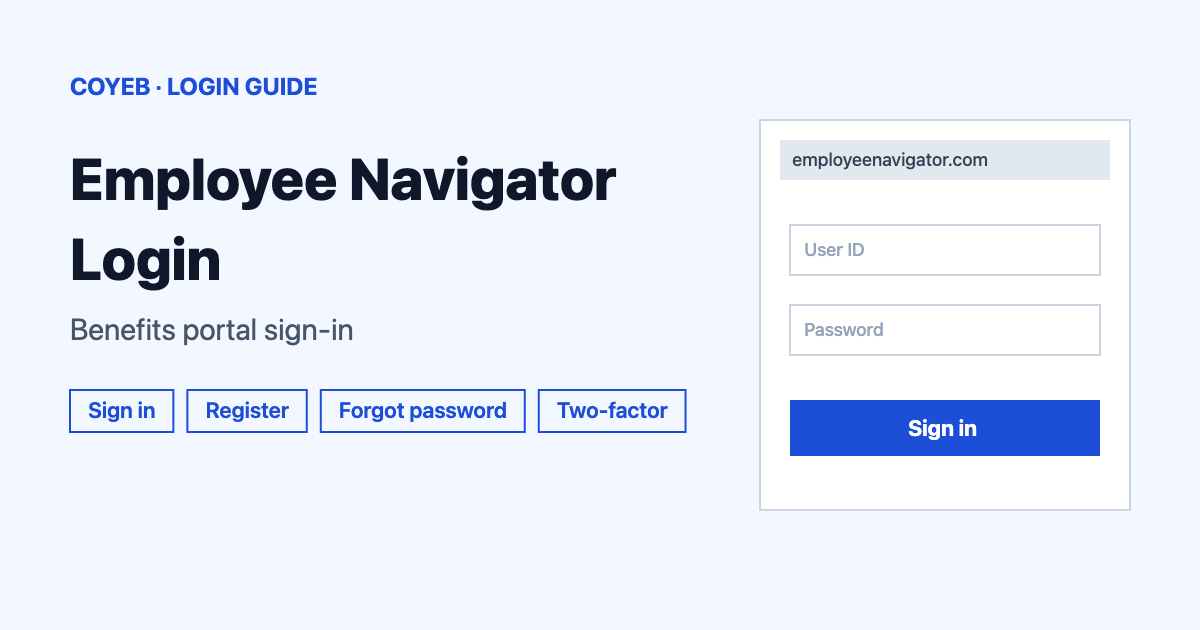
Employee Navigator login starts at employeenavigator.com/benefits/Account/Login. Type your Username and Password, then select Login. First time here? Select Register as a new user and enter the Company Identifier your HR team gave you. Lost details are reset from the same screen.
Last verified: 18 November 2026
Official Employee Navigator login address
The page to use is https://www.employeenavigator.com/benefits/Account/Login. When it opens, it moves you to a login screen headed “Log in to Employee Navigator” (checked November 2026).
coyeb.com is not affiliated with Employee Navigator. Never share your password or OTP with anyone.
How to use the Employee Navigator login
The login screen is short. It has two fields and one button.
- Open the official address above in your browser.
- Type your Username.
- Type your Password.
- Select the green Login button.
Employee Navigator requires two-factor authentication for all users, so expect a second verification step as part of signing in. That rule comes from the company’s security page (checked November 2026).
If HR sends you a different login link, check that it ends in employeenavigator.com before you type anything.
First-time registration
You do not pick a username on the login screen. Select Register as a new user under the Login button. This opens a page headed “Verify Your Account” with the line “First, let’s find your company record”. The address is https://www.employeenavigator.com/benefits/Account/Register.
Fill in these five fields:
- First Name
- Last Name
- Company Identifier, marked “(provided by HR)”
- PIN, marked “(Last 4 Digits of SSN / ID)”
- Birth Date, marked “(mm/dd/yyyy)”
The Company Identifier is not something you can look up yourself. The page says HR provides it, so ask your HR manager or benefits administrator. Only type your PIN details on the official address shown above.
If you have no login details and no identifier at all, the official contact page says employees should contact their HR manager for access. HR users are told to contact their broker.
Forgot username or password
Both options sit under the Login button.
Reset a forgotten password
- Select Forgot Password?
- On the “Reset Forgotten Password” screen type your Username.
- Select Send Email.
The page says reset instructions go to the email address linked to your account within 10 minutes. This screen asks for a username and not an email address. If you do not remember it, use the username steps below first.
The same screen has a link reading “My account administrator initiated a Password Reset Request on my behalf”. Use it if someone at your company started a reset for you.
Find a forgotten username
- Select Forgot Username?
- On the “Retrieve Forgotten Username” screen type your Email Address.
- Select Send Email.
An email with your username is sent within 10 minutes. If you have no email address or cannot open that mailbox, the page offers a link to retrieve your username using an alternate method. If that does not solve the problem, ask HR.
Employee Navigator login on mobile
No official mobile app is named on the pages checked in November 2026. You can try the same address in your phone browser and follow the same steps. Use the official address only.
Employee Navigator login not working
No official error message texts were found for this portal. The table below lists what you may see and general suggestions for each.
| What you see | What it means | Fix |
|---|---|---|
| No reset email after 10 minutes | The email may have gone to another folder or the username may be wrong | Check spam and junk folders then confirm the username you typed |
| No email address on file or no mailbox access | The email routes cannot reach you | Use the alternate method link on the Forgot Username screen or ask your HR manager |
| Registration cannot find your record | One of the details may not match what HR holds | Confirm the Company Identifier with HR and check your name and birth date match their records |
| No username or identifier at all | Your employer may not have set you up yet | Contact your HR manager for access |
Stay safe when signing in
The official domain is employeenavigator.com. Look at the address bar before you enter a username or PIN. No official warning about fake sites was found, so treat this as general advice. Never share your password or verification codes with anyone. For a site that uses a similar account ID and verification flow, see the NetSuite login guide. For a patient sign-in see the healow login guide.
Who to contact for login help
Employee Navigator does not list a login helpline for employees. Its contact page says employees should contact their HR manager for access and other questions. Read more on the official contact page (checked November 2026). Security details are on the security page.