REDX Login: Merchant Panel for Parcel Delivery
REDX login guide for merchants: the official redx.com.bd address, phone and OTP steps, password option, sign up, forgot password and helpline.
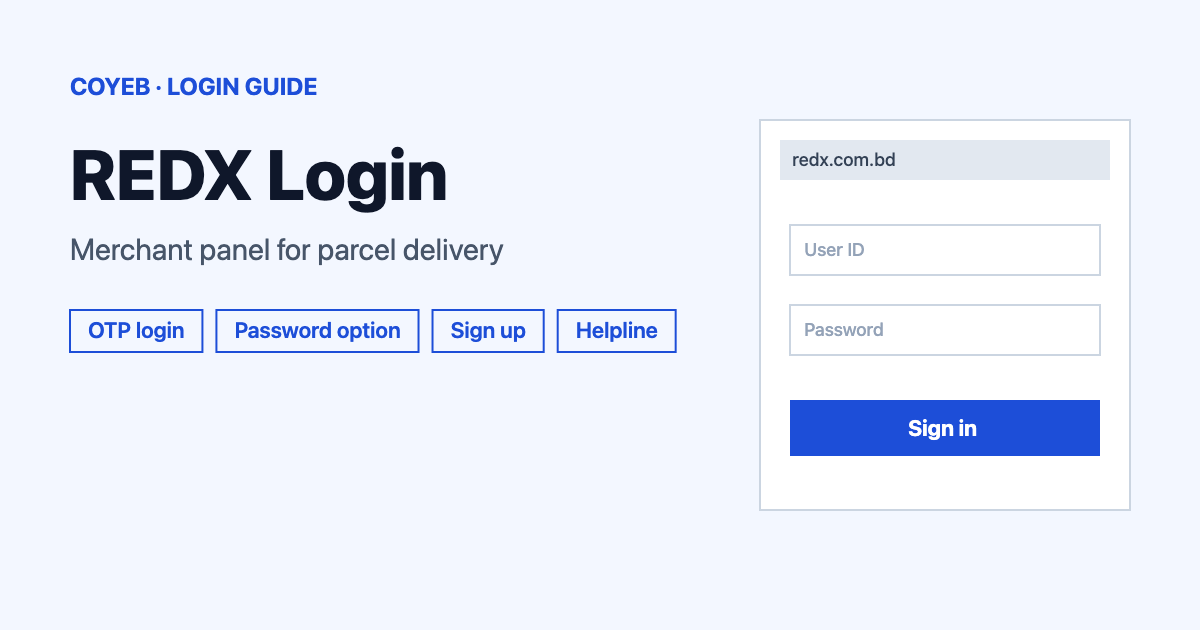
REDX login for merchants starts at redx.com.bd/login/, the only official address. Open it, type your registered phone number after the +880 prefix and tap Log in. Partners who use a password can tap Login with password instead. Check the address first and never share an OTP or password with anyone.
Last verified: 18 November 2026
Official REDX login page: https://redx.com.bd/login/ (checked November 2026)
coyeb.com is not affiliated with REDX. Never share your password or OTP with anyone.
How to do a REDX login with your phone number
The login page is titled “Log In to your existing REDX merchant account.” and the form heading reads “Log In”. The default screen is the OTP screen. It asks you to “Enter your phone number to login”. The only field on it asks for a phone number. That field already shows +880 in front and a placeholder that says “Enter phone number”.
- Open redx.com.bd/login/ in your phone or computer browser.
- Type the phone number linked to your merchant account in the Enter phone number field.
- Tap Log in. The button stays grey until a number is typed.
- Then follow the instructions REDX shows on the next screen.
A language option at the top right shows “English”. The page also carries Bangla text such as the line about parcel delivery within 24 hours inside Dhaka.
Login with password for partner accounts
Under the form the page says “For partner account Login with password”. Tapping Login with password opens a second screen headed “Login with Password” with the line “Enter your phone number and its corresponding password to login to your account.”
- Type your phone number in Enter phone number.
- Type your password in Enter Password.
- Tap Login.
To go back, use the link at the bottom of that screen that says “For merchant account Login with OTP”.
Create a merchant account first
New sellers use the “Don’t have an account? Sign up” link under the login form. It opens redx.com.bd/registration/, titled “Register with REDX today, get the fastest delivery in Bangladesh.” The page is headed “Sign up as a merchant” and asks for four things.
- Merchant name
- Shop name
- Daily Parcel Volume
- Phone number
A checkbox below them reads “By continuing, I confirm that I have read and agree to REDX’s Terms & Conditions”. Tick it and tap Sign up. Anyone who already has an account can use “Already have an account? Log in” to return to the login page.
Forgot password on REDX
The password screen has a Forgot Password? link that leads to redx.com.bd/forgot-password/. The page says: “Enter your phone number you have registered with and we will send you an OTP to reset it”.
- Enter the phone number you registered with.
- Tap Continue.
- Use the OTP that REDX sends to that number to reset the password.
The same page also shows “For merchant account Login with OTP” for anyone who would rather skip the password. The phone number must be the one on the account, so try the number you used when you signed up.
REDX login on mobile
You can open the same login page in a mobile browser. The footer of redx.com.bd also links to the official Android app on Google Play, which is listed under the id com.redx.delivery: REDX on Google Play. The FAQ page says live chat can be reached from the app or from the web portal. Install the app only from that Play Store listing and not from a file sent to you in a message.
REDX login not working
REDX does not publish error messages for the login screens, so the table below describes what you may see and gives general suggestions. These fixes are suggestions and not official instructions.
| What you see | What it may mean | What you can try |
|---|---|---|
| The Log in button stays grey | No phone number has been typed yet | Enter your number in the field next to +880 and the button becomes active. |
| Your password is not accepted | The password does not match the number | Tap Forgot Password? and reset it with the OTP sent to your registered number. |
| You are not sure which screen to use | The page opens on OTP and the password option sits under “For partner account” | Use Login with OTP for merchant accounts and Login with password if your account uses one. |
| No OTP arrives or the number looks unknown | The number may differ from the one you registered with | Try the number used at sign up. If it still fails, call the helpline below. |
| The page looks different from the one described here | The address may not be the official one | Close it and type redx.com.bd/login/ yourself. |
After you log in
Panel screens depend on the account and are not covered here. Two tasks are described on the official FAQ page.
Track a parcel
- Keep the parcel ID ready.
- Enter it on the REDX website to see the latest update on the package.
Reach support by live chat
- Open the REDX app or the web portal.
- Start a live chat. The FAQ also mentions REDX on Facebook.
The login pages also carry a line in Bangla saying that payment is made on the working day after delivery. Treat that as the stated payment timing and check your own account for details.
Sellers who also run accounting software online may want the steps in the NetSuite login guide.
Stay safe on the REDX login page
- Check that the address is redx.com.bd before typing your phone number.
- REDX asks for your phone number and an OTP or password on its own pages. Do not share an OTP or password with anyone who calls or messages you.
- Do not type your number into a page reached from an unknown link. Type the address yourself.
REDX helpline
The official helpline is 09610007339, shown in the footer and on the FAQ and forgot-password pages. The FAQ page says: “You can call us at 09610007339 or you can email us at contact@redx.com.bd”. The header of the login page shows 09610078788 as text, but its call link dials 09610007339. The footer lists the address 429-432, Tejgaon I/A, Dhaka 1208. No calling hours are published (checked November 2026).