ADP.com Employee Login: Sign In, Reset and App Help
Use the adp.com employee login at my.adp.com: enter your User ID, recover a forgotten ID or password and fix sign-in problems in the ADP app.
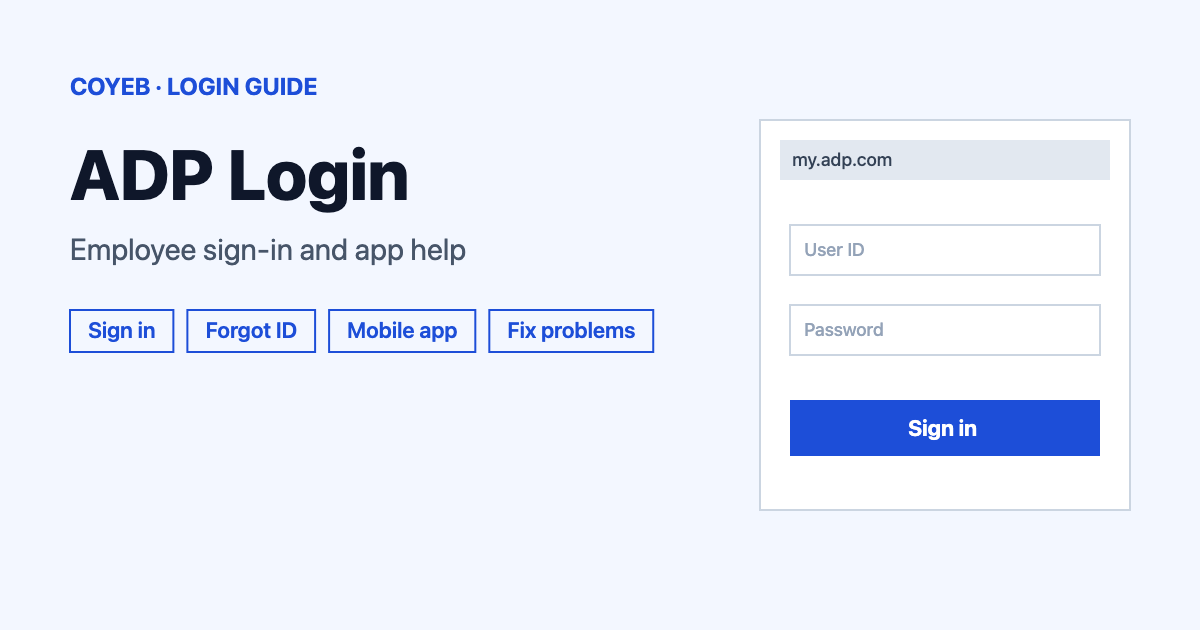
The adp.com employee login for most workers is my.adp.com. Type your User ID, select Next and follow the prompts that come after it. If your employer uses ADP Workforce Now, that sign-in page is workforcenow.adp.com instead. Not sure which one is yours? Ask your payroll or HR contact.
Last verified: 18 November 2026
Official sign-in address: https://my.adp.com/ (checked November 2026). coyeb.com is not affiliated with ADP. Never share your password or OTP with anyone.
ADP.com employee login: how to sign in
Open my.adp.com in your browser. The page is titled “Sign in | MyADP” and the heading reads “Sign in to ADP”. Here is the path from there:
- Type your ID in the User ID field.
- Tick Remember user ID only if the device is yours alone.
- Select Next.
- Continue with the sign-in prompts that follow.
The User ID comes first on its own screen. The next screen appears only after you select Next.
Which ADP login is yours
ADP runs several employee logins and the right one depends on what your employer bought. The official ADP logins page lists MyADP, ADP Workforce Now and RUN Powered by ADP, each with an “Employee Login” option. MyADP and RUN employee logins both lead to my.adp.com. Workforce Now leads to workforcenow.adp.com/public/index.htm.
The same page also names logins for ADP Portal, ezLaborManager, iPayStatements, ADP Resource, SmartCompliance, Streamline, TotalSource, Vantage HCM, ADP4ME, Wisely Pay and 401k Plans. This guide covers only the MyADP style sign-in above. If your employer uses one of those other products, open the ADP logins page and pick the product your employer named. That page says it plainly: if you are not sure where to log in, contact your payroll or HR administrator.
So the answer to “what is the ADP website for employees” is adp.com. The sign-in itself happens at my.adp.com for most people.
First-time login
The sign-in screen has a “New user ?” line with a Get started link. A first-time user needs a registration code from the employer. ADP’s employee login page says only your employer can provide this code. If nobody has given you one yet, ask your HR or payroll team before you try anything else.
Forgot User ID or password
Select Need help signing in? under the User ID box. That opens the “Forgot User ID” screen.
- Forgot User ID: ADP asks for the mobile phone number or email address linked to your account. Choose Mobile Phone Number or Email Address and select Next.
- Forgot password: use the Forgot password? link on that screen. The “Forgot Password” screen asks for your User ID and the mobile phone number or email address linked to your account. If you lack the ID, its Forgot user ID? link takes you back.
ADP’s app help says that once you have retrieved your user ID you are no longer locked out. If the steps above do not work, ADP says to contact your company administrator. ADP also states that it cannot reset your portal access, so the reset has to come from your employer.
ADP login on mobile
The official app is ADP Mobile Solutions. Download it from the App Store (iOS 16.4 or later) or from Google Play. ADP says to use your existing ADP username and password to sign in. The same user ID works across Employee Self Service, Resource, TotalSource, Vantage HCM, Workforce Now, Enterprise HR, PayStatements and RUN Powered by ADP.
With no user ID yet, ADP’s app help points you to New User Registration. With a forgotten ID or password, it points you to “Forgot User ID or Password”. You can also try my.adp.com in your phone’s browser if the app gives trouble.
Login not working
ADP does not list exact error texts for employee sign-in, so the first column below shows what you may see. The fixes are general suggestions unless a source is named.
| What you see | What it means | Fix |
|---|---|---|
| “Please contact your company administrator if you are having problems logging in.” | ADP’s own message that your employer manages your access. | Contact your company administrator or HR. |
| Locked out | The account needs a reset. | Use “Need help signing in?” first. If that fails ask your employer because ADP cannot reset portal access. |
| You are unsure which login to use | Your employer may use Workforce Now or another ADP product. | Ask payroll or HR which product you have. |
| The app asks for a new password at every sign-in (a user report on Google Play) | Not explained by ADP. | Try signing in at my.adp.com in a browser and ask your employer to check the account. |
| Biometric sign-in is not remembered (a user report on Google Play) | Not explained by ADP. | Sign in with your password for now. |
| Clock-in says you are not at the job location (a user report on Google Play) | The app could not confirm your position. | Check that location services are switched on for the app. |
If you wonder why ADP is not letting you log in, start with the basics: retype the User ID slowly and check Caps Lock. Then use “Need help signing in?” and speak to your employer if the problem stays.
For “is the ADP app down today”, ADP gives no status page for employee sign-in that this guide can point to. Open my.adp.com in a browser. If the website works but the app does not, updating or reinstalling the app is a reasonable next step.
After you log in
ADP’s mobile app description names the main jobs employees use it for.
- Pay: view pay statements, tax forms and direct deposit details.
- Time: clock in, submit timecards and request time off.
- Benefits: manage benefits and update life events.
What shows up in your own account depends on what your employer has turned on.
Stay safe
Check that the address belongs to adp.com before typing anything. The sign-in addresses seen while checking this guide were my.adp.com and signin.adp.com. ADP will not reset employee access itself, so a message or caller offering to do that for you deserves caution. Keep your password and any one-time code to yourself.
Helpline
ADP states that it cannot provide login information or assistance directly to employees and asks you to contact your current or former employer. For additional information its support page for employees lists 844-227-5237 (no hours are given there, checked November 2026). So when someone asks for the ADP customer service phone number for a login problem, your employer’s HR or payroll contact is still the first call.