AJIO Seller Login: Seller Central Portal Access
Ajio seller login steps for Seller Central at seller.ajio.com: user name and password, Create/Forgot password OTP, Start Selling sign-up and fixes.
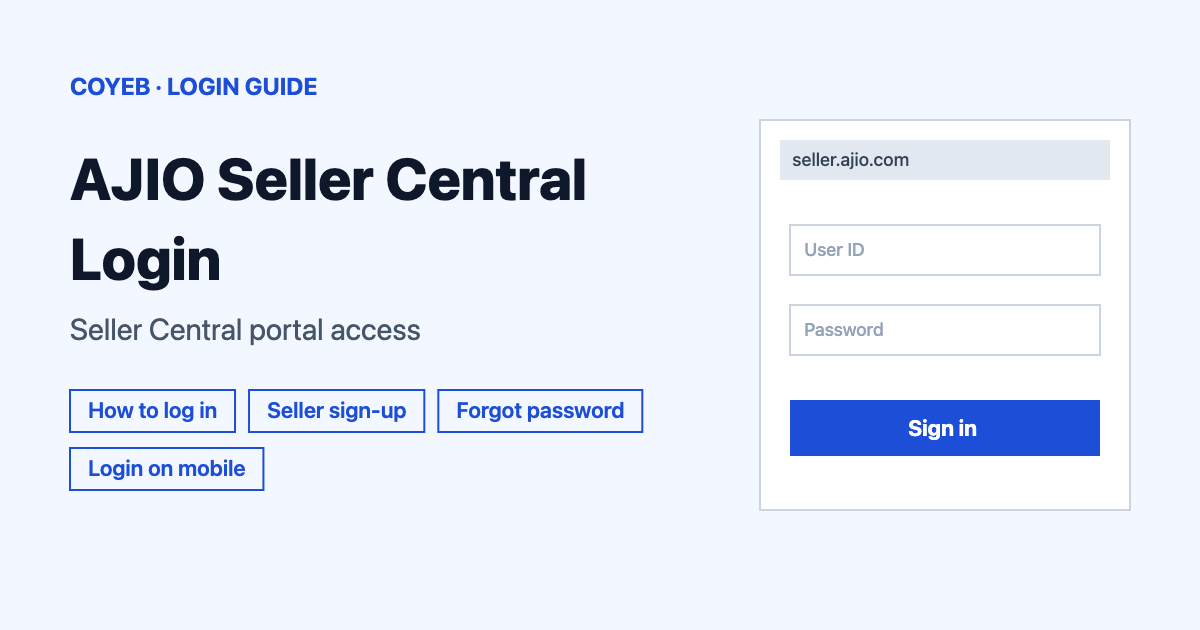
For the ajio seller login, go to seller.ajio.com and click Log in. The Seller Central sign-in page opens on sellers.relianceretail.com. Type your User name and Password, then click Log in. The catch: a forgotten password is reset with Create/Forgot password and the code goes to your email on file.
Last verified: 17 November 2026
Official link: https://seller.ajio.com/ajiocommerce/ (checked November 2026)
coyeb.com is not affiliated with AJIO or Reliance Retail. Never share your password or OTP with anyone.
What you will see on the ajio seller login page
The sign-in page is called Seller Central Platform. Its heading is Log in to get started. It has two boxes, User name and Password, a link named Create/Forgot password and a Log in button. There is no CAPTCHA or OTP box on this screen, so you only need your user name and password.
How to do the ajio seller login
This part is for sellers who already have an AJIO Commerce account.
- Go to seller.ajio.com and click Log in at the top of the page.
- The sign-in page opens on sellers.relianceretail.com. This is the official sign-in address for the Log in button.
- Type your user name in the User name box and your password in the Password box.
- Click Log in. You land in Seller Central, where you manage your catalogue, orders and payments.
New seller: how to register and get a login
You need an AJIO seller account before you can sign in. Online sign-up is open to businesses in India. Selling is limited to India and you do not need a website.
Keep these ready:
- Phone number and email address
- Company details
- PAN: a personal PAN for a proprietorship and a business PAN for a company
- Bank account details with KYC papers (address proof and a cancelled cheque)
- GSTIN, CIN and TAN
- Brand trademark registration certificate or a brand authorization letter
- Your registration address and the address of any fulfilment centre
The FAQ says AJIO needs a regular GST number (not composite) to do business. The registration page lets you start with either a GST Number or a PAN Number.
- On seller.ajio.com click Start Selling.
- The page Join the Reliance Success Story! opens. Pick your Country of business.
- Enter your GST Number (15 digits) or your PAN Number (10 characters). The page says: “Provide either GST or PAN to continue. GST is required if your turnover exceeds the registration threshold; otherwise PAN is sufficient.”
- Fill in Your trade name, Business phone number (it starts with +91) and Business email address.
- Under Select all categories you sell, choose a Master Category and a Primary Customer. Add the Average Selling Price (ASP) across all platforms (in ₹) if you want to.
- If you already sell on other platforms, pick the platform under Platform details and enter your Catalogue size and Annual Revenue (in ₹ Cr.). Use + Add Another for more platforms.
- Paste the link to your catalogue in Paste link to your catalog. Fields with a star (*) must be filled.
- Click Continue.
After you register, the partner onboarding team gets in touch with you. You can start selling once your seller profile is complete and your documents are verified. Fees are a commission plus operating costs that you agree on during registration. They are charged only on customer orders (see the official FAQs, checked November 2026). If you get stuck while signing up, contact the Seller Support team or your account manager.
Forgot password
Click Create/Forgot password under the password box. The link name covers both a new password and a forgotten one.
- On the Reset your password page, enter your User name.
- Click Send OTP. AJIO sends a one-time code to the email on file.
- Use Back to sign in to return to the sign-in page.
Forgot user name
The reset page asks for your user name, so it cannot help you find a forgotten one. There is no separate recovery link for a user name. Ask your account manager or the Seller Support team.
Login on mobile
There is no AJIO seller app or app store link on the official pages. On your phone, open seller.ajio.com in your mobile browser and follow the same steps as above. On a narrow screen the Log in button sits inside the menu that opens with the menu button at the top of the page. Typing the address yourself is safer than tapping a link from a message.
Ajio seller login not working
The official pages list no sign-in error messages, so the fixes below are general suggestions.
| What you see | What it means | Fix |
|---|---|---|
| Password not accepted | The user name or password may be mistyped or changed. | Retype both slowly. Then use Create/Forgot password to reset. |
| No OTP in your inbox | The code goes to the email on file for your account. | Check spam and make sure you are looking at the email you registered with. |
| Page will not load or stays blank | Your browser or connection may be the cause. | Reload the page or try another browser. |
| You do not have an account yet | You need a seller account before you can sign in. | Click Start Selling or contact your account manager. |
After you log in
Process orders
New orders appear in the portal as soon as a customer places them. You also get daily reminders by email.
- Open your orders in Seller Central.
- Pick and pack the items.
- Mark them Ready to Dispatch before the cut-off time. The logistics partner then collects them from your warehouse.
Add products
- Add a single listing or upload many products at once with an Excel or CSV file. One listing is enough to start. Some categories need approval first.
Check payments and reports
- Open the payments section to see your settlements. You can view them any time.
- Use reports for orders, returns, shipments and payments.
Raise a claim
For a damaged return or damage in transit, raise a claim with Seller Support within three days. For a lost shipment the limit is three working days.
Stay safe
The official seller site is seller.ajio.com. The Log in button passes you to sellers.relianceretail.com, which is part of the same login. Check the address bar before you type your password. Do not share your password or OTP with anyone.
Contact and helpline
- Seller Support: a dedicated team, available all day (checked November 2026)
- Account manager: your own contact at AJIO Commerce (checked November 2026)
- Phone and email: none published on the official pages (checked November 2026)
- Help page: official resources (checked November 2026)