Consumer Reports Login: Access Your Digital Membership
Consumer Reports login steps for digital and print members, with Google or Apple sign-in, forgot password help, account number access and phone hours.
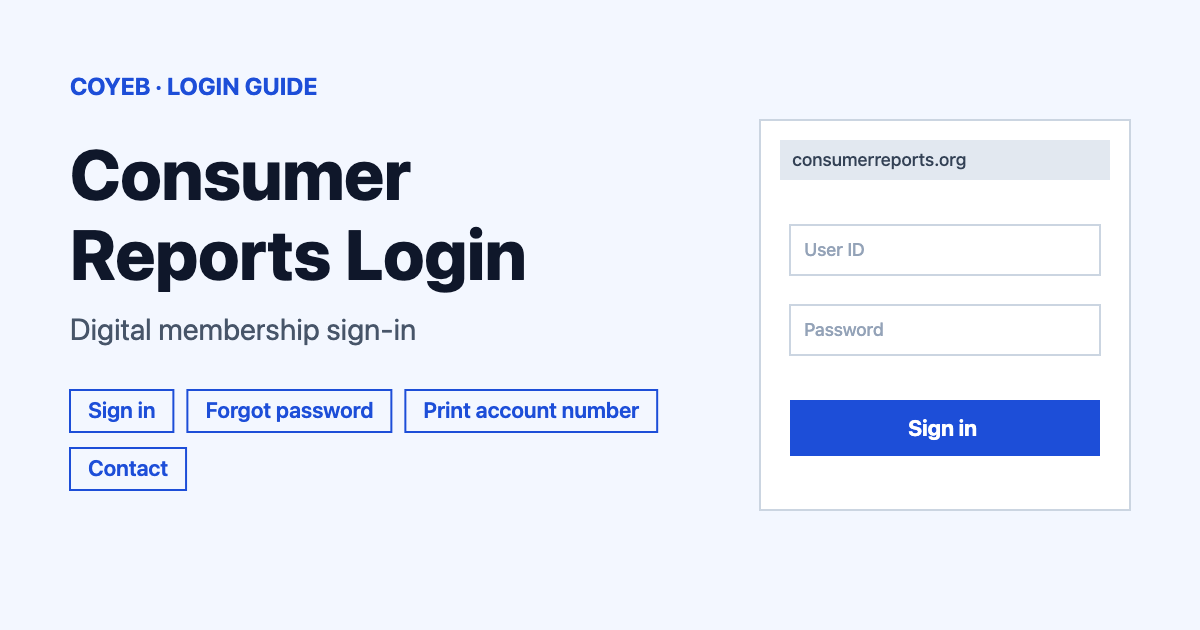
Your Consumer Reports login is at consumerreports.org/global/login. Type your Username or Email and Password, or choose Sign in with Google or Sign in with Apple, then select Sign In. The catch: print-only members have no online sign-in and use a separate page with the account number from the magazine label.
Last verified: 17 November 2026
Official sign-in page: https://www.consumerreports.org/global/login/ (checked November 2026)
coyeb.com is not affiliated with Consumer Reports. Never share your password or OTP with anyone.
Which Consumer Reports login do you need
| You are | Where to sign in | What you type |
|---|---|---|
| A Digital or All Access member | consumerreports.org/global/login | Username or Email and Password, or Google or Apple sign-in |
| A Print member with no online account | Print account page (opens on w1.buysub.com/pubs/C8/CNS/login_new.jsp) | Last name, account number and security code |
What you will see on the Consumer Reports login page
The page is titled Sign In and has these items:
- Username or Email and Password fields. Your username can be your email address.
- Remember Me and the Sign In button.
- Forgot username or password? with separate links for the username and the password.
- Sign in with Apple and Sign in with Google, with the note “Your email must match the one on your CR account.”
- Join now. for people who do not have an account.
How to log in to Consumer Reports with a username or email
- Go to the official sign-in page above.
- Type your Username or Email and your Password.
- Tick Remember Me only if the device is yours.
- Select Sign In.
Sign in with Google or Apple
- On the same page, choose Sign in with Google or Sign in with Apple.
- Pick the account you want to use.
The email on your Google or Apple account must match the email on your Consumer Reports account. If it is different, the sign-in may not match.
Sign up for a Consumer Reports account
Select Join now. under the sign-in button to see the membership options. Digital memberships renew monthly or yearly by themselves. After you sign in, you manage the membership in My CR.
Consumer Reports forgot username
- On the sign-in page, select the username link next to Forgot username or password?
- Type your Email address and select Submit.
- Consumer Reports sends you an email during the process.
Consumer Reports forgot password
- On the sign-in page, select the password link next to Forgot username or password?
- Type your Email address and select Submit.
- Open the email you receive and set a new password. It must be 6 to 20 characters with at least one number and one letter.
If you do not remember the email on the account or no longer have access to it, use Chat on the Member Support page.
Print members and the account number
Print members without an online account sign in with the account number. It is on the mailing label of the magazine, above your name and to the left of the expiration date. Type it without spaces.
- Open the print account page from the table above.
- Type your Last Name as it appears on the mailing label.
- Type your Account Number and the Security Code (the numbers shown in the image).
- Select Continue.
If you do not have a recent issue, contact Member Support.
Print membership and digital access
A print membership does not automatically include digital ratings and reviews on the website. To add that access you can upgrade to All Access by calling Member Support.
Consumer Reports login on mobile
Open the same sign-in page in your phone browser and use the steps above. If you use the Consumer Reports app, install it only from your phone store and check that the publisher is Consumer Reports.
Consumer Reports login not working
| Error message | What it means | Fix |
|---|---|---|
| We don’t recognize that sign in. | The username, email or password does not match an account. | Try your email address as the username. Check the password is 6 to 20 characters with a number and a letter. |
| We still don’t recognize that sign in. | The sign-in failed again after a first attempt. | Use the Forgot username and Forgot password links to get back in. |
| Your membership has expired | Payment failed or the account was canceled. | Use the Re-activate link shown with the message. |
After you log in
Select your name at the top right to open My CR. Then select Account Settings (you may be asked to sign in again). You can update payment and contact information and cancel or upgrade your membership there. For a Digital or All Access membership, Manage My Membership turns off automatic renewal. Your membership terms and expiration date show after you sign in.
Stay safe
Before you type anything, check that the address belongs to consumerreports.org. The forgot username and forgot password pages open on secure.consumerreports.org. The print account page opens on w1.buysub.com and is linked from consumerreports.org. Never send your password to anyone by email or phone. If a message asks for it, do not click its links and go to the official site yourself.
Consumer Reports warns about companies that are not authorized to sell its subscriptions. A real renewal notice shows your expiration date. Checks are payable to Consumer Reports and Consumer Reports does not charge cancellation fees.
Consumer Reports helpline
- Phone: 1-800-333-0663 (checked November 2026). The call box lists Monday to Friday 8am to 8pm ET and Saturday 9:30am to 6pm ET. The Member Support answers list Monday to Friday 10am to 7pm ET, so call in that window to be sure.
- Chat: Start Chat on the Member Support page, Monday to Friday 8am to 7pm ET and Saturday 9:30am to 5pm ET (checked November 2026).
- Email: Email Member Support form (checked November 2026). Include your account number if you ask about a print subscription.
- Mail: Consumer Reports, 101 Truman Avenue, Yonkers, NY 10703.
- Help page: Member Support (checked November 2026).