Akbar Travels Agent Login: B2B Portal Access
Akbar Travels agent login at agents.akbartravelsonline.com: Username and Password steps, Forgot Password with Agent Code, agent sign-up and support.
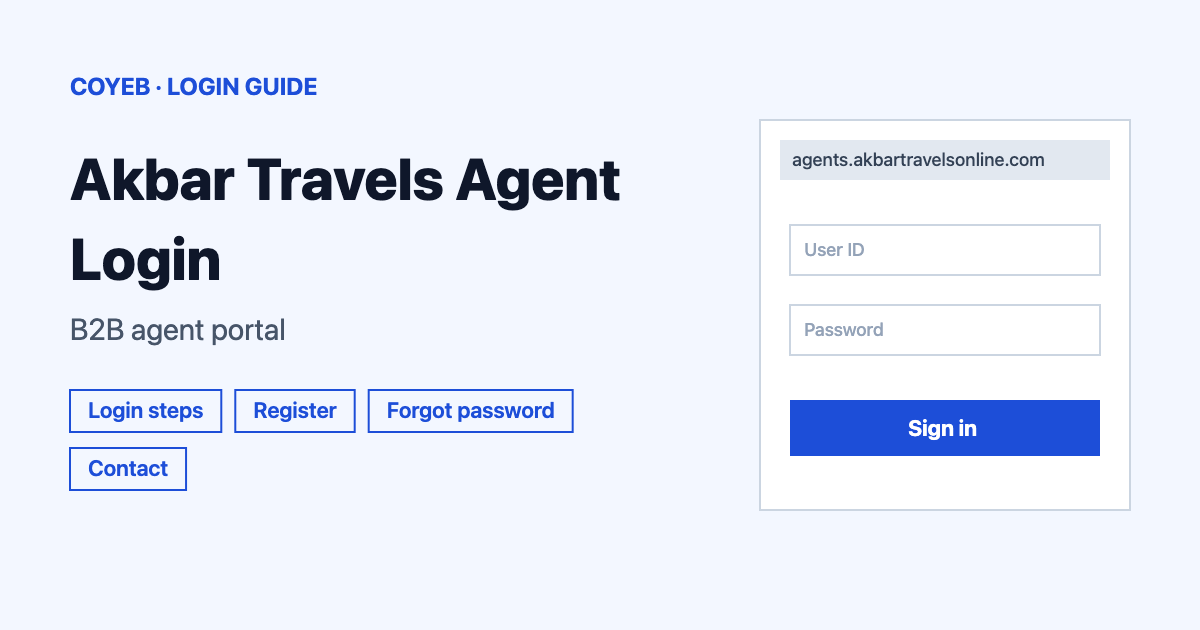
Akbar Travels agent login is at agents.akbartravelsonline.com. Type your Username and Password then press Sign In. To reset a password press Forgot Password ? and enter your Agent Code and registered Email ID. The catch: new agents cannot sign up in one step because a sales representative completes the registration.
Last verified: 18 November 2026
Official login page: agents.akbartravelsonline.com (checked November 2026)
coyeb.com is not affiliated with Akbar Travels. Never share your password or OTP with anyone.
What you will see on the Akbar Travels agent login page
The address may move you to a page ending in /b2bplus/login. That is normal. The top bar has a Username box and a Password box with a Sign In button. Under them is the Forgot Password ? link. There is also an API Sign-Up link and a Telegram link at the top.
A banner on the page asks “Want to Become A Travel Agent?” with a REGISTER NOW button. Another section called Download Our Mobile App shows a QR code.
Akbar Travels agent login steps
- Open agents.akbartravelsonline.com in your browser.
- Type your agent account name in the Username field.
- Type your Password.
- Press Sign In.
Register as a new Akbar Travels agent
Registration is for travel agents who want to sell on the portal. The home page says “Become a Partner today! Register now to start your travel business with Asia’s leading B2B travel portal.” The portal says it has 55K+ registered agents.
- On the login page press REGISTER NOW in the “Want to Become A Travel Agent?” banner. This opens the Join Us form.
- Fill in First Name, Last Name and Email.
- Type your mobile number. The country code is set to India +91.
- Choose Select State and Select District then type your PIN.
- Type the text from the captcha and press SUBMIT.
The sign-up page lists three steps: fill in the Join Us form then send your documents then receive your Authorized License. The Help & FAQ’s page says that after you register a Sales Representative will contact you to complete the registration process. Your Username and Password come after that.
API Sign-Up is a different form
The API Sign-Up link at the top opens a page about the Akbar Travels flight and hotel API. Its form asks for Full Name, Email and Mobile Number then a captcha and a SUBMIT button. Use it only if you want to connect your own website to the API.
Forgot password
- On the sign-in page tap Forgot Password ?
- A box named Retrieve Password opens.
- Fill in your Agent Code and the registered Email ID.
- Enter the Captcha and press Retrieve.
The box says: “Submit Agent Code & registered Email ID to retrieve your password”. Use the email address that is registered on your agent account. If the Agent Code box is empty it shows “Agent Code is required”.
Forgot password is only for the main user
An info icon next to Forgot Password ? shows the note Only For Main User. The note suggests the reset is meant for the main user account of the agency.
Login on mobile
The page says Akbartravelsonline.com works on web, mobile and app. The Download Our Mobile App section says “Scan the QR Code to download the Akbartravels Mobile App”. Check that you are on agents.akbartravelsonline.com before you start.
Login not working
Only the first message below comes from the portal. The other fixes are general suggestions.
| What you see | What it means | Fix |
|---|---|---|
| Agent Code is required | The Agent Code box in Retrieve Password is empty | Type your Agent Code then fill in the Email ID and Captcha. |
| Sign In does nothing or fails | The Username or Password may be mistyped | Type both again and check for extra spaces. |
| Password reset does not go through | The details may not match your account | Check the Agent Code and use the email registered on the account. Then enter the captcha again. |
| No Username yet after you registered | A sales representative completes the registration first | Call the sales line listed below. |
| Page will not load | Browser or network problem | Try another browser or network and type the address yourself. |
After you log in
The portal sells flights, hotels, holidays, rail, bus, car rentals, utilities, travel insurance, cruise, visa and Umrah. Pick the product you sell from the menu. The Help & FAQ’s page lists topics such as recharging your account, setting your own mark-up, a failed booking with a debited account and cancelling tickets.
Stay safe
Check that the address bar shows agents.akbartravelsonline.com before you type anything. The page links to a Telegram channel at t.me/akbartravelsonline. Do not enter your password on any other site that looks like it. Do not share your Agent Code or password with anyone.
Contact Akbar Travels Online
- Phone: +91-22-40996000 or 022-40996000 (24/7 customer support) (checked November 2026)
- Customer support line: +91 22 68736050 (checked November 2026)
- Domestic flight desk: support@akbartravelsonline.com with 022-40996000 Ext 1 (checked November 2026)
- International flight desk: international@akbartravelsonline.com with 022-40996000 Ext 2 (checked November 2026)
- Hotel desk: hotelsupport@akbartravelsonline.com with 02240996000 or 69156000 (IVR 2) (checked November 2026)
- New agents and sales: sales@akbartravelsonline.com or 022-40996005 (checked November 2026)
- Hours: the portal says agent support is available 24/7 (checked November 2026)
- Address: 1st Floor, 62 Janjikar Street, Mumbai 400003 (checked November 2026)
- Help page: Regional Support lets you pick a state and city to see each desk (checked November 2026)