Bizee Login: Access Your Business Formation Account
Bizee login at orders.bizee.com/dashboard/login: enter your email, open formation documents, Incfile accounts and how to reach support. Checked Nov 2026.
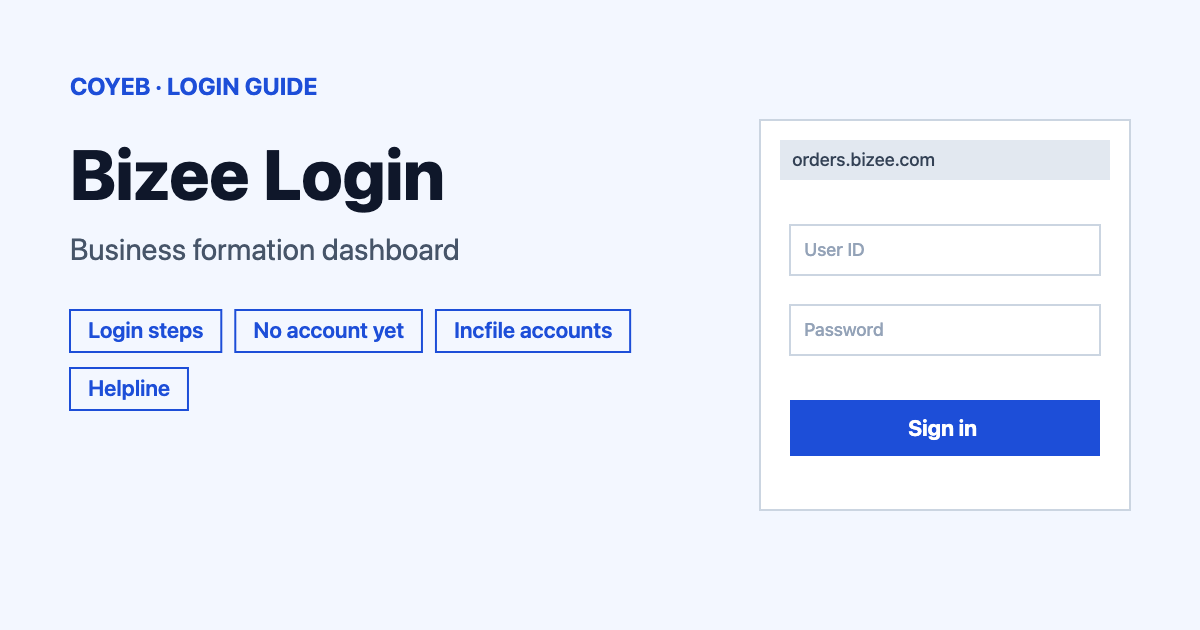
For a Bizee login, open orders.bizee.com/dashboard/login. Type the email linked to your account in the Email box and press Sign In. The catch: the page has no password box, so use the same email you gave when you placed your order. Incfile accounts use this dashboard too.
Last verified: 18 November 2026
Official Bizee sign-in page: orders.bizee.com/dashboard/login (checked November 2026)
coyeb.com is not affiliated with Bizee. Never share your password or OTP with anyone.
What you will see on the Bizee login page
The page heading is Sign in to Bizee. It has these items:
- Email: a required box for the email linked to your account.
- Sign In: the button under the box.
- Launch your business today.: a link under the form, after the line “Don’t have a Bizee account yet?”
Bizee’s own description of this page says you can create an account or get an access code to sign back in. If Bizee sends you a code, keep your inbox open and check the spam folder.
Bizee login steps
- Open https://orders.bizee.com/dashboard/login in your browser.
- Enter your account email in the Email box. This is the email you used for your Bizee (formerly Incfile) order.
- Press Sign In.
- Follow the next instruction on the screen to finish signing in.
First-time login or no account yet
If you formed your company through Bizee, the dashboard is set up automatically when your formation order is processed. Sign in with the email you gave on that order.
If you have no Bizee account and no order yet, use the Launch your business today. link under the sign-in form. It opens orders.bizee.com, where you start a new order. Bizee says access is for anyone who formed a business through Bizee or signed up for an account.
Forgot password or wrong email
The sign-in page has only an Email box. It has no password box and no Forgot password link, so there is nothing to reset on that page. If you cannot get in, try the other email addresses you use, because it may be a different one from the email on your order. If none work, contact Bizee support using the details below.
Incfile account holders
Incfile is now Bizee. Bizee says to use the same login and password you used for Incfile at orders.bizee.com/dashboard/login. Past orders, documents and records stay available under the new name. Details are on the official Incfile is now Bizee page.
Bizee login on mobile
The login page is a web page and no Bizee app is named on it. On your phone, open the same address in Chrome or Safari and sign in the same way. Typing the address yourself is safer than tapping a link in a message.
Bizee login not working
The first message below is the one shown on the sign-in page. The other fixes are general suggestions.
| What you see | What it means | Fix |
|---|---|---|
| Please enter a valid email address | The email is typed in a format that is not accepted. | Check for spaces, a missing @ or a typo in the domain part and try again. |
| Nothing happens or you do not get in | The email may not be the one tied to your account. | Try your other email addresses. Check your spam folder if a code was expected. If none work, contact support. |
| Page will not load | It could be your connection or browser. | Reload the page or try another browser. If it still fails, contact support. |
After you log in
Bizee describes the dashboard as the place to manage your business after formation. You can use it for these tasks.
Download your formation documents
The dashboard stores your Articles of Organization, EIN confirmation letter, operating agreement and state correspondence. Bizee says you can open and download them at any time without contacting support. The direct address is orders.bizee.com/dashboard/company-documents/completed.
Find your receipts
Your receipts are at orders.bizee.com/dashboard/my-orders/order-history.
Check registered agent details
- Sign in and open orders.bizee.com/dashboard/my-orders/registered-agent.
- Review your agent details. The dashboard also has options to renew the service or change the agent on state record.
With Bizee’s registered agent service, service of process notices are also sent by text and email.
Watch compliance deadlines
The dashboard tracks state deadlines such as annual reports and sends alerts before they are due. Alerts are set from your state’s requirements when the company is formed, so there is nothing to set up. More is on the official Bizee Dashboard page.
Stay safe
Before you type anything, look at the address bar. The sign-in page lives on orders.bizee.com, a subdomain of bizee.com. Look-alike sites copy well-known brands, so if the spelling is even slightly different, close the tab. If a message claims to be from Bizee and looks suspicious, do not click it and tell support about it.
Bizee helpline
- Phone: 1 (888) 462-3453 (checked November 2026)
- Email: support@bizee.com (checked November 2026)
- Hours: Monday to Friday, 9 a.m. to 6 p.m. CST (checked November 2026)
- Languages: English and Spanish (checked November 2026)
- Mail: 17350 State Highway 249, Suite 220, Houston, TX 77064 (checked November 2026)
- Contact form: bizee.com/company/contact-us asks for your name, email, phone number, contact reason, order number and message (checked November 2026)