TrimRx Login: Patient Account Access
TrimRx login at v1.trimrx.com/portal: type your email, select Go to my portal, plus first visit, refills, forgot email and phone support hours.
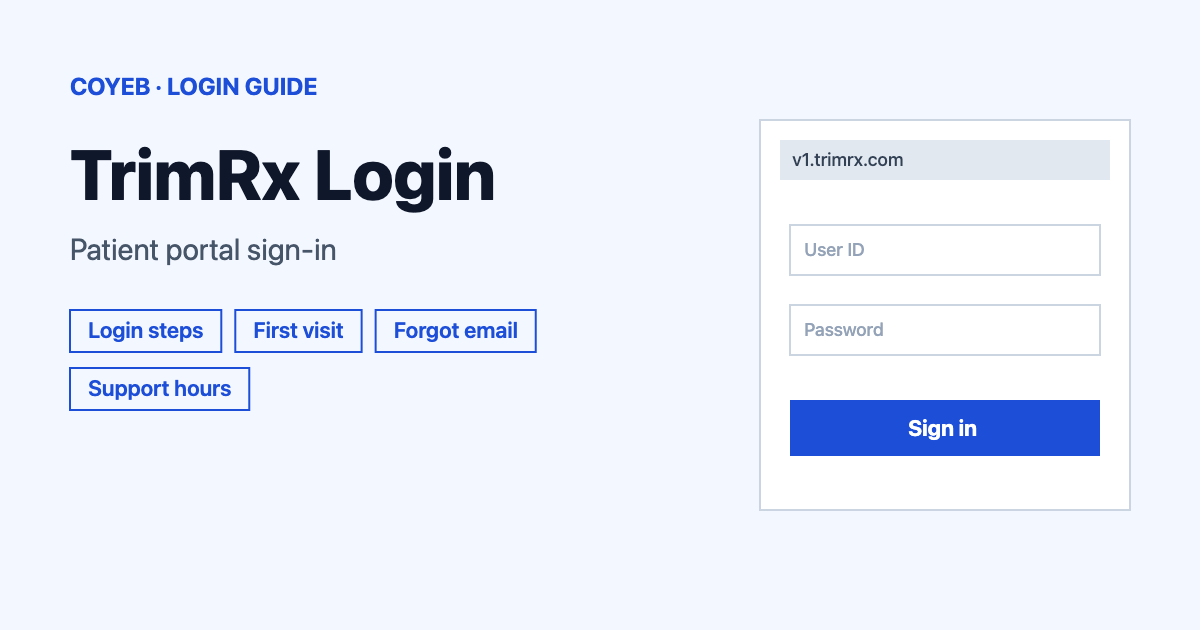
The TrimRx login is at v1.trimrx.com/portal. Type your email address in the Enter your email address box and select Go to my portal. The page has no password box, so use the same email you gave TrimRx. If you get stuck, call 888-896-1612.
Last verified: 18 November 2026
Official portal: https://v1.trimrx.com/portal (checked November 2026)
coyeb.com is not affiliated with TrimRx. Never share your password or OTP with anyone.
What you will see on the TrimRx login page
The page is short. It has the heading Your Portal, the line Enter your email to access your patient portal, one box labelled Enter your email address and one button called Go to my portal. There is no password box and no other link on this first screen.
How to do the TrimRx login step by step
- Go to v1.trimrx.com/portal. You can also open trimrx.com and select Go To Your Portal, which leads to the same page.
- Type the email address you use for your TrimRx account in the Enter your email address box.
- Select Go to my portal.
- Follow whatever the page asks next.
First time using the TrimRx portal
The portal page has no sign-up form. New patients start on trimrx.com with the free 2-minute assessment, which you open with Take the Quiz. After that, use the same email address you gave TrimRx on the portal page. If you are not sure which one that was, check your inbox for older messages from TrimRx or call support.
Forgot the email for your TrimRx login
The portal page has no Forgot password link because it asks for an email only. If you can’t remember which email you used, try the addresses you normally use one at a time. If that does not work, call 888-896-1612 or write to hello@trimrx.com.
TrimRx login on a phone
The portal is a web page, so open the same address in your phone’s browser such as Safari or Chrome. Be careful with apps that only use a similar name. Bookmark the portal page so you can find it again quickly.
TrimRx login not working
TrimRx does not publish error messages for this page, so the fixes below are general suggestions and not official wording.
| What you see | What it means | Fix |
|---|---|---|
| The page will not load | Your connection or browser may be the problem | Check your internet, then try again in a different browser or a private window. |
| Nothing happens after you select Go to my portal | The page may need a moment or a fresh start | Wait a few seconds, then refresh the page and type your email again. |
| Your email is not recognised | You may have used a different address for your account | Check for a typo, then try your other email addresses. |
| You can’t find the page | You may have an old or wrong link | Type v1.trimrx.com/portal into the address bar yourself. |
After you log in
TrimRx tells patients to log in to the Patient Portal for support at any time. TrimRx names these two tasks.
- Refills: manage refills through the online portal or by contacting support.
- Subscription: update your payment method or manage your subscription in the client portal.
For questions about your treatment, call 888-896-1612. This guide only covers signing in.
Stay safe when you sign in
The official addresses are v1.trimrx.com for the portal and trimrx.com for the main site. Check that the address bar shows v1.trimrx.com before you type your email. Be careful with links in texts or social media posts and type the address yourself when in doubt. Never send your password or OTP to anyone in a message.
TrimRx support number and contact details
- Phone: 888-896-1612 (checked November 2026)
- Hours: Monday to Sunday, 6:00 am to 6:00 pm Pacific time (checked November 2026)
- Email: hello@trimrx.com (checked November 2026)
- Mail: 12636 High Bluff Drive, Suite 400, San Diego, California, 92130 (checked November 2026)
- Cancel or change your plan: use the chat or call 888-896-1612 (checked November 2026)
- Help pages: Contact Us and FAQs on trimrx.com (checked November 2026)