Brainware University Login: Student Portal Guide
Brainware University login for students: portal address, Student Code and Password steps, forgot password reset, the Self Service page, app and helpline.
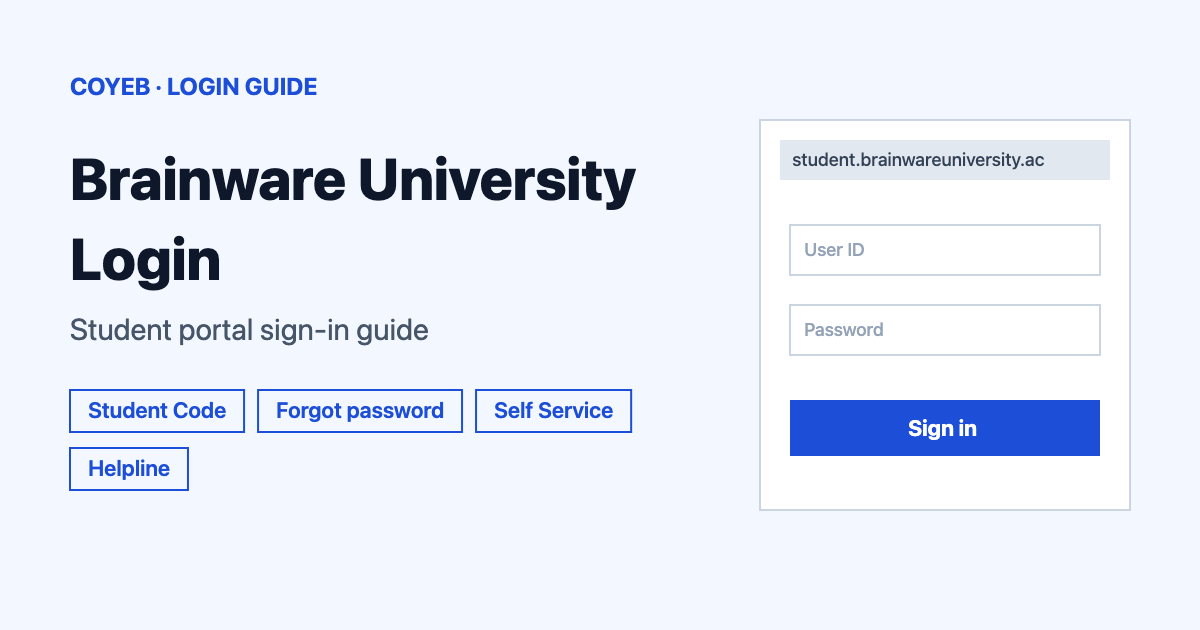
The Brainware University login for students is at student.brainwareuniversity.ac.in/login. Type your Student Code and Password, then press Sign In. If you forgot the password, press Forgot Password? and enter your Student Code, Roll or Registration number. The catch: the reset box is labelled Student Code / Roll / Registration.
Last verified: 17 November 2026
Official link: student.brainwareuniversity.ac.in/login (checked November 2026)
coyeb.com is not affiliated with Brainware University. Never share your password or OTP with anyone.
Which Brainware University login do you need
Brainware University has two student sign-in pages at different web addresses.
| You are | Where to sign in | What you type |
|---|---|---|
| Using the Student Portal | student.brainwareuniversity.ac.in/login | Student Code and Password |
| Using the older Student Self Service page | www.brainwareuniversity.ac.in/studentselfservice | Student Code and Password and the Security code from the picture |
What you will see on the Brainware University login page
The Student Portal page says “WELCOME TO STUDENT PORTAL”. It has two boxes: Student Code and Password. Below them are a Forgot Password? link and a Sign In button.
The older Student Self Service page is headed “Login Now”. It has STUDENT CODE, PASSWORD and Enter Security code boxes with a picture code. The [Change Image] link gives you a new picture and the Login button signs you in.
How to log in to the Brainware University student portal
- Go to student.brainwareuniversity.ac.in/login.
- Type your Student Code in the first box.
- Type your Password in the second box.
- Press Sign In.
How to log in on the older Student Self Service page
- Go to www.brainwareuniversity.ac.in/studentselfservice.
- Type your STUDENT CODE and PASSWORD.
- Type the picture code in Enter Security code. If the picture is hard to read, press [Change Image] for a new one.
- Press Login.
Forgot password for the Brainware University login
- On the Student Portal sign-in page press Forgot Password? under the Password box.
- On the Forgot Password screen type your Student Code, Roll or Registration number in the Student Code / Roll / Registration box. The screen says “Please enter your credentials to receive a verification code”.
- Press Send Email to get the verification code.
- To go back to the login form press Back to Sign in.
The reset screen does not state how long the code lasts or what rules the new password must follow. Follow the instructions on screen. The older Self Service page shows no forgot password link.
Brainware University login on mobile
You can open the Student Portal in your phone’s browser at the same address. There is also an Android app called Student Self-Service (package in.ac.brainwareuniversity) on Google Play. Its listing says access is limited to students who have completed the full admission procedure. Check that the package name matches before installing.
Brainware University login not working
Brainware does not publish error messages for these pages. The fixes below are general suggestions.
| What you see | What it may mean | What you can try |
|---|---|---|
| Sign-in does not accept your details | The Student Code or Password may be mistyped | Type the Student Code exactly as the university gave it. Check that Caps Lock is off and retype the password slowly. |
| Security code on the Self Service page is rejected | The picture code may be read wrongly | Press [Change Image] and type the new code. |
| You forgot the password | You need a reset | Use Forgot Password? and Send Email as described above. |
| You do not know your Student Code | The code is issued by the university | Call the helpline below and ask for it. |
| One page is slow or will not load | Busy server or weak connection | Try again later or use the other sign-in page or the app. |
After you log in
The official Student Self-Service app lists these student tasks on Google Play:
- Attendance: view your attendance.
- Fees: view fee details with due fees and submission deadlines. Get an online money receipt. Hostel fee details are also listed.
- Results: view semester-end results with CGPA and SGPA.
- Forms and admit cards: download examination, backlog and review forms as PDF. Download admit cards.
- Profile: view and update your profile.
Stay safe on Brainware University sites
The address to trust ends in brainwareuniversity.ac.in. The Student Portal is student.brainwareuniversity.ac.in. Read the address bar before you type your Student Code and password. Never share your password or OTP with anyone.
Contact and helpline
- Helpline phone: +91 33 69010532 (checked November 2026)
- Helpline email: helpline@brainwareuniversity.ac.in (checked November 2026)
- Registration office: +91 33 69010507 (checked November 2026)
- Examination office: +91 33 69010530 (checked November 2026)
- App support email: registrar@brainwareuniversity.ac.in (checked November 2026)
- Help page: brainwareuniversity.ac.in/helpline.php (checked November 2026)
No office hours are published.