Delta Math Login: DeltaMath Sign-In for Students & Teachers
Delta Math login for students and teachers: the Please sign in box, Google sign-in, 8-character class codes, password resets and fixes when login fails.
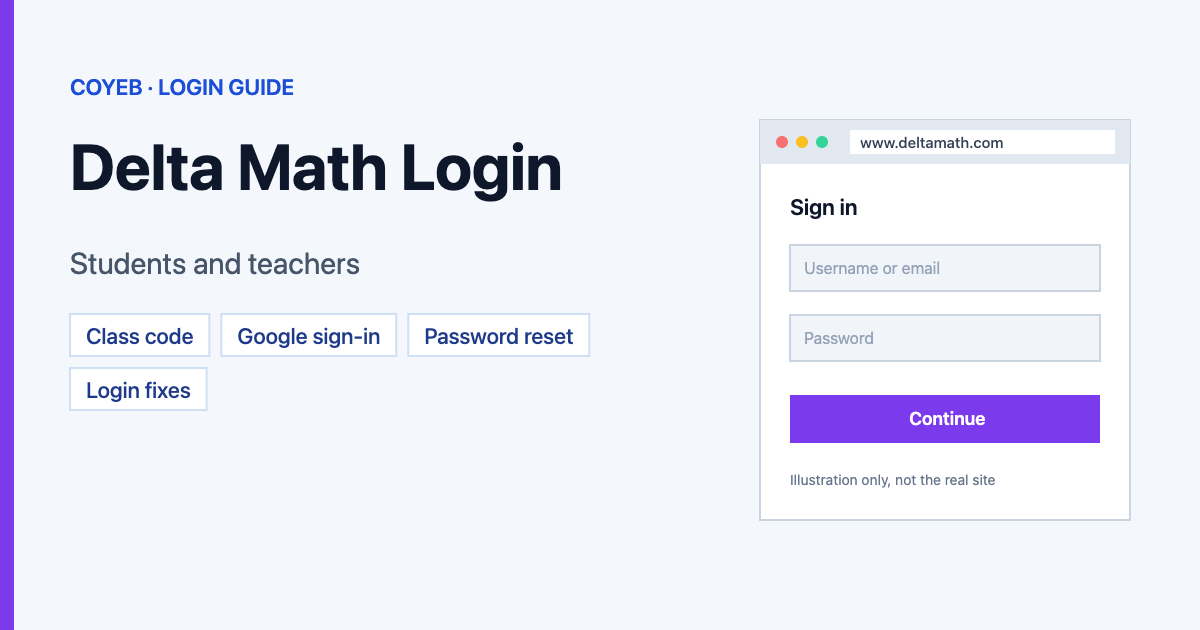
Quick answer: The official Delta Math login is on www.deltamath.com. Click Login at the top right, type your Username or email and Password in the Please sign in box and click Login, or use the Google button under it. Students and teachers use the same box. New students first register with an 8-character class code from their teacher.
Last verified: 14 November 2026
Official DeltaMath website: https://www.deltamath.com/
coyeb.com is not affiliated with DeltaMath. Never share your DeltaMath password with anyone.
How to log in to DeltaMath (students and teachers)
- Open www.deltamath.com in your browser.
- Click Login in the top-right corner. A box titled Please sign in opens.
- Type your Username or email and your Password.
- Click Login.
There is no separate student or teacher button on this box. You sign in with the account you have. Some AI answers tell you to “select Student” or “select Teacher” first; that choice did not appear on the sign-in box when we checked.
Sign in with Google
Under the word or there is a Google sign-in button. Use it if your DeltaMath account uses that Google account. If your school uses Google Workspace, DeltaMath’s help page says the school’s Google administrator may need to allow DeltaMath before Google sign-in works. DeltaMath’s FAQ also says Google sign-in can fail in private or incognito windows or when third-party cookies are turned off.
Logging in through Clever, ClassLink or your school’s LMS
DeltaMath says it works with Google Classroom, Canvas, Schoology, Infinite Campus Learning Suite, ClassLink and Clever, depending on your school’s license. If your teacher set DeltaMath up through one of these, start from that platform the way your teacher showed you.
New student? Register with a class code
- Go to the Students page on deltamath.com.
- Click Register. The Class Registration box opens.
- Type the Class Code your teacher gave you and follow the steps.
A DeltaMath class code is 8 characters, letters and numbers. If someone tells you it is a six-digit code, check again with your teacher. Already have a DeltaMath account? Do not register a second one: DeltaMath’s help article on class codes says to log in to your existing account instead.
One email address can belong to a student account or a teacher account, not both.
Forgot your DeltaMath password
If your account has an email address
- Click Login, then forgot password? under the password box.
- On the Request password reset screen, type your Email.
- Click Send Request and follow the email you receive.
If you can’t reset it yourself
Ask your teacher. DeltaMath’s FAQ says teachers should be able to see your email login and/or reset your password. If that does not work, your teacher can ask support@deltamath.com for a “hard password reset link”.
For teachers: reset a student’s password
- Log in to your teacher account.
- Open Tools, then the page for managing classes and students.
- Click the edit button next to the student and change the password.
DeltaMath login on a phone or Chromebook
DeltaMath runs in a web browser. On a phone, tablet or Chromebook, open www.deltamath.com and use the same Login button. We did not find an official DeltaMath app listed on deltamath.com (checked November 2026). If you see a “DeltaMath” app in an app store, check who made it before you type your password.
Why can’t I log into DeltaMath?
| Problem | Possible reason | What you can try |
|---|---|---|
| Password is not accepted | Typo, Caps Lock, or the wrong account | Check the username or email, then use forgot password? or ask your teacher for a reset. |
| Google button does not finish signing in | Private window, blocked cookies, or the school has not approved DeltaMath in Google | Use a normal browser window with third-party cookies allowed; ask your teacher or school IT about Google approval. |
| Error when registering for a new class | You tried to make a second account | Log in to your existing account instead of registering again. |
| Not on your teacher’s roster | Your account is not in the class list | Email support@deltamath.com with your email or username for a reset link. |
| Page will not load for anyone | Site problem | Check the Site Status page (status.deltamath.com) linked in DeltaMath’s FAQ footer. |
| Strange page errors | Browser data or extensions | DeltaMath’s FAQ suggests clearing cache and cookies, turning off extensions or trying another device. |
We did not find a list of exact DeltaMath login error messages, so the reasons above are the common causes its help pages describe, plus general browser checks.
Stay safe
- The only official Delta Math login address is www.deltamath.com. Check the address bar before you type your password.
- Do not share your password with classmates. If a teacher needs to reset it, they can do it from their own account.
- Use Google sign-in only with the Google account your DeltaMath account uses.
DeltaMath support
DeltaMath does not list a phone number on its contact page. Use the Contact Us form on deltamath.com; it says replies come within 1–2 business days. For account problems, the help pages point to support@deltamath.com. Checked November 2026.
Other login guides on coyeb: WhatsApp Web login and Kinnser login.
FAQ
How do students log in to DeltaMath?
Go to www.deltamath.com, click Login and enter your username or email and password, or use the Google button if your account is linked to Google. First-time students register with the class code from their teacher.
How long is a DeltaMath class code?
8 characters, a mix of letters and numbers, given by your teacher.
Is there a separate DeltaMath teacher login?
No. Teachers and students use the same Please sign in box on deltamath.com. One email address can only be used for one type of account.
How do I reset my DeltaMath password without an email?
Ask your teacher to reset it. If that fails, your teacher can ask support@deltamath.com for a hard password reset link.
Why won’t Google sign-in work on DeltaMath?
Your school’s Google administrator may need to approve DeltaMath, or your browser may be in private mode or blocking third-party cookies.