Florida Prepaid Login: College Savings Account Access
Florida Prepaid login made simple: the official CAMP address, how to create your new login, reset your password and reach Customer Service at (800) 552-4723.
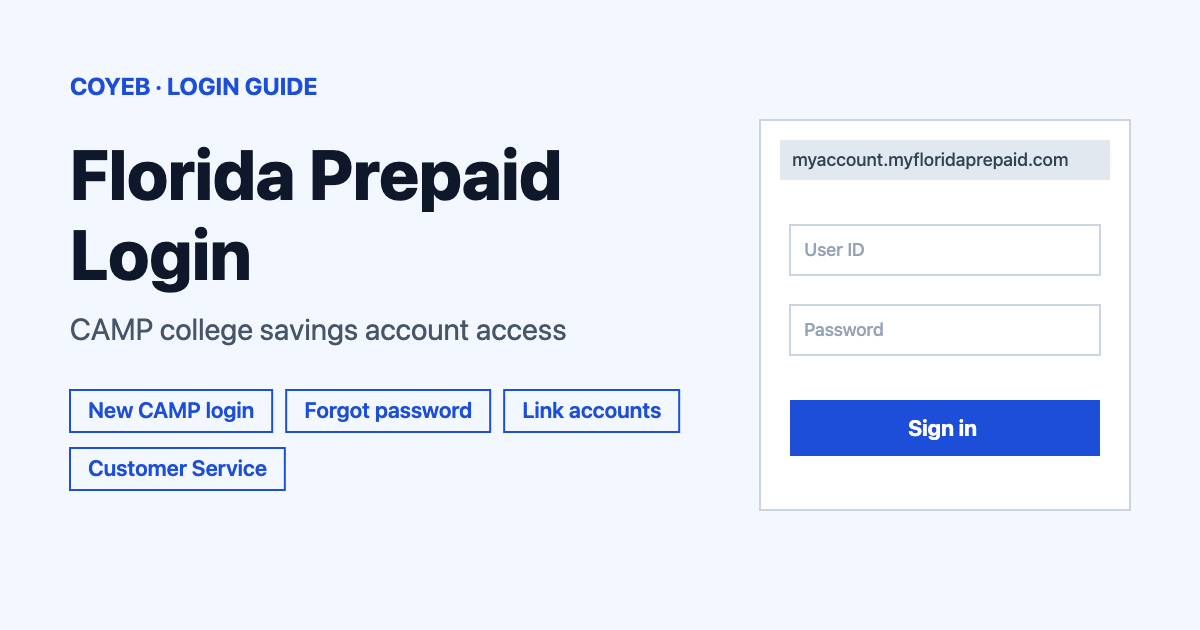
The Florida Prepaid login is at myaccount.myfloridaprepaid.com/s/login. Type your email address in “Username (Email Address)” and your password in “Password” then select “Log In”. If you had an account before July 2025 you first need to create a new CAMP login with the same name and email.
Last verified: 18 November 2026
Official login page: https://myaccount.myfloridaprepaid.com/s/login (checked November 2026)
coyeb.com is not affiliated with Florida Prepaid. Never share your password or OTP with anyone.
Florida Prepaid College Savings Plans are run by the Florida Prepaid College Board. Your plans are managed in CAMP, the Customer Account Management Portal, so the Florida Prepaid login and the CAMP login are the same thing.
How to do the Florida Prepaid login
This is for people who already created their new CAMP login. The page heading reads “Log In to Your Account”.
- Open myaccount.myfloridaprepaid.com/s/login.
- Type the email address linked to your account in Username (Email Address).
- Type your password in Password. The eye icon next to the box lets you check what you typed.
- Select the yellow Log In button.
The same page works for anyone designated as a Survivor, Student (Beneficiary), Joint Approver or Authorized Agent once they have their own CAMP login.
First-time login if you had an account before
A notice on the login page says that as of 7 July 2025 all existing Florida Prepaid customers must create a new login and confirm their account details in CAMP. The same applies to Survivors, Students (Beneficiaries), Joint Approvers and Authorized Agents. The username on the new login is your email address.
The public page at myfloridaprepaid.com/new-login asks “Have you created your new CAMP login yet?” Choose No, I need to create my new CAMP login and then select Create My CAMP Login. If you already did it, choose Yes, I already created my new CAMP login and select Continue to Login. The account retrieval page explains the steps in order.
- Create a new account. Enter the first name and last name connected to your current account plus your email address. Florida Prepaid recommends using the same email address and first and last name as your current account.
- Verify your account. An email arrives so you can confirm the account.
- Create a new password. It should be a new one and different from the previous one.
- Retrieve your prior account information. Choose your role (Survivor, Student/Beneficiary, Joint Approver or Authorized Agent where it applies) and pick a retrieval method.
- Merge your accounts. If your name is listed more than once, select This is Me on each account that belongs to you. Then select Use as Main Account on the primary one. If the data is identical you can pick either.
- Check your dashboard. Make sure all students and plans display correctly.
The official instructions recommend staying on one device, either desktop or mobile, from start to finish.
If you choose a different email than the one on the account, a one-time password goes to the email already on file. When you can no longer open that old email, contact Customer Service by phone or online chat so they can update it.
Florida Prepaid login: forgot your password
- On the login page select Forgot Password?, which sits above the Password box on the right.
- On the “Forgot Your Password” screen type your username (your email address) in Username.
- Select Reset Password. The page says password reset instructions will be sent to the email linked to the account.
Your username is your email address, so there is no separate username to recover. If you are a new customer without any account yet, use Are You a New Customer? Create New Account at the bottom right of the login page.
Login on mobile
The official instructions cover both desktop and mobile. On a phone you can open the same address, myaccount.myfloridaprepaid.com/s/login, in your mobile browser and follow the steps above. If you started creating your new login on a phone, finish it on that phone instead of switching to a computer midway.
Florida Prepaid login not working
The official pages do not publish a list of error messages. These are the problems they do describe, followed by general suggestions.
| What you see | What it means | Fix |
|---|---|---|
| You cannot open the email linked to your account | The verification goes to the email on file | Contact Customer Service by phone or online chat to update the email. |
| Students or plans are missing after you log in | Plans may not be linked to the login yet | Go to My Profile and select Link Accounts. Plan information can take up to one hour to appear. If it is still missing contact Customer Service. |
| Your name appears more than once | The same person is listed on more than one account | Select This is Me on each account that is yours then Use as Main Account on the primary one. |
| You are an existing customer and have not created a CAMP login yet | Existing customers need a new CAMP login since 7 July 2025 | Use Create New CAMP Login and follow the steps in the first-time section. |
Fixes beyond these are general suggestions. You can try typing the password again with the eye icon turned on or using Forgot Password? to set a fresh password.
After you log in
- Check your dashboard. Make sure every student and plan you expect appears. Plans from before 2011 now show in a consolidated view, with tuition and fees bundled into one plan.
- Link missing accounts. Open My Profile and select Link Accounts.
- Start a live chat. Current customers should log into their CAMP account before starting a chat with Customer Service.
Stay safe
The official addresses are myfloridaprepaid.com and myaccount.myfloridaprepaid.com. Check the address bar before typing anything. A look-alike page such as florida.my-user-account.com/login shows up in search results but does not belong to Florida Prepaid. Only enter your email and password on the official domain. If you land on a page that asks for your details from any other address, close it. You can also let Customer Service know about it.
Florida Prepaid Customer Service
Call (800) 552-4723 from Monday to Friday between 8 a.m. and 7 p.m. ET (checked November 2026). Live chat runs at the same hours and appears at the bottom right of the browser on the contact page.
Related guides: KeyBank login for another banking portal walkthrough.