NIU Login: Noida International University ERP Portal
NIU login guide for Noida International University: student, staff and admission sign-in pages, first-time sign-up, OTP password reset and helpline numbers.
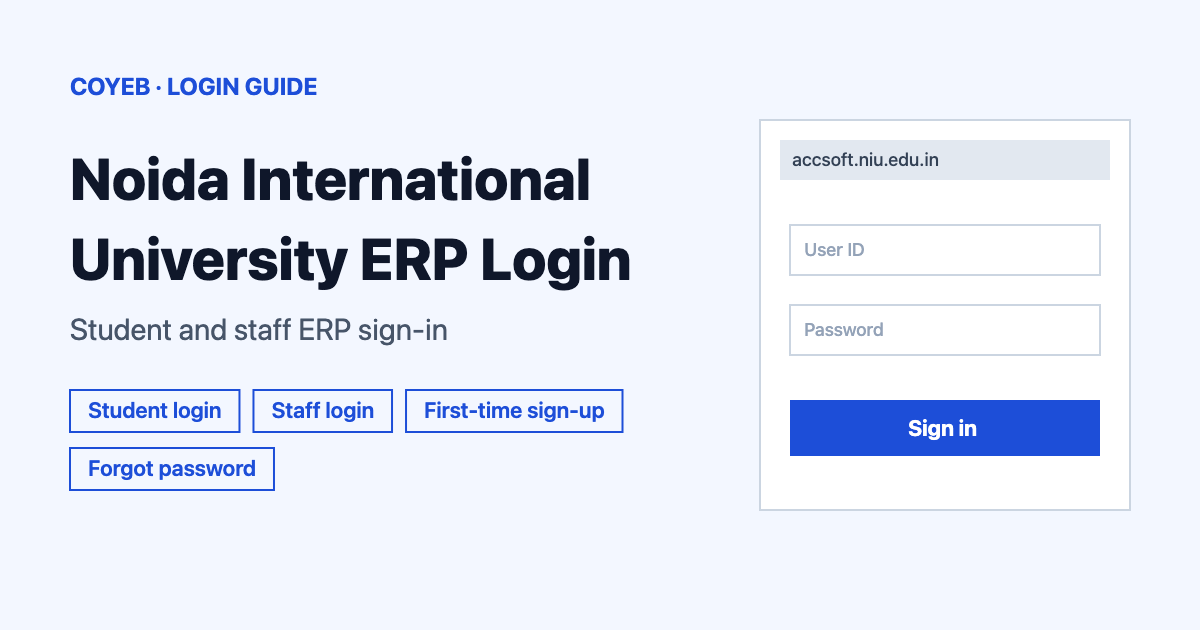
For the NIU login, open accsoft.niu.edu.in/accsoft_niu/studentlogin.aspx, keep Parent / Student selected, type your Login name and Password and click Login ». Staff use a different page. The catch: applicants sign in at admission.niu.edu.in with their email ID as the User Name.
Last verified: 18 November 2026
Official student login: accsoft.niu.edu.in/accsoft_niu/studentlogin.aspx (checked November 2026)
coyeb.com is not affiliated with Noida International University. Never share your password or OTP with anyone.
This guide is for Noida International University in Greater Noida, India. It is not Northern Illinois University in the USA, which uses a different site and a different sign-in.
Which NIU login do you need
| You are | Where to sign in | What you type |
|---|---|---|
| Student or parent | accsoft.niu.edu.in/accsoft_niu/studentlogin.aspx | Login name and Password |
| Staff or faculty | accsoft.niu.edu.in/Accsoft_NIU/Login.aspx | User Name and Password |
| Applicant (admission) | admission.niu.edu.in/OAP_NIU/Login.aspx | User Name (Email ID) and Password |
What you will see on the NIU login page for students
The student page is part of AccSoft 2.0, the university ERP. It shows these items:
- Parent / Student option. Parents use the same page.
- Login name and Password boxes.
- A checkbox called Login To Online Test Portal?. Tick it only if you are going to the online test portal.
- The Login » button.
- The links Forgot Password? and SignUp (New User).
How to do the NIU login for students (ERP)
- Open the official student login page. You can also reach it from the niu.edu.in site, where it is listed under Existing Students as Student Login.
- Make sure Parent / Student is selected.
- Type your Login name.
- Type your Password.
- Click Login ».
NIU login for staff and faculty
Staff use a separate page called AccSoft 2.0 Login at accsoft.niu.edu.in/Accsoft_NIU/Login.aspx. On niu.edu.in it is listed as Faculty and LOGIN.
- Type your User Name.
- Type your Password.
- Click Login » and wait for Logging In… to finish.
NIU admission portal login for applicants
The NIU Online Admission Process (OAP) page is a separate sign-in at admission.niu.edu.in/OAP_NIU/Login.aspx.
- Type your email ID in User Name (Email ID).
- Type your Password.
- Click Sign In.
First-time NIU login and new student sign-up
The student page has a SignUp (New User) link for students and parents who do not have a login yet. The registration page is headed Register yourself here for Login.
- On the student login page click SignUp (New User).
- Under Select Your Institute choose Noida International University.
- Enter any one of these: Institute Scholar No. / Enrollment No. or Board Enrollment No. or University Enrollment No.
- Click Next and follow the screens that open.
If you are still applying, use the admission page above. If you have no account yet, click Not Registered? or Register Now on that page. The Institution list there includes Noida International University.
NIU admission registration payment for new students
New students who pay online use the Admission Registration Payment page at accsoft.niu.edu.in/accsoft_niu/AdmissionRegPayment.aspx. On niu.edu.in it is the New Students link under PAY FEE ONLINE.
- Enter your Admission No. This is the application ID you received when you submitted the form.
- Click Search.
- Check the Total Amount shown and complete the payment.
If money is deducted and no receipt is generated, wait 48 hours and then email the university.
Forgot your NIU login password
The student and staff pages both have a Forgot Password? link. It opens a screen called Recover your password here.
- Type your User Name (the box is marked as required).
- Click Send OTP & Generate New Password.
If the OTP does not arrive, the screen says to contact the office. Back takes you to the login page.
On the admission page the link is called Forgot Login Id / Password?. Type your Mobile Number and click Get Credentials. If the credentials do not arrive, the page says to contact administration at admissions@niu.edu.in. Back to Login returns you to the sign-in page.
Forgot NIU user name or login ID
The ERP recovery screen asks for your User Name, so it cannot help if you have forgotten it. Contact the university on the numbers below. Applicants who lost their login ID can use Forgot Login Id / Password? on the admission page.
NIU login on mobile
The official pages open in a phone browser. Type the address yourself or use the link from niu.edu.in. Check that the address ends in niu.edu.in before you type anything.
NIU login not working
Only a few exact messages appear on the official pages. The other fixes are general suggestions, so try them in order.
| What you see | What it means | Fix |
|---|---|---|
| Required! | The User Name or Password box on the staff page is empty. | Fill in both boxes and try again. |
| Logging In… stays on screen | The page is still working or the connection is slow. | Wait a little. If nothing happens, refresh the page and sign in once more. |
| Password not accepted | The password may be mistyped or changed. | Use Forgot Password? to reset it. |
| You do not have a login yet | You may be a new user. | Use SignUp (New User) or contact the university. |
After you log in
Existing students who pay fees online reach the student login page through the Existing Students link under PAY FEE ONLINE on niu.edu.in. The semester fee is payable by 15 June and 15 December every year. A fine of Rs 100 per day applies after the notified date. Payment is by debit card, credit card or net banking through the payment link on the website. Cash is also accepted at the university accounts department.
Stay safe
The official site is niu.edu.in. The ERP sits on accsoft.niu.edu.in and admissions on admission.niu.edu.in. If the address ends in anything else, close the page. Never send your password or OTP by message or email.
The university has also issued a fraud notice. Admission is on merit only and no capitation fee is charged. No agent is authorised to promise admission. Applicants who use such intermediaries are permanently barred from all courses.
NIU helpline and support
- Phone (Indian students): 8745862200 or 0120-4862200 (checked November 2026)
- Phone (international students): +919667797182 (checked November 2026)
- Email: admissions@niu.edu.in (checked November 2026)
- Email (international admissions): internationaladmissions@niu.edu.in (checked November 2026)
- Registrar office: +91 7840099618, registrar.office@niu.edu.in (checked November 2026)
- Hours: not listed by the university (checked November 2026)
- Help page: niu.edu.in/student-service/ (checked November 2026)
- Campus address: Plot No. 1, Sector-17 A, Yamuna Expressway, Gautam Budh Nagar, Uttar Pradesh 201312
Students of another Indian university can read the Brainware University login guide.