USMint Login: Sign In, Reset Password and Order Check
Complete your usmint login at usmint.gov/account-login, reset a forgotten password and check an order as a guest. Phone numbers and hours checked November 2026.
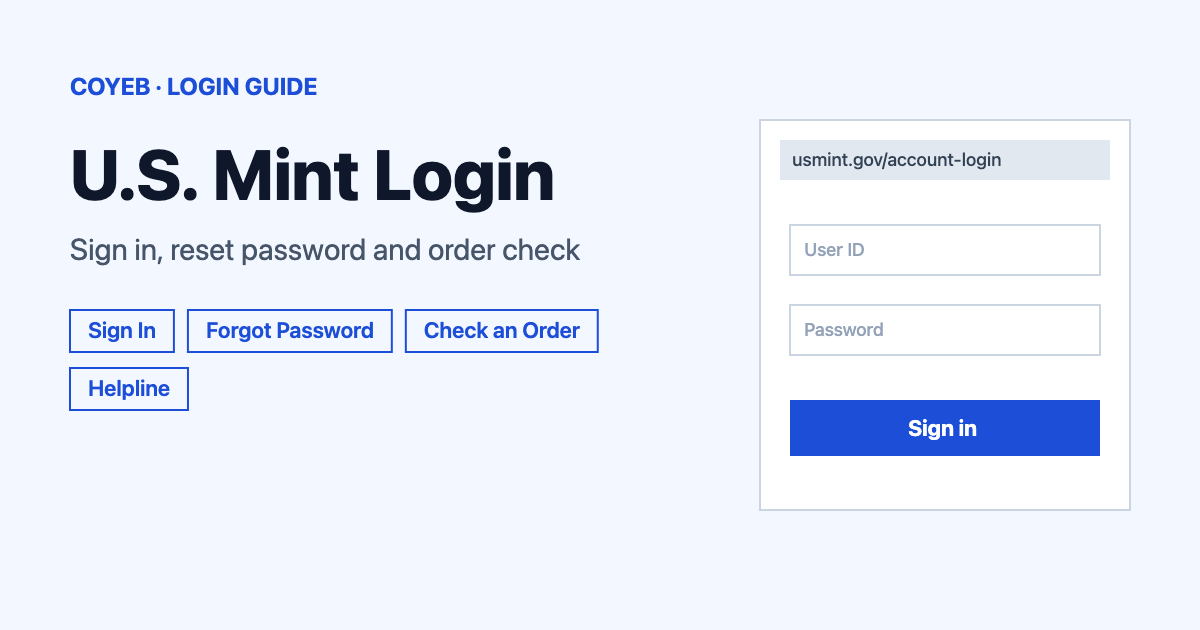
Your usmint login is at usmint.gov/account-login, the only official address. Enter your Login ID and Password, then select Sign In. If you forgot the password, select Forgot Password and enter your email. No account? Use Check an Order with your order number, email address and shipping postal code.
Last verified: 18 November 2026
Official sign-in page: https://www.usmint.gov/account-login
coyeb.com is not affiliated with the United States Mint. Never share your password or OTP with anyone.
How to complete your usmint login
The United States Mint uses one sign-in for returning customers. On the sign-in page you will see four boxes: Returning Customers, Check an Order, New Customers and Need Help. The page sometimes shows a “Performing security verification” screen first. When checked on 18 November 2026 it cleared by itself after a few seconds.
- Go to usmint.gov and select the account icon in the header, then Sign In. You can also open the sign-in page directly from the link above.
- Under Returning Customers, type your Login ID. The field label says “e.g.: email address”, so use the email you registered with.
- Type your Password.
- Select Sign In.
Check an order without an account
You do not need to be registered to look up an order. The Check an Order box says you can see your order even if you are not a registered user. Fill in these three fields exactly as they appear on your order:
- Order Number
- Email Address
- Shipping Postal Code
Then select Check Status. The site header also has a Track Order link if you want to start from there.
Create an account for the first time
In the New Customers box choose Create an Account. The Mint lists faster checkout, order tracking, subscriptions, saved payments and addresses and exclusive offers as reasons to register. The form asks for:
- First Name and Last Name
- Email Address and Confirm Email Address
- Password and Confirm Password
Below that you pick Email Preferences. The options are Product & Promotions Updates, Coins Online – Monthly Newsletter, News Releases and Lessons That Make Cents – for Educators. The Product & Promotions Updates box is marked as required for the Loyalty Program. There are also Special Interests and Coin Collector Preferences sections. Finish with the Create an Account button.
By creating an online shopping account you agree to the Terms of Use and confirm that you are at least 18 years old.
Your password needs 8 characters with one uppercase letter and one lowercase letter. It also needs one number and one special character from this set: $%/()[]{}=?!.,-_*|+~#
Forgot your password
- On the sign-in page select Forgot Password. A Reset Password box opens on the same page.
- Enter the Email Address linked to your account and select Send Email.
- Open the email from the Mint and use the link or reset password button inside it to choose a new password. If nothing arrives, you can also check your spam folder.
The reset box currently asks only for your email. The Mint help FAQ describes the same process with one extra step, where you answer one of the security questions you picked when you registered. If you see a security question on your screen, answer it exactly as you set it up.
The Login ID is the field to double check if you cannot remember what you used. Its label suggests an email address, so try the email you gave when you registered.
Login not working
Only one error message from the Mint’s own help pages is documented. The other rows are general suggestions for common problems rather than official error texts.
| What you see | What it means | Fix |
|---|---|---|
| “credentials are incorrect” | The Mint’s help FAQ lists this message for a wrong security question answer during a password reset. | Try again or choose a different security question. |
| “Performing security verification” | A security check runs before the page loads. | Wait a few seconds and the sign-in page appears. |
| Password not accepted | The Login ID or password may not match your account. | Check that the Login ID is the email you used to register. Then use Forgot Password to set a new one that follows the rules above. |
| Order not found in Check an Order | One of the three details may not match the order. | Re-enter the order number, email address and shipping postal code exactly as they appear on your order. |
After you sign in
Under My Account the Mint’s help FAQ says you can do the following.
Check order status and past orders
- Open My Account while signed in.
- Look for your order history or order status.
- The Track Order link in the site header is another place to start.
Update addresses and cards
- Open My Account.
- Choose the section for billing and shipping addresses or credit cards.
- Update the details there.
Subscriptions, wish list and email preferences
- View your Product Subscriptions from My Account.
- Create a Wish List.
- Update your Email Preferences whenever you want to change what the Mint sends you.
The Help Center FAQs also have a Subscriptions category. For anything about changing a subscription that you cannot find there, call the helpline below.
Stay safe when you sign in
- Check that the address bar shows usmint.gov before typing your Login ID or password. The real site displays the banner “An official website of the United States government.”
- A private coin dealer often shows up at the top of Google for this search. It is not the United States Mint and has no connection to your Mint account. If the address is not usmint.gov you are not on the Mint’s sign-in page.
- Google may also show a help page at usmint.gov/account-help. On 18 November 2026 that page returned a “Page Not Found 404 Error”, so use the Help Center from the main site instead.
- Never share your password with anyone.
Helpline and contact options
For account questions or order problems, the official Contact Us page lists these numbers (checked November 2026):
- Help Center: 1-800-872-6468 (1-800-USA-MINT), Monday through Friday 8 a.m. to 8 p.m. ET
- TTY: 1-888-321-6468, Monday through Friday 8:30 a.m. to 5 p.m. ET
- Outside the 50 United States: 001-202-898-6468, Monday through Friday 8:30 a.m. to 5 p.m. ET
The same page has a contact form with a “My Question” menu (General Information, Order Status, My Account, Media Inquiry or Other). It asks for your name, email address, phone number, an order number and a comment. Customer email is listed as usmint-support@usmcatalog.com and product mail goes to United States Mint, 4455 Regent Blvd., Irving, TX 75063. Contact details were checked in November 2026.
If you want to compare other portals, see the coyeb.com guides for KeyBank login and NetSuite login.