Zimyo Login: HR Portal Access
Zimyo login guide for employees: the official web address, the username and password screen, the Android and iPhone apps and who to contact for help.
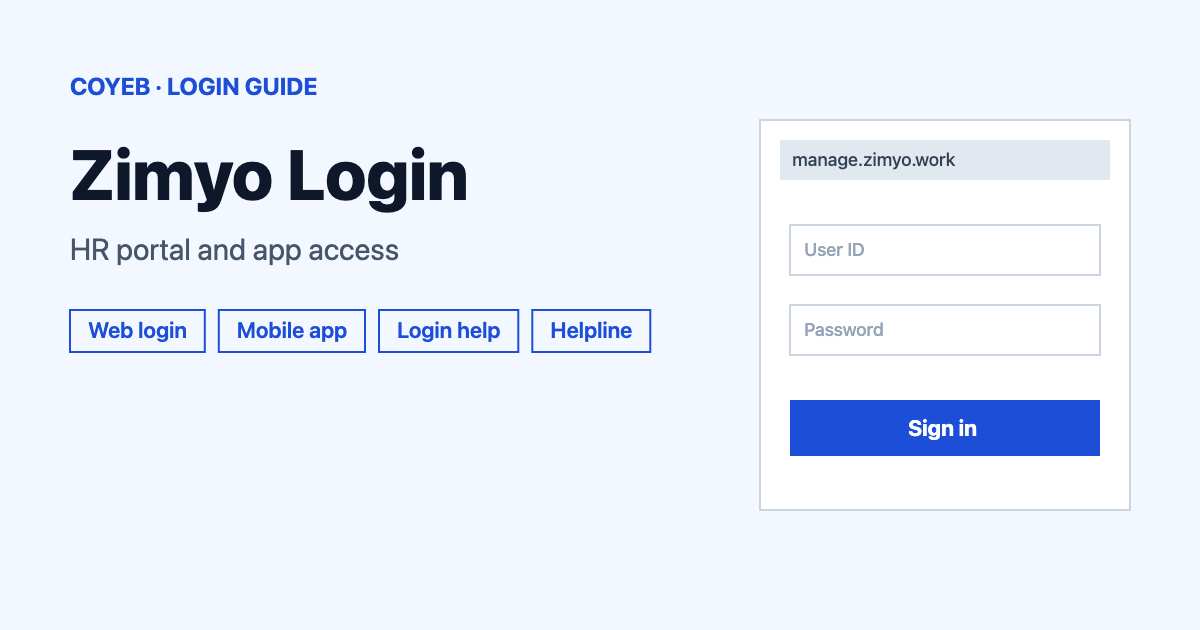
For your Zimyo login, open manage.zimyo.work/login, type your username and password in the two required fields and press Login. Your employer provides the portal and the account details. The mobile app uses the same kind of username and password sign-in.
Last verified: 18 November 2026
Official Zimyo login address
The web login page opens at manage.zimyo.work/login. The browser tab is titled “Zimyo | Manage” and the screen is headed “Login to continue”. The Login link in the header and footer of zimyo.com leads to zimyo.work, which is also a Zimyo domain.
coyeb.com is not affiliated with Zimyo. Never share your password or OTP with anyone.
How to complete your Zimyo login on the web
- Open manage.zimyo.work/login in your browser and check the address bar before typing anything.
- Type your username in the Username field. It is marked as required.
- Type your password in the Password field. It is also required. The Show password button next to the field lets you check what you typed.
- Press Login.
On 18 November 2026 this first screen showed only those two fields. No company code field and no single sign-on button appeared on it.
Where your username comes from
Zimyo says employees reach the portal or the mobile app through the service their employer provides and sign in with their unique username and password. So the username and the first password come from your company. If you do not have them yet, ask your HR team or the Zimyo admin at your workplace.
The page at zimyo.work/signup is a company plans and pricing page. It is not a place where an employee creates an account.
Forgot username or password
The login screen does not show a forgot password link. No reset steps are given here because Zimyo does not show any on that screen. The safest route is to ask your company HR admin to help you. You can also write to support@zimyo.com and explain what happens when you try to sign in.
Zimyo login on mobile
Zimyo offers an app for employees. The Android app is Zimyo on Google Play from Zimyo Consulting Private Limited. The listing was last updated on 10 October 2026. The iPhone app is called Zimyo on the App Store. It was at version 2.6.43 on 18 November 2026 and needs iOS 16.0 or later.
If you prefer not to install the app you can also try the same web address in your phone browser.
Login not working
Zimyo does not publish error messages for this screen. The table below lists general suggestions only.
| What you see | What it may mean | Fix to try |
|---|---|---|
| Login does not go through | The username or password may have a typo or an extra space | Use Show password to check what you typed and turn off Caps Lock |
| You cannot sign in with the username you were given | The username is given by your employer and may differ from what you expect | Ask your HR admin to confirm the exact username |
| The page will not open | A connection or browser problem | Reload the page or try the Zimyo app on your phone |
| You are not sure the page is real | You may have reached a look-alike address | Close it and type manage.zimyo.work/login yourself |
If none of this helps, contact your HR admin or Zimyo support using the details below.
After you log in
Zimyo lists these among the main things employees do in the mobile app.
- Attendance and leave: clock in and out, check leave balances and holidays and raise leave requests.
- Payslips: view and download your payslips.
- Expenses and documents: submit expense claims and tax declarations and keep personal documents.
What you can open depends on what your employer has switched on. For a similar business portal with role-based access you can read the NetSuite login guide.
Stay safe
The Zimyo domains seen on official pages are zimyo.com and zimyo.work. Check the address bar before you type a password and never send your password to anyone by email or chat. The only official email address seen is support@zimyo.com.
Zimyo helpline
These details come from the Zimyo contact page and were checked in November 2026.
- Email: support@zimyo.com
- India sales line: (+91) 9311776363
- UAE sales line: (+971) 55 884 1693
- USA office: +1 (845) 606-0483
The email address is listed for customer support and the phone numbers are listed as sales or office lines. Zimyo says the team usually replies within one business day. No support hours are listed.