KeyBank Login: Online Banking Sign In and Reset Password
KeyBank login guide: sign on at ibx.key.com, enroll, recover a forgotten User ID or password, unlock your account and reach KeyBank support by phone.
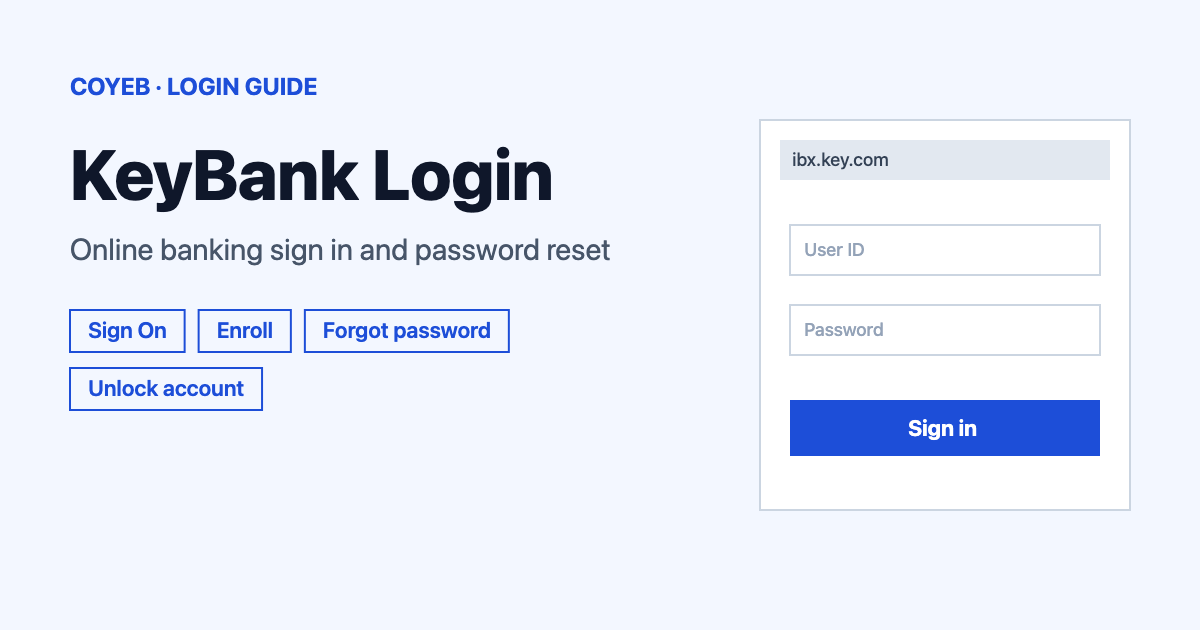
For the KeyBank login, go to ibx.key.com, type your User ID into Enter your User ID and your password into Enter your Password, then select Sign On. The catch: if you forget either one, the reset and unlock screens ask for your Social Security number or personal TIN.
Last verified: 17 November 2026
Official KeyBank online banking login: https://ibx.key.com/ibxolb/login/index.html (checked November 2026)
coyeb.com is not affiliated with KeyBank. Never share your password or OTP with anyone.
What you will see on the KeyBank login page
The page is headed “Log in to online banking”. It has these items:
- Enter your User ID with a Save User ID tick box
- Enter your Password
- Sign On
- Problem Signing On? for User ID, password and unlock help
- Enroll in Online Banking for first-time users
Contact Us and Open a New Account links sit at the top of the page.
How to do the KeyBank login step by step
- Open ibx.key.com and check the address before you type anything.
- Type your User ID into Enter your User ID. Tick Save User ID only on your own device.
- Type your password into Enter your Password.
- Select Sign On.
KeyBank online and mobile banking require strong authentication each time you sign on to verify your identity.
First time online: enroll in KeyBank online banking
Enrollment is for people who have never signed in to online banking. Have your Social Security number ready. You also need either your account number or your credit, debit or ATM card and its PIN.
- On the login page select Enroll in Online Banking.
- Under “Let’s start with the kind of account you want to enroll”, choose My Personal Account or My Business Account.
- Select Next. You can leave at any time with Cancel Enrollment.
Enrollment has four stages: Personal Info, Agreements, Create Credentials and Identity Verification.
Forgot your KeyBank User ID
Select Problem Signing On? and then Forgot My User ID. KeyBank says it can help once it has verified your identity. The screen asks for:
- The account type: Personal Account or Business Account.
- Your number in Enter Your SSN or Personal TIN.
- An answer to Do you know your password? with Yes or No.
Select Continue to go on or Cancel to stop.
Forgot your KeyBank password
Select Problem Signing On? and then Forgot My Password. KeyBank says it can recover your password once it has confirmed your identity.
- Choose Personal Account or Business Account.
- Type your User ID into Enter Your User ID. If you do not remember it, use the Forgot your user ID? link beside it.
- Type your number into Enter Your SSN or Personal TIN.
- Select Continue (or Cancel to go back).
If you cannot reset your password or retrieve your User ID, or you are still locked out, KeyBank asks you to call customer service on 1-800-539-1539.
Unlock your KeyBank account
Select Problem Signing On? and then Unlock My Account. The screen says KeyBank can unlock your account after confirming your identity. It asks for the same details as the password screen: account type, Enter Your User ID and Enter Your SSN or Personal TIN.
Online unlocking can use a one-time passcode sent by text or call. That only works when the phone numbers KeyBank has on file are correct. If they are not, KeyBank can verify your identity and unlock the account by phone on 1-800-KEY2YOU (539-2968). Dial 711 for TTY/TRS.
KeyBank login on your phone
You can sign on from a phone browser at key.com or use the KeyBank mobile app. The app works with iPhone 6S and 6S+ and newer running iOS 13 or later. On Android it needs Android 9.0 or higher. The KeyBank online and mobile banking page has the app download and an Enroll Now button.
The app also offers mobile check deposit and the MyKey virtual assistant.
KeyBank login not working
The fixes below are KeyBank’s own steps where marked (KeyBank) and general suggestions otherwise.
| What you see | What it means | Fix |
|---|---|---|
| User ID or password not accepted | One of them may be wrong or forgotten | Use the “forgot” link next to the field and follow the steps (KeyBank). |
| Account is locked | Sign-on is blocked until your identity is confirmed | Use Unlock My Account. If you cannot finish or stay locked out, call 1-800-539-1539 (KeyBank). |
| No one-time passcode arrives | The phone numbers on file may be out of date | Call 1-800-KEY2YOU (539-2968) to unlock by phone (KeyBank). |
| Page loads badly or you keep getting signed off | Your browser or its settings may not meet KeyBank’s needs | KeyBank asks for a current Edge, Safari, Firefox or Chrome with cookies accepted and JavaScript enabled. Try another browser or update yours. Internet Explorer is no longer supported. |
What you can do after you sign in
KeyBank lists these tasks for online banking and the app:
- Check balances, transfer funds, pay bills and review statements
- Open a new account and order checks
- Send money with Zelle and stop a payment
- Pay a bill today with Expedite Payment
- Set up and manage alerts
- Lock or unlock credit cards and report a lost or stolen credit card
- Start credit card balance transfers
- Update personal contact information
Updating your contact details early helps because correct phone numbers are what make one-time passcodes work.
Stay safe when you sign in
Only enter your details on ibx.key.com or key.com. The login page carries an “Avoid Common Scams” notice. It says KeyBank will never send a link via text, call you unsolicited and ask you to read an access code, or call you unsolicited to scan a government ID.
If KeyBank starts a call or text, it will not ask for your log-in details, passwords, PIN or one-time passcode. It will also never ask you to send money to yourself by Zelle, account transfer or wire.
- Suspicious email: forward it to reportphish@keybank.com without changing the subject line. Do not open attachments or click links. If you already did, call Online Banking Support on 1-800-539-1539.
- Confirmed fraud or identity theft: call 1-800-433-0124.
- Lost or stolen KeyBank credit or debit card: call 1-800-539-9056.
KeyBank helpline numbers
- Main line: 1-800-KEY2YOU (539-2968) (checked November 2026)
- Sign-on and lockout help: 1-800-539-1539 (checked November 2026)
- TTY/TRS: dial 711 (checked November 2026)
- Relay service clients: 1-866-821-9126 (checked November 2026)
- Help page: KeyBank Customer Service (checked November 2026)