healow Login: Patient Portal Access, Practice Code and App
healow login steps for the patient portal: find your practice code, sign in with a password or text code, reset a PIN and set up the healow app.
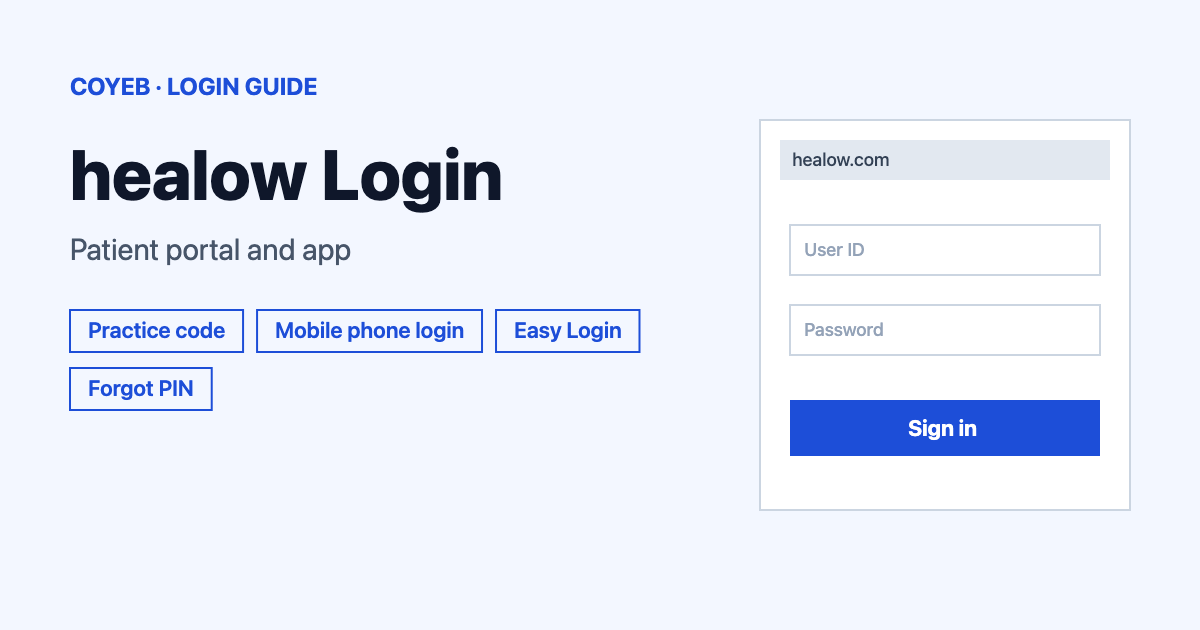
For the healow login, open healow.com/apps/jsp/webview/signIn.jsp, search for your practice under Practice Code/Phone, choose User Credentials or Using Mobile Phone and press Login. The catch: your doctor’s office must web enable you and send your username and password first.
Last verified: 17 November 2026
Official healow login page: healow.com/apps/jsp/webview/signIn.jsp (checked November 2026)
coyeb.com is not affiliated with healow. Never share your password or OTP with anyone.
healow is the patient portal and app that your doctor’s office connects you to. It is free. Every practice sets up its own portal, so you always begin by finding your practice. Each practice decides which features you see.
What you will see on the healow login page
The page opens with the heading “Find your practice to view your Health Record”. Under Search By you can pick Practice Code/Phone, Provider or Practice. There is one box labelled Enter Practice Code or Phone Number and a Search button. You enter your username and password only after you select your practice.
How to do the healow login on the website
- Open the official healow sign-in page from the box above.
- Under Search By, pick Practice Code/Phone, Provider or Practice.
- Type your practice code or phone number into Enter Practice Code or Phone Number and press Search.
- Select your practice from the results.
- Choose how to sign in: User Credentials or Using Mobile Phone.
- Press Login.
If you pick User Credentials, enter the username and password from your practice. They are case sensitive, so check capital letters before you try again.
healow login with your mobile phone
If you choose Using Mobile Phone, healow sends a text code to your phone. Press Send Code, type the code and press Submit. The code is valid for 15 minutes or 3 attempts, so ask for a new one once either limit is used up. Use Resend Code if nothing arrives. Use Return to Login to go back and use your username instead. Standard messaging rates from your phone company can apply.
healow verification code not received
healow says the code usually reaches you in less than five minutes. If it does not arrive, check that the phone number shown is your current number. If it is wrong, ask your practice to update its records. If you asked for more than one code, use the most recent one.
Where to find your practice code
The practice code is a unique six-letter identifier. You can find it on your practice’s Patient Portal website. It belongs to your practice only, so never copy a code from someone else’s clinic. If you do not have it, search by Provider or Practice name instead, or use the phone number of the office.
If your practice does not appear at all, use the “Couldn’t find your Practice?” form on the sign-in page. It asks for the provider name, address, practice name, your name, your email and a captcha. The practice phone number is optional. healow says it will try to connect with the practice and get it on board.
First-time healow login and sign-up
To get an account, ask your practice to web enable you. The practice emails you a username and password. You can change them after your first login and then use the same details in any web browser or in the app.
First login on the website, step by step (labels can look slightly different at your practice):
- Click Access your Health Record and find your practice by name or code, or by city and state, then click Go.
- Select your practice and enter the username and password you received.
- Confirm your identity with your date of birth or phone number and click Next.
- Create a new password (you type it twice) and choose a security question with an answer.
- Click Agree, accept the Practice Consent Form with Agree and then click Log In.
First login on the healow app
- Open the app and tap Get Started.
- Read the Terms of Use Agreement and tap I agree to the terms & conditions.
- On the Let’s Get Started screen, enter your first name, last name and date of birth and tap Continue.
- Tap Yes, I have a Practice Code or No, I don’t have a Practice Code.
- With a code, enter it on the Practice Code screen and tap Next. Without a code, search by provider and location and tap your practice.
- Check the practice and tap This is My Practice.
- Verify your account. Either pick the phone number for the code, tap Sent Text and enter the code on the Phone Verification screen. Or swipe up on Or Login with Username, enter your Patient Portal username and password and tap Submit.
- Create a 6-digit security PIN. The app is now active.
Forgot your healow username or password
On the website, select your practice and click Trouble logging in? to recover your username or password. The front desk at your practice can also reset them for you.
Forgot password in the app:
- Tap Forgot password? on the log in screen.
- Enter your first name, last name and date of birth and tap Next.
- Choose where to get the verification code: the email address on record or the Phone option with a delivery method. Tap Next and enter the code.
- Enter a new password and tap Save.
Forgot username in the app: tap forgot username, enter your first name, last name and date of birth and tap Next. The username is sent to the email address on record.
To change your username, ask your practice to change it. You cannot do it yourself.
Easy Login on the healow app
If the app rejects your username or password, tap Try Easy Login. Enter your first name, last name and date of birth and tap Continue. Choose the phone number and how to receive the four-digit code and tap Send Code. Enter the code and tap Verify. Create a new password and tap Login, then enter it and tap Log In.
healow account locked
On the website, resetting your password unlocks the account. If that does not work, ask your practice to unlock it. In the app, only your practice can unlock the account, so contact the office and ask for it.
healow forgot PIN
In the app, tap Forgot PIN, enter your username and password, tap Login and create a new PIN. You can also sign in to the portal, go to My Account then My Devices, choose your device and click Retrieve Pin.
healow login on mobile
Download the free app from the App Store or Google Play. Use the same username and password as on your practice’s Patient Portal website.
healow login not working
The first two messages below appear on the official sign-in page. The fixes are general suggestions, so try the simple ones first.
| What you see | What it means | Fix |
|---|---|---|
| Error occurred while processing the request. Please try again later. | The service could not complete your request right now. | Wait a few minutes and try again. If it keeps happening, use Report Problem in the app or call your practice. |
| Verification code resend attempts reached. Please try after sometime. | You asked for the text code too many times. | Wait and press Send Code again later, or sign in with User Credentials instead. |
| Code expired or used up | The text code is valid for 15 minutes or 3 attempts. | Request a new code and type it carefully. |
After you log in
The portal lets you send and receive messages securely, get reminders, book appointments online, link trackers and view labs, medications and immunization records. You can also join a televisit. In the app, healow’s help pages also cover viewing documents, paying a copay and viewing health access logs. Which of these you can use depends on what your practice has turned on.
Stay safe when you sign in
The official address is healow.com. Some practices also use pages under health.healow.com. Check the address before you type anything. healow says your account is protected by the username and password or PIN you choose, together with SSL encryption. Never share your password, PIN or text code with anyone. If you think a message or page is fake, do not sign in and contact your practice.
Help and support
- Your practice: the front desk can reset logins and unlock accounts.
- In the app: tap your profile icon then Settings, Support and Report Problem, fill in the form and submit it.
- Email: help@healow.com (checked November 2026)
- Phone: +1 774-275-1685 (checked November 2026)
- Help page: healowhelp.com (checked November 2026)