Khan Global Studies Login: App and Web Portal
Khan Global Studies login at app.khanglobalstudies.com with your phone number and password. Register, reset with OTP, use the app and reach the helpline.
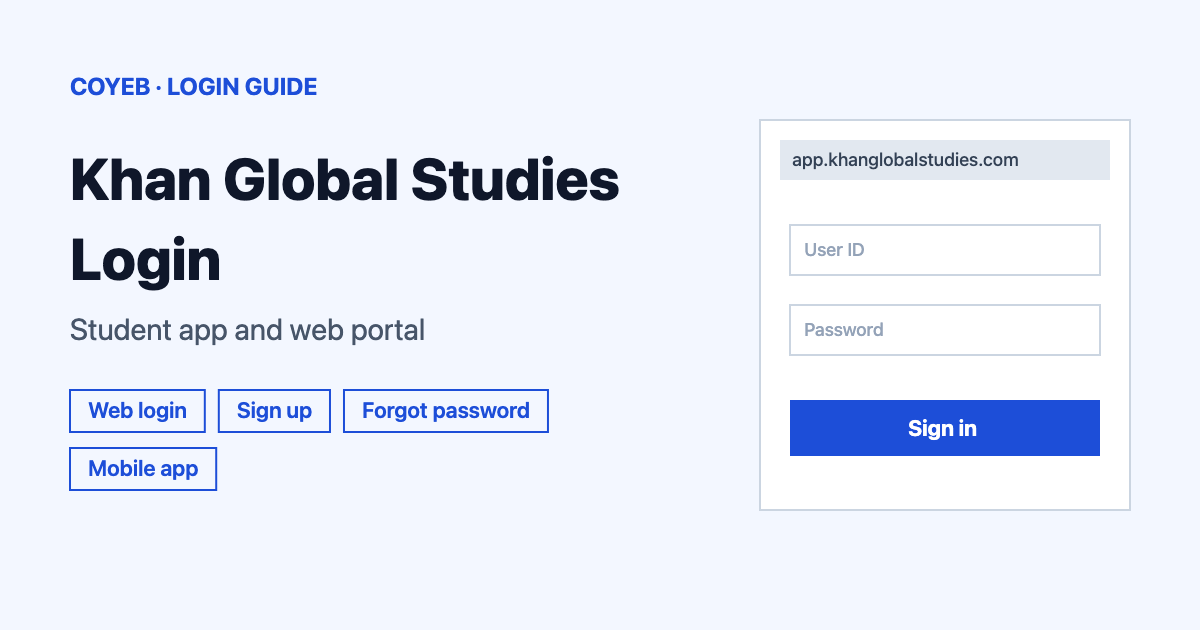
For the Khan Global Studies login, open app.khanglobalstudies.com, type your registered Phone Number and Password, then tap Login. Forgot the password? Tap Forgot Password?, enter your phone number and tap Send OTP. The catch is that there is no username or email option, so only the mobile number you registered with works.
Last verified: 17 November 2026
Official login page: app.khanglobalstudies.com (checked November 2026)
The main site is khanglobalstudies.com and its Login link opens the same page. coyeb.com is not affiliated with Khan Global Studies. Never share your password or OTP with anyone.
Khan Global Studies login steps on the web
The login screen has two fields only. Use the same mobile number you used when you created your account.
- Open app.khanglobalstudies.com in your browser.
- Type your registered number in the Phone Number field.
- Type your password in the Password field.
- Tick Remember me only on a phone or computer that is yours.
- Tap Login.
The same login also appears at app2.khanglobalstudies.com with slightly different labels. The button reads Log in and the links read Forget Password? and Sign Up. The main site links to app.khanglobalstudies.com, so start there. The page needs JavaScript to run, so a blank page often means JavaScript is switched off in your browser.
First-time login: create your account
Anyone can register online. Under the Login button you will see “Don’t have an Account?” with a Register link.
- Tap Register.
- Fill in Name, Email, Phone number, Password and Confirm password. On app2 the last field is called Confirm New Password.
- Choose your State and City from the two lists.
- Tap Register. This also means you agree to the Terms & Conditions and the Privacy Policy linked on that screen.
Once your account exists, go back to the login page and sign in with the phone number and password you just set. Use a mobile number you will keep using, because the support forms ask for your registered mobile number.
Forgot password on the Khan Global Studies login
There is no username to recover. Only the password can be reset.
- Tap Forgot Password? on the login screen (app2 spells it Forget Password?).
- Type your registered number in the Phone Number field.
- Tap Send OTP and follow the steps on screen to verify your number.
On app2 the page says “Please Enter your Phone number for the verification process.”
The login screen cannot show an old password, so a reset is the only way back in when you cannot remember it.
Khan Global Studies app login on mobile
The official Android app is called KHAN GLOBAL STUDIES and is published by Khan Global Studies Private Limited. It is on Google Play with 10M+ downloads (checked November 2026). An iPhone app named Khan Global Studies is on the App Store. Open the app and sign in with the same phone number and password you use on the web.
If you would rather not install anything, open app.khanglobalstudies.com in your phone browser and follow the web steps above. The Play Store listing also says the app is not affiliated with any government exam authority.
Login not working
No official error messages for the sign-in are published, so the table lists what you may see with general suggestions to try. These are not official fixes.
| What you see | What it may mean | Fix to try |
|---|---|---|
| Login does not accept your details | The phone number or password may not match your account | Check that the number is the registered one, then use Forgot Password? to reset it |
| No OTP arrives | The number may be wrong or the network may be weak | Check the number, wait a short while and tap Send OTP again |
| “You need to enable JavaScript to run this app.” | The page needs JavaScript to run | Turn on JavaScript or try another browser |
| Problem inside the app | An account or app issue | Send the enquiry form with the issue type “Application/Web/Account Related Issue” or call the helpline |
After you log in
- Courses and classes. The Play Store listing mentions live classes and recorded lectures. Classes are live and a recorded version stays available if you miss one. The main site groups courses by exam such as UPSC & State PSC, Judiciary, NEET, SSC, Railway and Banking.
- Lectures and notes. Download a lecture with the download option in the app. All course notes are in the app.
- Test series and practice. The app is described as offering test series and daily practice papers.
- Study materials. The site lists Syllabus, NCERT Books, Previous Year Question Papers, Current Affairs and Daily Quiz among its materials.
- Doubts. The Ask Your Doubts page asks for Full Name, Email Address, Phone Number, a Doubt Type (Batch Related, Test Series Related, KGS Store Related, Payment Issue Related, App/Website Related or Others) and your doubt in up to 255 words. You can attach a JPEG, PNG, JPG or PDF file up to 2 MB. It asks you to submit with your registered mobile number.
Books are sold on a separate site, the KGS Store.
Stay safe on the Khan Global Studies login
Only type your password or OTP on a page on khanglobalstudies.com. Search results can also show sites with similar names, such as khangloballtd.com or other kgs.live pages. Those are not the student login described here, so do not enter your details there unless you reached the page from the official site. If a message asks for your OTP or password outside the app or the official page, do not reply. Report it through the official enquiry form.
Khan Global Studies helpline and contact
- Phone: +91 8757354880 (checked November 2026)
- Hours: Monday to Friday 9:00 to 20:00 and Saturday to Sunday 10:30 to 22:00 (checked November 2026)
- Course enquiries: enquiry@khanglobalstudies.com (checked November 2026)
- Store enquiries: store@khanglobalstudies.com (checked November 2026)
- App feedback: feedback@kgs.live, the address the app developer gives in Play Store replies (checked November 2026)
- Office: 5th Floor, A13A, Graphix 1 Tower B, Sector 62, Noida, Uttar Pradesh 201309 (checked November 2026)
- Help page: the official contact page has an enquiry form that asks for Name, Email Address, Phone Number, an issue type and a Message (checked November 2026)