My Asta Login: MYASTA Student Portal Sign-In Help
My asta login for the MYASTA student portal: sign in with your registered email, default password, forgot password, app, helpdesk phone and email.
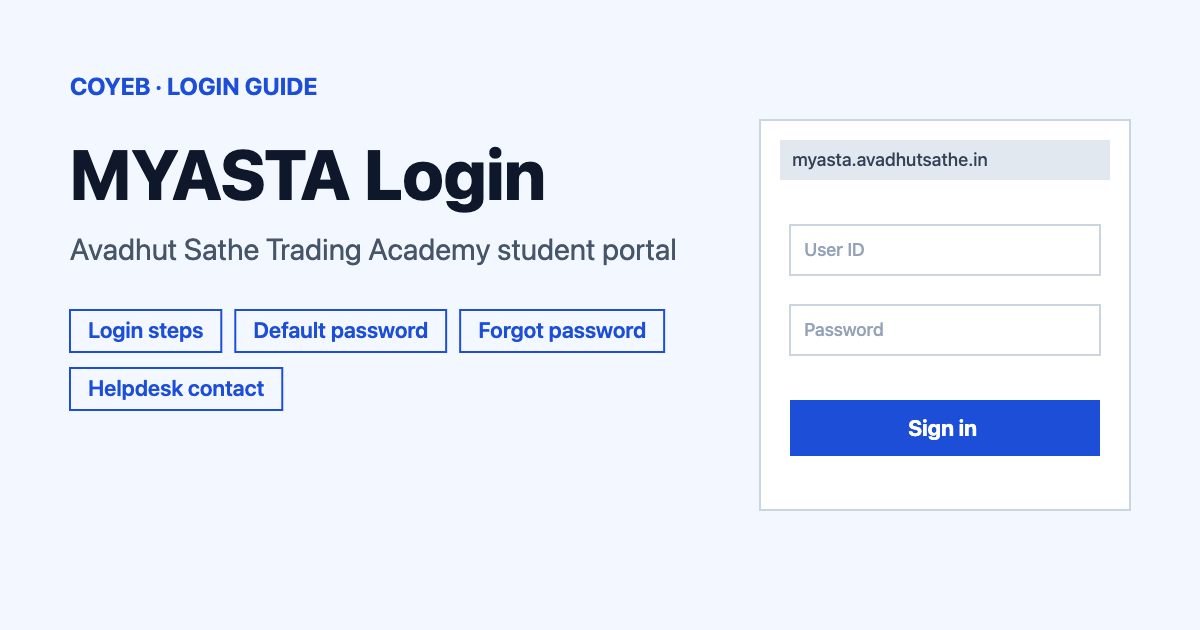
For my asta login, go to myasta.avadhutsathe.in and type the email registered with ASTA in Email, enter your Password and tap Login. The catch: the email must be the one ASTA has on record. If you never set a password, the default is the last four digits of your registered cell number.
Last verified: 17 November 2026
Official link: myasta.avadhutsathe.in (checked November 2026)
coyeb.com is not affiliated with Avadhut Sathe Trading Academy. Never share your password or OTP with anyone.
What you will see on the login page
MYASTA is the student portal of Avadhut Sathe Trading Academy (ASTA). It is for registered ASTA students only. It is not the same as asta.org, which is the American Society of Travel Advisors (also called ASTA), so do not look for your account there.
- A Login heading with an Email box and a Password box
- A Login button
- A Forgot your password? link
- A Register today link next to “Don’t have an account?”
How to do my asta login
- Open myasta.avadhutsathe.in in your phone or computer browser.
- Under the Login heading, type your registered email in the Email box.
- Type your password in the Password box.
- Tap the Login button.
If the page says your browser does not accept cookies, switch cookies on for this site in your browser settings and try again.
First-time login and registration
New students who do not have an account can use the Register today link under the login form. The Register page has an I stay outside India checkbox, an I accept the Terms of Service checkbox and a Register button. If you are already registered, use the Login link next to “Already have an account?” to go back.
Default password for first login
ASTA’s helpdesk says the default password is the last four digits of the cell number registered with ASTA. Use it together with your registered email. The helpdesk lists two checks for a student who cannot sign in: whether the email is the one registered with ASTA and whether the default password was tried.
Forgot password for my asta login
- On the login page, tap Forgot your password?
- On the Forgot password page, follow the prompt and tap Send email.
- Open the email that arrives and follow its steps. If you do not see it, you can try your spam folder.
Still stuck? Make sure you are typing the same email ASTA has on record for you.
MYASTA app on mobile
ASTA has an official MYASTA app for ASTA students. The listing says only ASTA’s registered students can log in to it. You can get it from the Google Play Store or the Apple App Store. The website login above also works in a phone browser.
My asta login not working
| What you see | What it means | Fix |
|---|---|---|
| “It seems your browser does not accept cookies. To log in, you need to enable your browser to accept cookies from this site.” | Your browser is blocking cookies for the portal. | Allow cookies for myasta.avadhutsathe.in, then reload the page. |
| Password not accepted | The password or email may not match the account. | Use the email registered with ASTA. If you never set a password, try the last four digits of your registered cell number. Otherwise use Forgot your password? |
| No reset email | The email may be in spam or may not be the registered one. | Check spam, then contact the helpdesk. |
Only the first row is an exact message from the portal. The other fixes are general suggestions.
What you can do after you log in
The MYASTA app listing says students use it to track progress, sessions and scores. It also covers program registration.
To pay for the next module, the helpdesk says current batch students find the payment link under Programs, then Upcoming Program. Scroll right to pick your branch, then choose the module or program to pay. Make sure you picked the correct branch. Students from a previous batch or repeaters must submit a ticket on the helpdesk to get a payment link.
Stay safe
Check that the address bar shows myasta.avadhutsathe.in before you type your password. If a page or message asks for your password or OTP, close it and report it through the ASTA Helpdesk.
ASTA’s Public Advisory warns that people misuse the academy’s name on Facebook, WhatsApp and other platforms. It says ASTA never offers stock tips, guarantees returns, runs advisory services, offers brokerage or sells trading software. The advisory tells you to avoid unverified WhatsApp, Telegram or Facebook groups that claim to be ASTA and to report them. A Public Advisory link is at the bottom of the login page.
Helpdesk and support
- Phone: +91 72089 96417, the All India Support Number (checked November 2026)
- Email: enquire@avadhutsathe.com (checked November 2026)
- Help page: the ASTA Helpdesk has a Login Issues section in its knowledge base and a Submit a ticket option (checked November 2026)
- Address: Flying Colors Premises Co-op Soc. Ltd, Unit No. 201, Pandit Dindayal Upadhyay Marg, L.B.S. Cross Road, Mulund West, Mumbai, Maharashtra 400080 (checked November 2026)
Other student and school portals in India: Brainware University Login and Sampoorna Login.