Zelis Provider Portal: Login, Enrollment and Payments
Zelis provider portal login at provider.zelispayments.com: sign in, enroll in ZAPP Edge or virtual cards, reset your password or username and find the helpline.
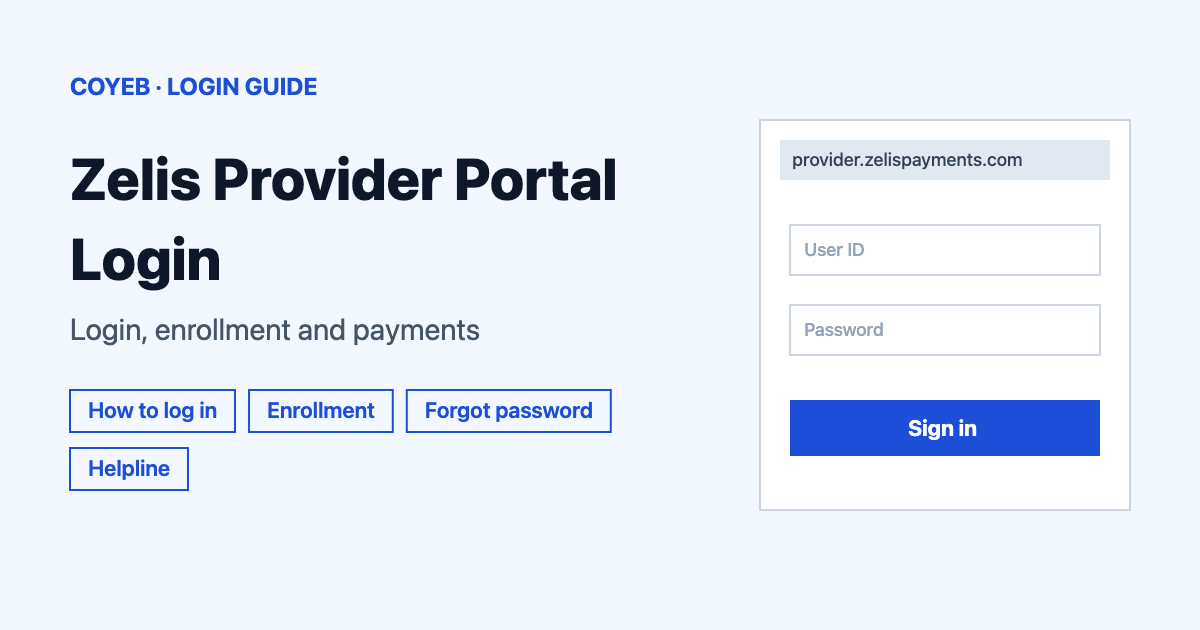
Sign in to the Zelis provider portal at provider.zelispayments.com. Type your User Name, select Continue and follow the next screen. No app or special software is needed. The catch: a forgotten username cannot be reset online. Zelis Client Services must do it, on 877.828.8770.
Last verified: 18 November 2026
Official link: provider.zelispayments.com (checked November 2026). coyeb.com is not affiliated with Zelis. Never share your password or OTP with anyone.
Which login do you need
Zelis lists two separate provider portals on its Support & Login page. Use the one that matches the company that pays your claims.
| You are | Where to sign in | What you type |
|---|---|---|
| A provider paid through Zelis Payments (the Provider Payments Portal) | provider.zelispayments.com | User Name, then select Continue |
| A provider paid through Payspan (the Payspan Payments Portal) | payspanhealth.com/nps | Username, then select NEXT |
What you will see on the Zelis provider portal login page
- One box called User Name
- A Continue button
- A Terms Of Use link, next to the line “By logging in, I agree to the Terms Of Use”
How to log in to the Zelis provider portal
This is the portal for providers who get claim payments through Zelis. It runs in a web browser.
- Go to provider.zelispayments.com.
- Type your name in the User Name box.
- Read the line “By logging in, I agree to the Terms Of Use”, then select Continue.
- Follow the next screen.
Payspan Payments Portal login
Payspan is the second provider portal on the Zelis Support & Login page. It has its own address and its own sign-in screen.
- Go to payspanhealth.com/nps.
- Type your user name in the Username box. It can be the email address that was used when the account was set up.
- Select NEXT.
For a forgotten password or username select Forgot your Username or Password? on that page. It opens a screen with two choices: I know my username and I don’t know my username. Fill in the matching box (UserName or Email Address) and select Submit. If you do not remember your username, Payspan says to ask the administrator of your Payspan account first. An administrator who has forgotten it can call 1-877-331-7154 or email providersupport@payspanhealth.com.
First-time login and Zelis provider portal enrollment
To start receiving payments through Zelis, fill in the enrollment form on the Zelis enrollment page. First choose what you want under I’m looking to: Enroll in ZAPP Edge or Access Enrollment Support. Then pick ACH or Virtual Card under I am interested in.
Have these ready: First Name, Last Name, Contact Email, Contact Phone, Provider or Organization, your nine-digit TIN and your ten-digit Group NPI. There is also a How can Zelis assist? box, a CAPTCHA and a Submit button.
How long enrollment takes
Virtual credit cards let you start receiving payments right away. ZAPP Edge needs your account information verified, which typically takes 7 to 10 business days. Zelis charges a fee for access to ZAPP Edge services.
How the money reaches you
Claim payments arrive as ACH directly into your bank account or as one-time-use virtual cards that you enter into your merchant terminal. The payment options Zelis describes are standard EFT/ERA, premium ACH powered by ZAPP Edge and one-time-use virtual cards. Paper checks by mail do not include access to the Payments Portal.
Payspan registration
A Payspan account is set up with a registration code that a payer sends you. Go to payspanhealth.com/nps and select REGISTER. Payspan says the online enrollment takes 5 to 10 minutes and the standard service has no cost for medical providers and dentists. If you have no registration code yet call Payspan on 877-331-7154 or ask your Provider Relations representative.
Forgot username or password on the Zelis provider portal
Forgot username
Call Zelis Client Services on 877.828.8770 or email ClientService@zelispayments.com. All username reset requests must go through Client Services to keep your information safe.
Forgot password
Open the Password Recovery or Reset page. Type your username in the User Name box and select Enter. If your account is found, you receive an email with a link to reset your password.
Locked out or administrator has left
If the login page says “Locked out? Please contact the administrator at your organization”, ask the administrator at your office to help first. If that administrator no longer works there, contact Client Services on 877.828.8770 or at ClientService@zelispayments.com and a Zelis representative will contact you to help.
Zelis provider portal on mobile
No app is needed. Open provider.zelispayments.com in your phone’s browser and sign in the same way.
Zelis provider portal login not working
| What you see | What it means | Fix |
|---|---|---|
| The login page says you are locked out | Your account access is handled by an administrator at your organization. | Ask your administrator. If they have left, call Client Services at 877.828.8770. |
| Your username is not accepted | The User Name may be wrong or not set up. | Call Client Services, because username resets go through them. |
| You forgot your password | You need to reset it. | Use the Password Recovery or Reset page described above. |
| The page will not open | The address may be mistyped or your browser may be holding old data. | Type provider.zelispayments.com yourself and try again in another browser. You can also try a private window. |
After you log in
Zelis describes the portal as the place to check on your payments, remits and reports instantly.
Check payments and remits
- Sign in to the portal.
- Check on your payments, remits and reports.
Get your remittance data
Remittance data can be sent to your clearinghouse, delivered directly into your practice management system or downloaded from the portal. If you are unsure which one is set up for you, ask Client Services.
Find guides and videos
Training guides and videos are in the Help & Support section of the Payments Portal.
Stay safe on the Zelis provider portal
Check the address bar before you type anything. Zelis payment sign-ins sit on zelispayments.com and the main company site is zelis.com. The Payspan sign-in is on payspanhealth.com. Always type the address yourself instead of using a link in an email. Never share your password or OTP, even with someone who says they work for Zelis. If something looks wrong, call Client Services.
Zelis helpline
- Client Services (provider payments) phone: 877.828.8770 (checked November 2026)
- Client Services email: ClientService@zelispayments.com (checked November 2026)
- Hours: 8 a.m. to 7 p.m. ET, Monday to Friday (checked November 2026)
- Enrollment advisors and setup help: 855.496.1571 (checked November 2026)
- Payspan for Providers: 877.331.7154 x1 or providersupport@payspanhealth.com (checked November 2026)
- Help page: Help & Support inside the Payments Portal (checked November 2026)