Emwi Login: Member and Franchise Sign-In Steps
Emwi login at emwifashion.com: Member ID and franchise email sign-in, registration with OTP, forgot password for both pages and the 24/7 support helpline.
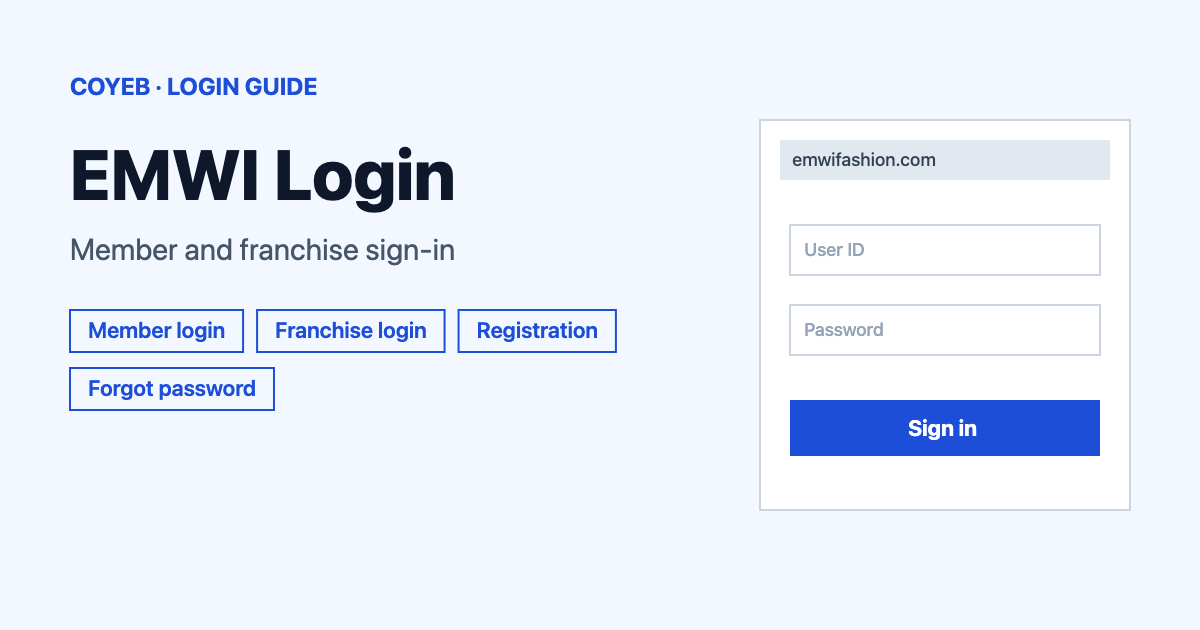
The Emwi login for members is at emwifashion.com/member: type your Member ID and Password, then press Sign in. Franchise panel users sign in at emwifashion.com/franchise with Email ID and Password, then press Log In. The catch: the two pages are separate, so pick the one that matches your account.
Last verified: 18 November 2026
Official sign-in pages (checked November 2026):
- Member: emwifashion.com/member
- Franchise panel: emwifashion.com/franchise
coyeb.com is not affiliated with EMWI. Never share your password or OTP with anyone.
Which login do you need
| You are | Where to sign in | What you type |
|---|---|---|
| A member with a Member ID | emwifashion.com/member | Member ID and Password |
| A franchise panel user | emwifashion.com/franchise | Email ID and Password |
What you will see on the Emwi login pages
Member page: a Member ID box and a Password box with a Forgot Password? link. The buttons are Sign in, Login as Guest and Login as Member. New users see a Create an account link.
Franchise page: an Email ID box and a Password box with a Forgot your password? link and a Log In button. The page says to enter your email address and password to access the Franchise Panel.
How to do the Emwi login
Member login
- Open emwifashion.com/member.
- Type your ID in the Member ID box.
- Type your Password.
- Press Sign in.
If you have a Member ID, fill in the two boxes and use Sign in.
Franchise panel login
- Open emwifashion.com/franchise.
- Type your address in the Email ID box.
- Type your Password.
- Press Log In.
First-time login and registration
New members create an account online. There is no login until an account exists. On the member page, press Create an account to open emwifashion.com/member/register. Then follow these steps:
- Fill in Name, Sponsor Tracking ID, Mobile Number, Email ID, Address and Nominee Name.
- Under Identity Information, fill in Pan Card and Aadhaar Card.
- Press Get OTP and enter the code in the OTP box.
- Tick “I agree to the Terms & Condition.” and “I am over 18”.
- Press Sign Up.
The Terms & Condition link opens the agreement on the same page. Read it before you agree. If you change your mind, the Back to login link returns you to the member sign-in page.
Forgot password
The two pages have separate reset screens.
Member page
- Press Forgot Password? on the member sign-in page.
- Type your Member ID in the Member ID box.
- Press the reset password button. The page says a new password is sent to you.
The Back to login link returns you to the member page.
Franchise page
- Press Forgot your password? on the franchise sign-in page.
- Fill in Franchise Email and Mobile number. The page says to enter your email address and mobile to reset the Franchise Panel password.
- Press Reset Password.
The Back To Login link returns you to the franchise page. If a reset does not work for you, contact EMWI support using the details below. Keep your Member ID or registered email ready when you ask for help.
Emwi login not working
| What you see | What it means | Fix |
|---|---|---|
| “We’ll be back soon!” with a maintenance message | The page says the site is temporarily down for maintenance. | Wait a little and try again. The page says you can contact EMWI in the meantime. |
| Sign in does not accept your details | The ID, email or password may be typed wrongly. | Check that you used the right page: Member ID on the member page and email on the franchise page. Retype the password slowly, then use the forgot password link if needed. |
| OTP does not arrive during registration | The code may be delayed. | Check the mobile number you entered, wait a moment, then press Get OTP again. |
Stay safe
The official site is emwifashion.com. Type the address yourself instead of tapping a link from a message and check the address bar before you type a password. EMWI support emails end in emwi.in, so be careful with any message that asks for your password or OTP from another address.
Helpline
- Call: (+91) 7026868681 (checked November 2026)
- Support: (+91) 7026868682 (checked November 2026)
- Account: (+91) 7026868683 (checked November 2026)
- Email: contact@emwi.in, support@emwi.in, account@emwi.in (checked November 2026)
- Hours: 24/7 Support Center, listed next to the hotline 7026868681 (checked November 2026)
- Contact form: Name, Mobile, Email and Message are required, then press Send message (checked November 2026)
- Help page: emwifashion.com/contact (checked November 2026)