ePunjab School Login: Staff and School Portal
Use the epunjab school login at epunjabschool.gov.in: School/Office and Staff steps, date of birth format, forgot password, apps and support contacts.
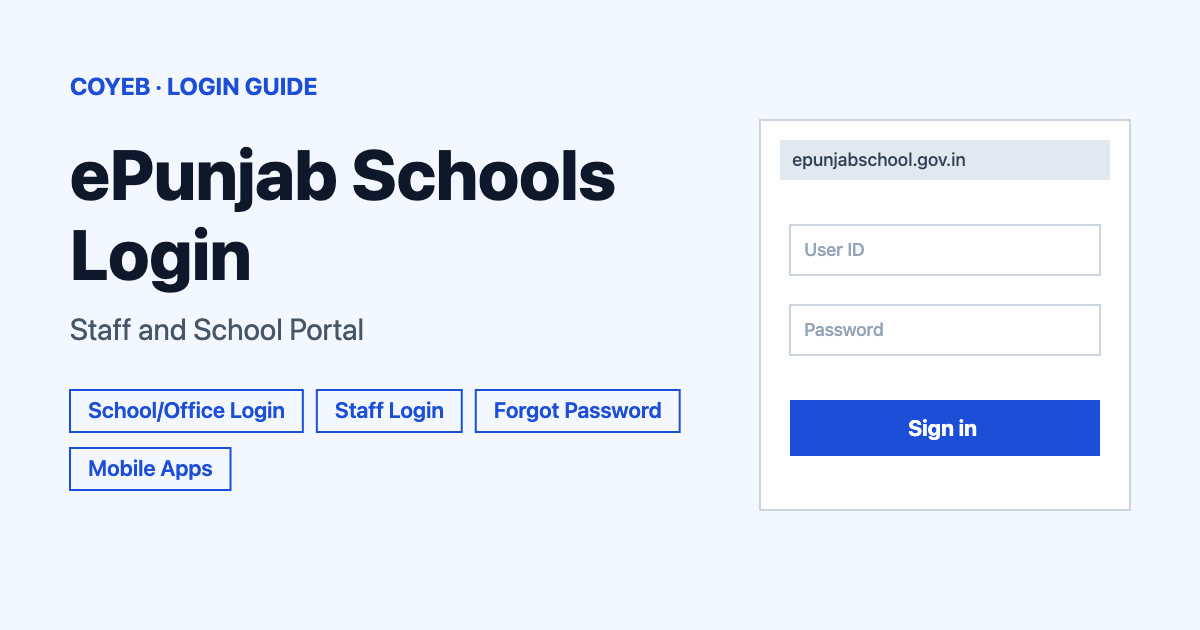
For the epunjab school login, go to epunjabschool.gov.in and open Login in the top menu. Choose School/Office Login or Staff Login. Staff type the Date of Birth as DDMMYYYY and press GO. School and office users copy the picture code into Enter given code. Staff Login has no picture code.
Last verified: 18 November 2026
Official address (checked November 2026): https://epunjabschool.gov.in/
coyeb.com is not affiliated with ePunjab Schools or the Department of School Education, Punjab. Never share your password or OTP with anyone.
Which login do you need
Everything starts from the Login item in the top menu. It opens a list of many logins. Most people need one of the first two rows below.
| You are | Where to sign in | What you type |
|---|---|---|
| School or office user | Login, then School/Office Login (epunjabschool.gov.in/SchoolOfficeLogin.aspx). The Scholarship item in the top menu opens the same page. | User name, password and the picture code |
| Staff member | Login, then Staff Login (epunjabschool.gov.in/Home/LoginStaff.aspx) | Username, password and date of birth |
How to use the ePunjab school login
School or office login
- Go to Login in the top menu and choose School/Office Login.
- Type your user name in Enter Your User Name.
- Type your password in Enter Your Password.
- Copy the picture code into Enter given code.
- Press Login.
Staff login
- Go to Login in the top menu and choose Staff Login.
- Enter your Username and Password.
- Type your Date of Birth in the DDMMYYYY format, for example 05021985 for 5 February 1985.
- Press GO.
Other logins
The Login list also holds separate pages for Exam, Vocational, Mid Day Meal, Finance, BM/DM, Nodal, School Inspection, Staff Verification, SOE, Samrath Mentor and Meritorious users. Meritorious users have one page for users and another called Meritorious School/Coordinator Login. Each one has its own page, so use the one made for your role.
Forgot password on the epunjab school login
Staff
The Staff Login page has a link called Forget Password ???. It opens a page with Staff ID, Mobile Number and Enter given code plus a Send SMS button. The Staff ID box takes up to 12 characters and the Mobile Number box takes up to 10. Fill these in with your own details and select Send SMS.
School or office
The School/Office Login page does not show a reset link. If you lose that password, ask the office that gave you the account.
Login on mobile
You can open the same login pages in a phone browser. The official site also has an Android Apps and iPhone Apps page with separate lists for school, staff, public and administrator apps. The Google Play listings for the school app and the staff app are linked from that page. Be careful with apps that only use a similar name.
Epunjab school login not working
The portal does not publish a list of error messages, so these are general suggestions you can try.
| What you see | What it means | Fix |
|---|---|---|
| Login fails after you press the button | Possibly a wrong user name, password or code | Retype slowly and watch capital letters. Read the picture code again. |
| Staff Login does not accept you | The date of birth may be in the wrong format | Use DDMMYYYY with no spaces or dashes. |
| Page loads badly or buttons do nothing | Possibly a browser problem | Try another browser such as Chrome, clear old site data and try again. |
| Password forgotten | You need a reset | Staff can use Forget Password ???. School accounts should ask their office. |
After you log in
What you see depends on your account type. The public side of the site also offers a few services in the top menu.
- Online Admission: a form with Student Name, Father Name, Date Of Birth (DOB) in DDMMYYYY format, Mobile Number, Gender, Seeking Admission In Class (Nursery to 12th), Residence Address, District, School Category and School Name. Fields marked with an asterisk are mandatory. The buttons are Add Schools and Submit Form.
- SMC Nomination: the page is called Nomination for SMC MemberShip (Educationist/Social Worker). It lets you search or register a nomination by mobile number and has a Save button.
- Report: open it from the top menu to reach the reports page.
Stay safe
The site address should end in epunjabschool.gov.in. Do not enter your password on any other address and never tell your password or SMS code to anyone.
Contact and helpline
The Contact Us page (epunjabschool.gov.in/AboutUs.aspx) lists technical support from the State MIS Wing. It also has a District MIS wing table with a coordinator, landline, mobile number and email for each Punjab district.
- Phone (State MIS Wing): 0172-5212332 (checked November 2026)
- Email (State MIS Wing): mispunjab@punjabeducation.gov.in (checked November 2026)
- Hours: no hours are published on the page (checked November 2026)
- Help page: Contact Us in the top menu (checked November 2026)