CoStar Login: Commercial Real Estate Platform Access
CoStar login at product.costar.com: Email address and Password steps, the secure sign-in screen, password reset, fixes and customer service hours.
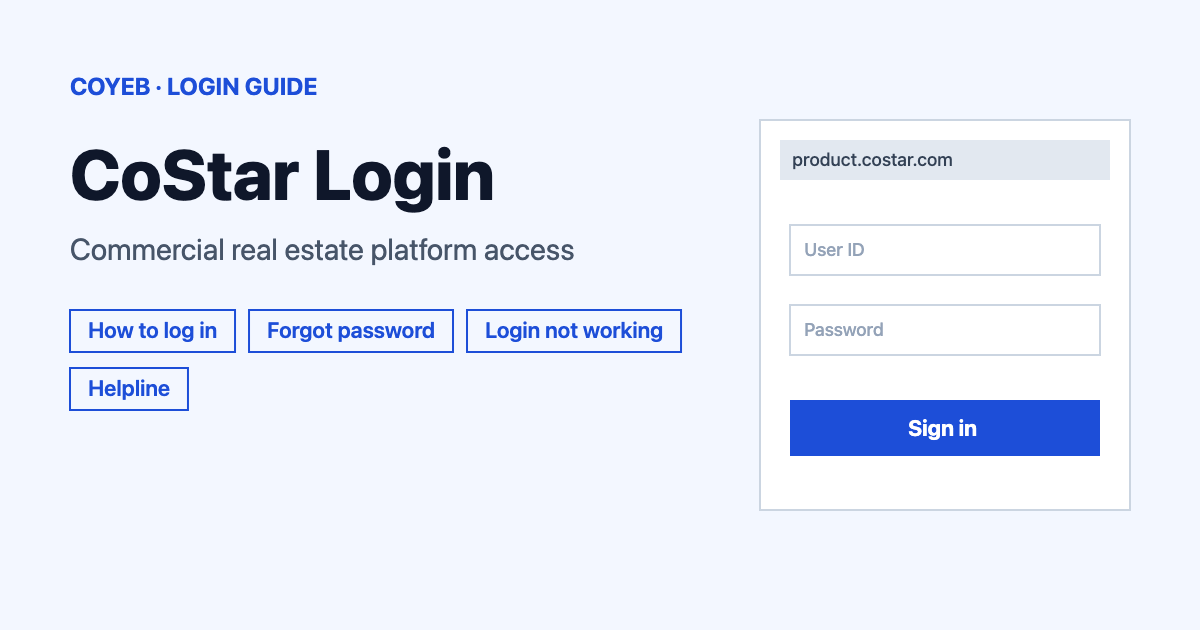
For your CoStar login, go to product.costar.com. Type your Email address and Password, then select Log In. The catch: the sign-in screen opens on secure.costargroup.com, CoStar’s own secure address, so check that the address bar shows it before you type anything.
Last verified: 18 November 2026
Official login page: product.costar.com (checked November 2026)
coyeb.com is not affiliated with CoStar. Never share your password or OTP with anyone.
What you will see on the login page
The page is called Log in to CoStar. It has an Email address box and a Password box. Below them are a Log In button and a Forgot password? link. A line under the button says that by logging in you accept the CoStar Terms of Use.
CoStar login steps
- Open product.costar.com in your browser. You can also open costar.com and select the Login link at the top of the page, which leads to the same address.
- Type your email in the Email address box.
- Type your password in the Password box.
- Select Log In.
costar.com/login is not the sign-in page. Always start from product.costar.com.
Forgot your password
- On the login page, select Forgot password?
- On the Forgot your password? screen, type your username in the box. The screen says it will send you a link to change your password.
- Select Continue and open the link in your email.
If the email does not arrive, check your spam folder. If you do not know which username or email your account uses, contact customer service with the details below.
Login not working
CoStar does not publish a list of sign-in error messages, so the fixes below are general suggestions.
| What you see | What it means | Fix |
|---|---|---|
| Page not found at costar.com/login | That address is not the login page | Use product.costar.com or the Login link at the top of costar.com. |
| Password not accepted | A typing mistake or an old password | Retype it slowly or use Forgot password? to set a new one. |
| No reset email | The message may be in spam or sent to another address | Check spam and try the email you registered with. Then contact customer service. |
Stay safe
The login link at costar.com leads to product.costar.com. The sign-in screen itself then appears on secure.costargroup.com. Other addresses are not CoStar’s login. CoStar’s anti-piracy page lists sharing or borrowing login details as not allowed, so keep your password to yourself.
To report suspected theft of CoStar account credentials or data, call 855-859-6108 or write to accountsecurity@costar.com (checked November 2026). See the official anti-piracy page for more.
CoStar helpline
- Phone (North America): 800-613-1303 (checked November 2026)
- Email: support@costar.com (checked November 2026)
- Hours: Monday to Friday, 8:00am to 8:00pm ET. Saturday, 9:00am to 6:00pm ET, by email only (checked November 2026)
- UK: 020 3205 4500 or helpdesk@costar.co.uk, Monday to Friday, 8:00am to 6:00pm BST (checked November 2026)
- No account yet: CoStar Sales in North America is 888-226-7404 or sales@costar.com (checked November 2026)
- Help page: costar.com/about/contact lists other regions (checked November 2026)