EduBridge Login: Learner Portal Access
EduBridge login steps for edubridgeindia.com: sign in with mobile or email, create an account, reset a password and fix common sign-in problems.
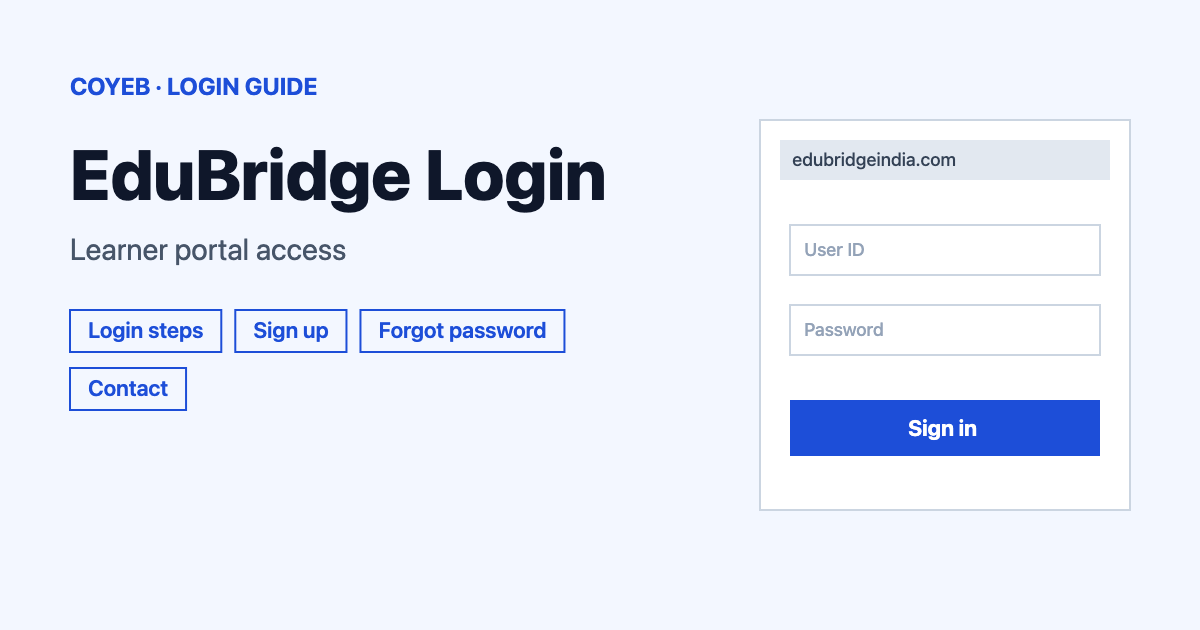
Your EduBridge login starts at edubridgeindia.com/login. Type your registered mobile number in Enter Mobile Number or tap Use email instead. Then type your password in Enter Password and press LOGIN. The catch: the Request a call back pop-up is not the login, so close it and use the form.
Last verified: 18 November 2026
Official login page: https://www.edubridgeindia.com/login (checked November 2026)
coyeb.com is not affiliated with EduBridge. Never share your password or OTP with anyone.
What you will see on the EduBridge login page
- Login to EduBridge with a phone box that already shows the (+91) prefix and the field Enter Mobile Number
- Use email instead, which changes the box to Enter Email Id (tap Use mobile instead to go back)
- Enter Password
- Forgot Password? and the LOGIN button
- Not a member yet? Sign up at the top of the page
EduBridge login steps
- Open the official login page above.
- Type your registered mobile number in Enter Mobile Number. To use email instead, tap Use email instead and type your registered email in Enter Email Id.
- Type your password in Enter Password.
- Press LOGIN.
If the number is not registered, the page shows “You are not registered with us, kindly click here to register.” Use that link to create an account with the same number.
EduBridge sign-up and first-time login
New learners tap Not a member yet? Sign up on the login page or open www.edubridgeindia.com/register. Keep your mobile number and email handy because both are verified with a code.
- Fill in Enter Mobile Number (with the (+91) prefix), Full Name, Enter your Email ID and Enter Pincode.
- Type a password in Create Password. The page asks for at least 8 characters, one number and one symbol.
- Press Create my account. Pressing it means you confirm you have read the Terms & Conditions.
- Verify your mobile number: the page says it sent a 4 digit verification code to your mobile number. Enter it and press Verify OTP. A Resend OTP option appears after a 00:60 countdown.
- Verify your email address the same way with the 4 digit code sent to your email.
If you already have an account, the sign-up page links back with Already a member? Login now.
EduBridge forgot password
Tap Forgot Password? under the password box. The next screen is called Update your password.
- Type the new password in Enter New Password.
- Type your registered mobile number in Enter Registered Mobile Number. Or use the field Enter Your Registered Email ID instead (the screen separates the two with the word OR).
- Press Update.
The Request a call back pop-up
This pop-up is for career advice. It is not part of the login. It asks for your state or union territory and a phone number. It says “You’ll receive an OTP on this number for verification purposes.” You then enter the code under Enter verification code and press Verify My Account. A career coach then calls you back. If you only want to log in, close the pop-up and use the login form.
EduBridge login on mobile
The login page shows no official app link, so use your phone browser such as Chrome or Safari. Open the same login address and follow the same steps. Be careful with store apps that only have a similar name.
EduBridge login not working
Only two messages could be read on the official pages. The fixes below are general suggestions.
| What you see | What it means | Fix |
|---|---|---|
| You are not registered with us, kindly click here to register. | The number or email is not linked to an account. | Check each digit or try the other method (Use email instead or Use mobile instead). If it is still not found, register with the link in the message. |
| Please enter a valid mobile number | The sign-up page does not accept the number as typed. | Check each digit and the (+91) prefix. |
| Password is rejected | The password may be mistyped or changed. | Try Forgot Password? to set a new one. |
| Verification code does not arrive | The code may be delayed or sent to another number or email. | Check the number and email you typed. Wait for the 00:60 countdown to end and use Resend OTP. |
Other EduBridge logins
The name EduBridge is shared by several different services, such as trainee and trainer portals. Each has its own address and its own account. An account made on edubridgeindia.com will not necessarily work on them, so check the web address before you type anything.
Stay safe
- Check that the address is edubridgeindia.com before you enter a mobile number or OTP.
- EduBridge says it does not permit any external agency to collect money from students on its behalf.
- EduBridge warns that fraudsters use its name to ask job applicants for processing fees or deposits. Do not pay and do not share original or scanned identity proof or certificates with them.
- If unsure, call 1800 120 1193 or write to wecare@edubridgeindia.in before you reply.
Contact EduBridge support
- Phone: 1800 120 1193, listed for reporting fraud or getting help (checked November 2026)
- Hours: 8:00am to 8:00pm, Monday to Sunday including holidays, listed for the career experts line (checked November 2026)
- Email: wecare@edubridgeindia.in (checked November 2026)
- Technical issue: raise a ticket at the EduBridge ticket portal (checked November 2026)
- Help page: www.edubridgeindia.com/contact-us (checked November 2026)