Podium Login: Business Inbox Access
Podium login steps for auth.podium.com: sign in with email or mobile number, get a temporary code if you forgot your password and use the Podium app.
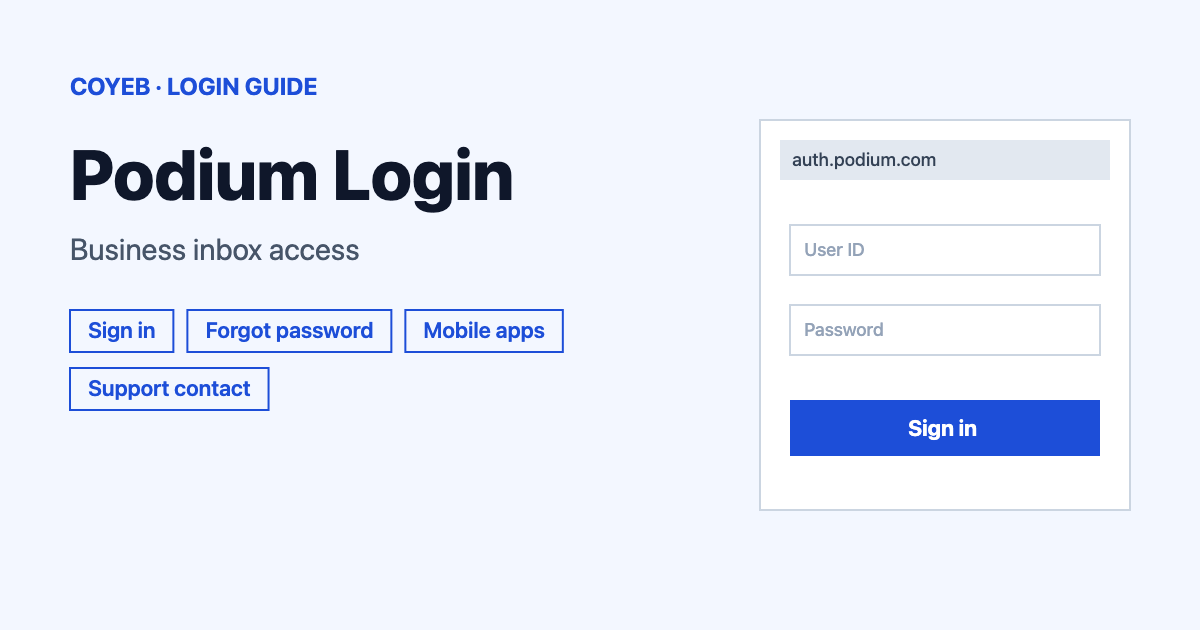
Podium login: go to auth.podium.com, type your email or mobile number in the Email or mobile number box and select Next. If you forgot your password, select Forgot password? to get a temporary access code. The catch: only the email or number linked to your Podium account will work.
Last verified: 18 November 2026
Official sign-in page: https://auth.podium.com/ (checked November 2026)
coyeb.com is not affiliated with Podium. Never share your password or OTP with anyone.
What you will see on the Podium login page
Podium is a platform for local businesses. Its AI Employees reply to customers, follow up and book appointments. The sign-in page has one box and a few options:
- Email or mobile number: the box where you start.
- Next: the button that moves you to the next screen.
- Sign in with Google and Sign in with Apple: for accounts linked to Google or Apple, so you do not type anything.
- Forgot password?: the link under the buttons for getting back in.
Podium login steps
- Open auth.podium.com in your browser. You can also reach it from the Sign in link on podium.com.
- Type your email or mobile number in the box marked Email or mobile number.
- Select Next.
- Follow the next screen to finish signing in.
Podium login for a new user
If your company already uses Podium, ask the person in charge of Podium at your work to add you as a user. Once you are added, you get a welcome email and can sign in.
If your company does not have a Podium account yet and you want to buy Podium for it, you can learn more at podium.com.
Podium forgot password
- On the sign-in page, select Forgot password?. This opens a page that asks for the email or mobile number tied to your Podium account.
- Type it in the Email or mobile number box.
- Select Send code. Podium sends you a temporary access code.
- Use the code to sign in. After you are signed in, Podium gives you the option to reset your password.
If you add your mobile number to your account, Podium can text you a login code when you forget your password.
Podium login when you do not know the email
If you do not know which email is tied to your Podium account, talk to the person in charge of Podium at your work.
Podium access code not received
Check the spam folder of your email first. Then select Send code to get another access code. Check that your email or number has no typos. The page also has a Need more help? link that opens a short signing in help guide.
Podium login on phone or computer
Podium has a mobile app called Podium Small Business Tools for iPhone and Android. Both are listed on the official download page at podium.com/download. The same page lists a desktop app for macOS and Windows and a Chrome extension called Podium Pass. The extension is in beta and needs a Podium account and the Chrome browser.
If you prefer your phone browser, open auth.podium.com and use the same steps as on a computer.
Podium login not working
| What you see | What it means | Fix |
|---|---|---|
| You need to enable JavaScript to run this app. | The sign-in page needs JavaScript to run | Turn on JavaScript, refresh or try another browser |
| You land on a different website | You may have opened a lookalike site | Close it and type auth.podium.com yourself |
The fixes above are general suggestions.
Stay safe when you sign in
The sign-in address is auth.podium.com, which belongs to podium.com. Searching for Podium can show lookalike names, so check the address before you type anything. Never give your password or a code to anyone who contacts you.
Podium support contact
- Phone (US): (801) 999-8216, Monday to Friday 6:00 AM to 6:00 PM MST. There is no live phone support on Saturday and Sunday (checked November 2026)
- Text (US): (801) 999-8216, Monday to Friday 6:00 AM to 11:00 PM MST and Saturday and Sunday 7:00 AM to 9:00 PM MST (checked November 2026)
- Chat (US): log in to Podium, click Help in the bottom-left corner and select Chat with support. Hours are the same as for text (checked November 2026)
- Australia: phone 03 9022 7234 or text 0480 808 902, Monday to Friday 8:00 AM to 8:00 PM AEST and Saturday 8:00 AM to 6:00 PM AEST (checked November 2026)
- Help page: Contacting Help in Podium (checked November 2026)