iBAS++ Login: Bangladesh Government Salary and Pay Bill
iBAS++ login steps on ibas.finance.gov.bd/login: user ID, password and captcha, password reset by mobile code, NID registration and the iBAS SAFE app.
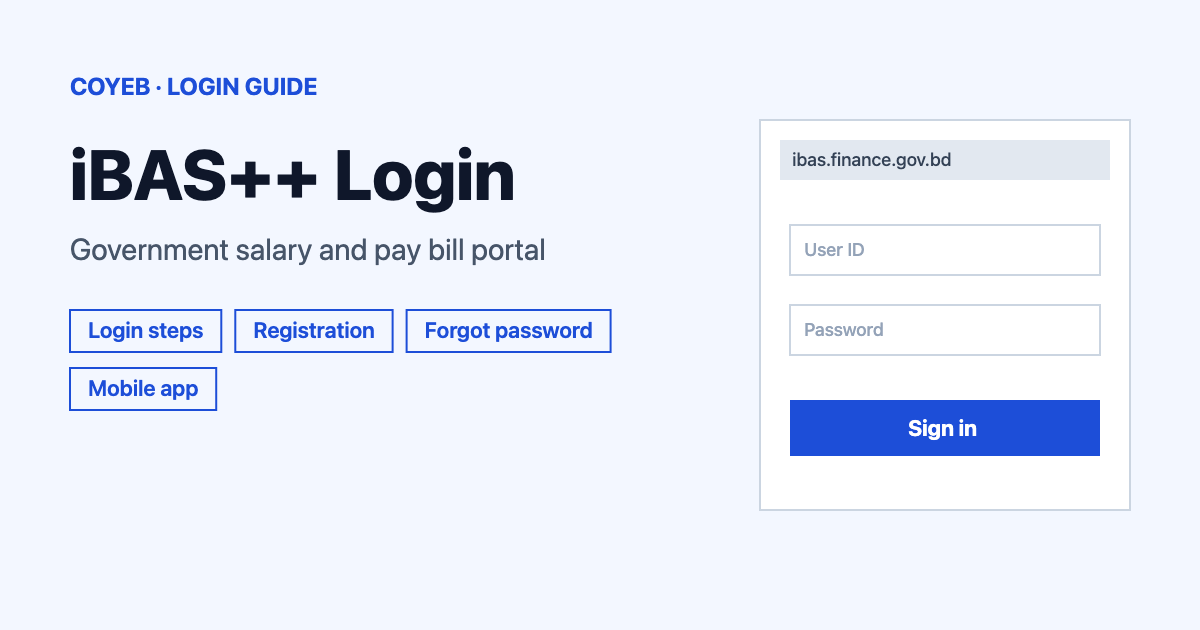
To use the iBAS++ login, open ibas.finance.gov.bd/login, type your Username / Login Id and Password, enter the captcha text shown below and click Login. The same form is used for salary and pay bill work. If the password is lost, use Forgot Password and a verification code goes to your registered mobile.
Last verified: 18 November 2026
Official iBAS++ login address
Official login page: https://ibas.finance.gov.bd/login (checked November 2026). The page is headed “Welcome To iBAS++” and “Integrated Budget & Accounting System”. It belongs to the Finance Division of the Government of Bangladesh. If you start from the Finance Division home page at ibas.finance.gov.bd, the button to press is “iBAS++ Login/Registration”.
coyeb.com is not affiliated with iBAS++ or the Finance Division. Never share your password or OTP with anyone.
How to do the iBAS++ login
There is one login form for everyone. It has no box for choosing a user type, so salary and pay bill users sign in on the same screen as everybody else. A question that comes up often is the “ibas++2” login. Only one address was found on the official site, so use ibas.finance.gov.bd/login and do not go looking for a second one.
- Open ibas.finance.gov.bd/login in your browser.
- If a notice window opens on top of the form, close it with the X at its top right corner. A Bangla notice about the October 2026 salary and allowance payment was showing at the time of checking.
- Type your user ID in the Username / Login Id box.
- Type your password in the Password box. The eye icon at the right end of the box shows or hides what you typed.
- Read the letters and digits in the captcha image and type them in the box that says Enter the text displayed below. If the image is hard to read, click Try another to get a new one.
- Click the blue Login button.
Under the Login button there are a few more links. They are TA-DA Staff Login, Pay Fixation-2026 GoB Staff – Running (Without User ID) and Pay Fixation-2026 New Recruitment (All Grades). These three are named here only as they appear on the page and their screens are not covered. At the top, the “Click Here (Economic Code, TA/DA Distance Matrix, User Manual and Others)” button opens a page of official resources and the “Pay Fixation-2026 Tutorial” button opens the pay fixation tutorial.
First-time iBAS++ login and registration
If you do not have an account yet, click Don’t have an account yet? Register Yourself under the Login button. The form changes to iBAS++ User Registration with one box called NID / Service No and a Go button. Enter your NID or service number there and click Go. The official page decides what happens next, so follow the instructions it shows you.
Forgot password or user ID on the iBAS++ login
For a forgotten password click Forgot Password? on the login page. The screen is headed Forgot Password and asks for two things.
- Type your user ID in the Login Id box.
- Type the captcha text in the box that says Please type the text displayed below. Use Try another if you cannot read it.
- Read the line “Please click the following button to send a verification code to your registered mobile.” and click Send Verification Code.
- On the next screen, headed Change Password, fill in the boxes shown and click Change.
The page notes that the verification code is valid for 4 minutes. The note spells the word “Varification” on the site. If the code does not arrive, click Back and send it again. Because the code goes to your registered mobile, the mobile number saved on your account has to be one you can still use.
If the problem is a forgotten user ID, the login page has a separate Forgot User ID link under the Forgot Password link. The official “Necessary Information” page, which opens from the “Click Here” button, also lists two Bangla guidelines for people who need to change how they receive the OTP. One is for changing the OTP method together with mobile and email verification. The other is for people travelling abroad whose password has expired. You can find them at ibas.finance.gov.bd/security/login/necessarylinks (checked November 2026).
iBAS++ login on mobile
In a mobile browser the path is the same as on a computer. Open ibas.finance.gov.bd/login and fill in the same boxes. If the Bangla notice window opens, close it with the X first.
The Finance Division also has an Android app on Google Play called iBAS SAFE (checked November 2026). Its developer is Finance Division Bangladesh and its package name is bd.gov.finance.ibassafe. The listing describes it as an app for submitting the monthly pay bills of government officers and for viewing their self-reports. The Play listing was last updated on 19 August 2026. App stores also hold other apps with similar names, so check the developer name and package name before installing.
iBAS++ login not working
The official pages show only one error-style message, the 4-minute verification code note above. The other rows are general suggestions and not official error texts.
| What you see | What it means | Fix |
|---|---|---|
| Captcha letters are unreadable | The image is hard to read | Click “Try another” to load a new captcha and type the new text. |
| Verification code not received or too late | The page says the code is valid for 4 minutes | Click “Back” and then “Send Verification Code” again. |
| A notice window covers the form | A Bangla notice popup is open on the login page | Close it with the X at its top right corner. |
| You cannot remember the user ID | Forgot Password needs the Login Id | Use the “Forgot User ID” link on the login page. |
| Code goes to a number you no longer use | The code is sent to the registered mobile | Read the official OTP method change guideline on the “Necessary Information” page. |
| Only an OTP generator shows in the app | One reviewer reported this on 5 November 2026 (a user report and not official) | Try the web login at ibas.finance.gov.bd/login for the task you need. |
What the iBAS++ login is used for
iBAS++ is the Integrated Budget and Accounting System of the Government of Bangladesh. These are the uses named on the official pages and in the official app listing.
- Monthly pay bills. The iBAS SAFE listing says the app submits the monthly pay bills of government officers.
- Self-reports. The same listing says the app shows officers their self-reports.
- Pay fixation 2026. The login page has two Pay Fixation-2026 links, one for running staff without a user ID and one for new recruitment of all grades.
- Travel and daily allowance. The login page has a TA-DA Staff Login link and the resource page lists a TA/DA distance finder.
Stay safe on the iBAS++ login
Check that the address in your browser starts with ibas.finance.gov.bd before you type anything. Type the address yourself or use the button on the Finance Division home page instead of following a link from a message. Never share your password or the verification code with anyone. No fake-site warning from the Finance Division was found on the official pages.
iBAS++ help and contact
The login page shows no helpline number (checked November 2026). The Finance Division home page has a “Citizen’s Advice” form with Name, Mobile No, Email and Advice boxes and a Submit button. For problems with the iBAS SAFE app, the Google Play listing shows the developer contact developers@finance.gov.bd (checked November 2026).