IU Patient Portal Login: Set Up, Sign In and Reset
IU patient portal login for My IU Health: the official myiuhealth.org address, account setup, forgotten password steps, mobile app and support line.
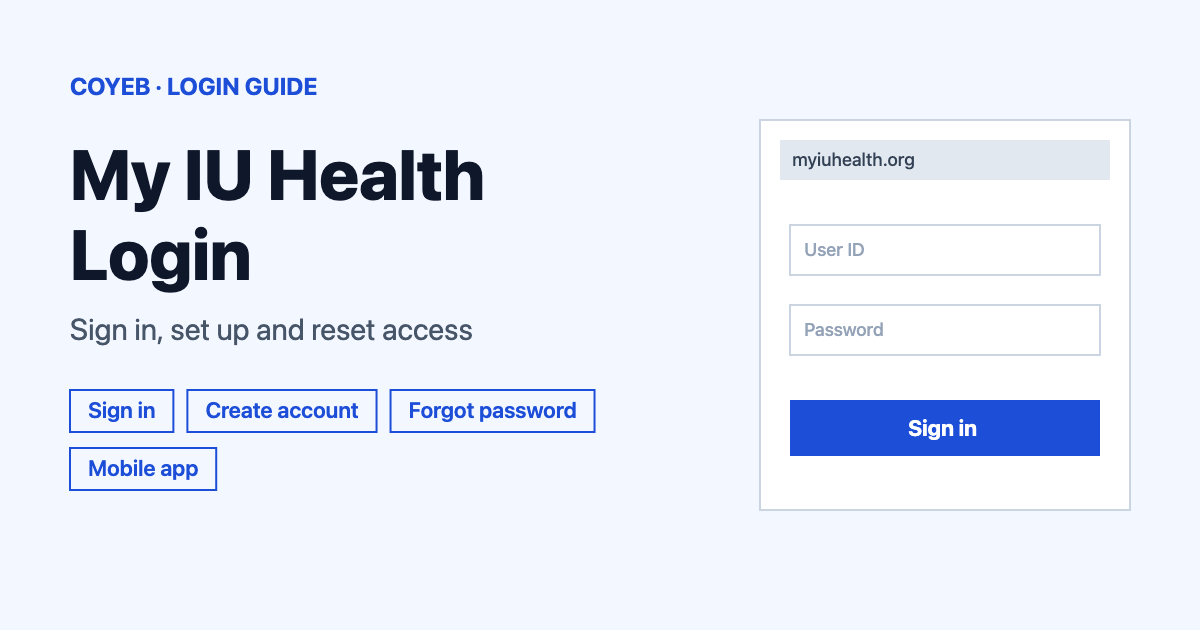
To use the IU patient portal, go to myiuhealth.org, which opens the “Sign in to My IU Health” page. Enter your username and password, then select “Sign in”. New patients can choose “Create account” instead. If you forgot your password, select “Forgot password?” on the same page.
Last verified: 18 November 2026
Official address: myiuhealth.org (checked November 2026). The sign-in page itself sits on account.myiuhealth.org.
coyeb.com is not affiliated with Indiana University Health. Never share your password or OTP with anyone.
How to log in to the IU patient portal
The patient portal at IU Health is called My IU Health. Everything starts at the one official address, so type myiuhealth.org into your browser instead of using a search result you do not recognise.
- Open myiuhealth.org. It sends you to the page titled Sign in to My IU Health.
- Enter your username and your password. Your username is the email address connected to your My IU Health account.
- Select Sign in.
- If you turned on two-step verification, enter the code that arrives by email or text message. The code is valid for 5 minutes.
The same page also shows Forgot password? and Create account. The footer carries links for Help Guide, Guest Pay and Contact Us, plus the support phone number 317.963.1661.
First-time setup: how to create your IU patient portal account
There are two ways to get started. Which one fits you depends on whether the office sent you an invitation.
Without an invitation
This route is for adults aged 18 or older who are already IU Health patients. Select Create account below the password field and enter your name and date of birth. Then pick a personal identifier: your email address, your mobile phone number or your full Social Security number. Whatever you choose has to match what is in your medical record.
A verification code goes to your email or phone. After you verify it you create a password. Two-step verification is offered during setup but it is optional. Your password must be between 8 and 20 characters long.
If self-enrollment does not work you will see More information needed. In that case try a different personal identifier.
With an invitation
After a recent visit an IU Health team member can email you an invitation. To finish that setup you need your date of birth and a 4-digit activation code. The code expires 90 days after it was created. If you lost it or it ran out, call portal support at 317.963.1661.
Adding a child
For a child aged 13 or younger a parent or guardian gets access through an invitation from the child’s doctor’s office. That access is removed when the child turns 14. For ages 14 to 17 the parent or guardian first completes the Health Services Parent/Guardian Consent for Minor Patient Online Access form. If the teen has not had a visit, the parent and the teen both join the support call.
Forgot your username or password
Your username is the email address linked to your account, so try the email addresses you normally use. The help guide on iuhealth.org also has a section called Recover Your Username if you are still stuck.
For a lost password select Forgot password? on the sign-in page. The help guide calls this link “Forgot your password?”. A verification code is sent to your email. Codes expire after 5 minutes, so request a new one if yours runs out before you use it. When you choose the new password keep it between 8 and 20 characters.
IU patient portal on mobile
The official Android app is called My IU Health and is published by Indiana University Health, Inc. on Google Play. It needs Android 7.0 (API level 28) or later. On iPhone the app needs Apple iOS 11.2 or later.
The app does not currently support Touch ID or Face ID, so expect to type your sign-in details each time. If you would rather not install anything, the same myiuhealth.org address works in a phone browser.
Login not working: what you see and what to try
| What you see | What it means | Fix |
|---|---|---|
| More information needed | Self-enrollment could not match your details to your record. | Try a different personal identifier: email address, mobile number or full Social Security number. |
| Please wait at least 1 minute before trying again. | Too many attempts in a short time. | Wait one minute and then try again. |
| Your verification code no longer works | Codes are valid for 5 minutes. | Request a new code and enter it right away. |
| Your activation code is lost or older than 90 days | Invitation activation codes expire 90 days after creation. | Call portal support on 317.963.1661. |
Only the first two rows quote text from IU Health. The other two describe situations from the help guide. If the page will not load at all, you can try again a little later or call the support line to ask whether there is a problem on their side.
After you log in
IU Health lists several everyday jobs for My IU Health. You can schedule appointments with select providers and pay a bill. You can also message your care team and view medical records and lab reports. Prescription renewals are on the list too.
Messages are not for emergencies. In an emergency call 911. If you do not have a My IU Health account, the Guest Pay link in the sign-in page footer lets you pay a bill without one.
Stay safe
Check that the address belongs to myiuhealth.org or iuhealth.org before you type anything. Never give your password or a verification code to anyone. If you use text message verification the codes come from 26096, 69525, 87892 or 97671. A text from a different number asking for your code is worth treating with suspicion. For more detail read the official My IU Health help guide.
If you also use other patient portals, the Healow login guide covers a similar sign-in.
Helpline
My IU Health Patient Portal Support is at 317.963.1661 and is open Monday to Friday from 8 am to 4:30 pm EST (excluding major holidays), checked November 2026. For other IU Health questions the general line is 1.888.IUHEALTH (1.888.484.3258).