Boomi Login: AtomSphere Platform Sign-In Guide
Boomi login at platform.boomi.com: sign in with email and password, enter your 2FA code, reset a password and unlock a locked Boomi account.
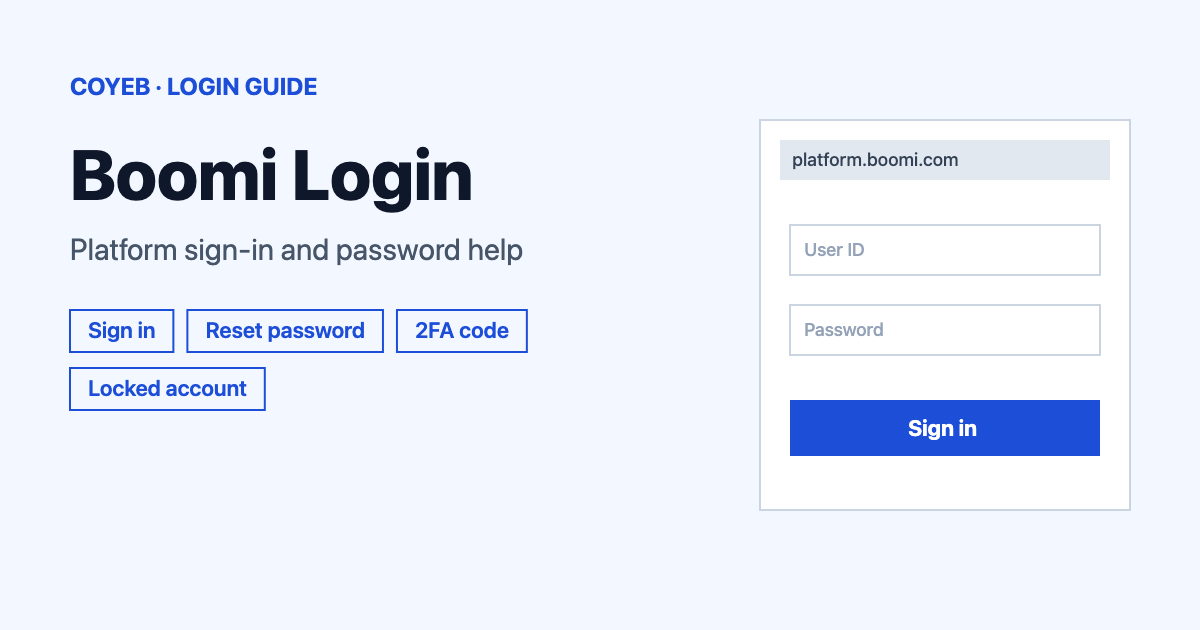
Boomi login: go to platform.boomi.com, type your Email Address and Password and select Sign In. Boomi is enforcing two-factor authentication on all accounts, so you also enter a six-digit code. The catch: six wrong attempts lock the account until you use Reset your password. A wrong 2FA code counts too.
Last verified: 17 November 2026
Official Boomi sign-in page: platform.boomi.com (checked November 2026)
coyeb.com is not affiliated with Boomi. Never share your password or OTP with anyone.
AtomSphere is the earlier name of the Boomi Enterprise Platform. Boomi’s help pages still use that name in places. The sign-in address is the same.
Which Boomi login do you need
| You are | Where to sign in | What you type |
|---|---|---|
| A platform user | platform.boomi.com | Email Address and Password |
| A user of the Boomi Support or Community site | support.boomi.com | Your support site Username |
Users who sign in with single sign-on (SSO) use their company’s identity provider for the platform. The steps are below.
What you will see on the Boomi login page
- Email Address (required) and Password (required)
- Sign In
- Reset your password.
- “Don’t have an account? Sign up for a free trial.“
- Platform status
How to do the Boomi login
Platform user with an email address and password
- Go to https://platform.boomi.com.
- Type your work email in Email Address (required).
- Type your password in Password (required).
- Select Sign In.
- Enter the six-digit code from your email or authenticator app when Boomi asks for it.
You land on the Platform homepage.
SSO user
- Sign in through the identity provider (IDP) that your company set up.
- Complete 2FA. It is required with single sign-on too.
An SSO user who only has access to SSO-enabled accounts signs in through the identity provider and cannot use the Reset your password link. Users with administrator privileges can sign in from the platform page or from the identity provider.
Boomi also has a unified login. One set of credentials works for the Platform, Boomi Go, Marketplace and Flow. Custom password policies are not supported with it. FedRAMP accounts and SAML SSO users are not affected by this change.
Sign-up and first-time login
The sign-in page has a “Don’t have an account? Sign up for a free trial.” link. It opens Boomi’s free trial form at boomi.com/form/trial.
If an administrator gave you a system-generated password, you must change it the first time you sign in. Your account may also use a stricter password policy. Then you can be asked to change your password and are sent to the User Information page.
Forgot password
- On the sign-in page select Reset your password.
- On the Reset your password screen type your address in Email Address (required). Boomi says to enter the email address linked to your user account.
- Select Reset Password. Boomi emails you a link to reset the password.
- Open the email and use the link. It expires after 30 minutes.
- Choose a new password that follows the rules below.
Select Return to sign in if you want to go back. After you change your password you are signed out of all sessions and returned to the sign-in page, so sign in again with the new one. The account owner can switch on a rule that allows a maximum of five password resets every 24 hours.
Boomi password rules
- At least 12 characters. The account owner can set a length from 12 to 18.
- Not only a sequence such as 12345678 or abcdefgh
- Not only a repeated character
- Not only a keyboard pattern such as qwertyui
- Not a common password such as password, password123, changeme or administrator
- No part of your login email and not your first or last name
A password that mixes upper and lower case letters in a sequence is allowed. The account owner can also block your last 1 to 120 passwords and make passwords expire after 1 to 90 days.
Boomi account locked
Boomi locks an account after six incorrect sign-in attempts. A wrong user name or password counts. So does a wrong 2FA code or a wrong 2FA backup code. The lock stays until the user resets the password. The account administrator gets an email about it. This limit is not configurable.
- Regular user: select Reset your password on the sign-in page.
- SSO user with administrator privileges: select Reset your password on the sign-in page.
- SSO user who can only sign in through the identity provider: you cannot use the reset link. The administrator of the federating account unlocks you.
SSO users are also locked after six invalid API token entries.
Administrators: unlock a user
- Select Settings then Account Access and open the User Management tab.
- Find the user. A green check icon means active and a red exclamation mark means locked.
- Select the locked user’s name. The Unlock User icon turns dark gray.
- Click Unlock User then OK.
If the Unlock User icon stays light gray next to a red mark, that user can unlock themselves with Reset your password. The details are in Boomi’s password policy help page.
Boomi 2FA code and authenticator app
At sign in you enter a temporary six-digit code. It is sent to your account email or comes from an authenticator app on a device you choose. Boomi recommends Google Authenticator for Android and iOS. For accounts with high security needs Boomi recommends Okta Verify.
Set up or change 2FA
- Select Settings then Authentication under My User Settings.
- Choose Email Verification or Authenticator App.
- For email, select Continue then Enter Code. The six-digit code arrives in an email from Okta. Enter it and select Use this method.
- For an app, add a new account in the app and scan the QR code or enter the Setup Key. Select Continue and enter the six-digit code. Then select Use this method.
To switch method or move to a new phone select Change Method in the Two-factor Authentication box.
Locked out of 2FA
You must contact Boomi Support to reset 2FA. Support is available from the Resources menu in the Platform. Backup codes come in sets of 10 and each works only once. Boomi says they are generally only available for legacy FedRAMP users and their sub-accounts. If you have neither the app nor a backup code, contact your Boomi account administrator. After verifying your identity they contact Boomi Support for you. Allow up to two business days.
Boomi login on mobile
Install an authenticator app such as Google Authenticator on your phone for the six-digit code. You can try opening platform.boomi.com in your phone’s browser and use the same Email Address, Password and Sign In steps. Boomi’s help describes no separate sign-in app.
Boomi login not working
These are general suggestions based on Boomi’s help and support articles.
| What you see | What it means | Fix |
|---|---|---|
| Account is locked | Six incorrect attempts lock the account. Wrong 2FA codes count. | Select Reset your password. SSO-only users ask their account administrator to unlock them. |
| Reset link says it has been deactivated | Boomi’s support article names three causes: missing or incorrect URL parameters, a system clock that is out of sync or anti-phishing software that changes the link. | Check your device clock and time zone. Request a new link and use it within 30 minutes. You can also copy the full link text from the email, remove any spaces and paste it into the browser. |
| New password is not accepted | It breaks a password rule. | Use 12 or more characters. Avoid sequences, repeated characters, keyboard patterns and common passwords. Leave out your name and parts of your email. |
| Asked to change your password at sign-in | You have a system-generated password or a stricter account policy applies. | Follow the prompts on the User Information page. |
| Cannot reset after several tries | The optional limit of five resets every 24 hours may be on. | Wait and try again later or ask your account administrator. |
| No access to the 2FA app or phone | Boomi cannot send the code to the old device. | Use a backup code if you have one. Otherwise ask your account administrator and allow up to two business days. |
| Sign-in page will not load | The platform may have a service problem. | Check the Platform status link on the sign-in page. |
After you log in
Open Cloud API Management
- Select the Services tab.
- Go to API Management.
- Select Cloud API Management.
If you reach the API Management admin portal directly it uses an address in the pattern evalXXXX.admin.boomibus.mashspud.com. Click Boomi platform login there to sign in with your platform account.
Open the Developer Portal
- In Cloud API Management click the square icon at the top right corner.
- Select Developer Portal.
The Developer Portal has its own address in the pattern evalXXXX.boomibus.mashspud.com/login.
Sign out or update your details
- Go to your profile and click Sign out when you finish.
- If a stricter policy asks for a new password complete it on the User Information page.
Boomi also lets you regenerate backup codes under Settings, My User Settings, Authentication, Regenerate Backup Codes. New codes make the old set invalid.
Stay safe
Sign in only on platform.boomi.com. The Boomi Support site is at support.boomi.com and the help pages are at help.boomi.com. Check the address bar before you type anything. Use a reset link only when you asked for the reset yourself on platform.boomi.com.
Boomi support contact
- Email: support@boomi.com for problems logging in to the Support site (checked November 2026)
- Phone: Boomi lists no phone number for sign-in help (checked November 2026)
- Help page: Boomi Support (checked November 2026)
- Community: community.boomi.com (checked November 2026)