Ebox Login: Sign In to the E-Box Learning Platform
Ebox login steps for pro.e-box.co.in: sign in, sign up, reset your password with Send Me Reset Link and find the E-Box phone number and email.
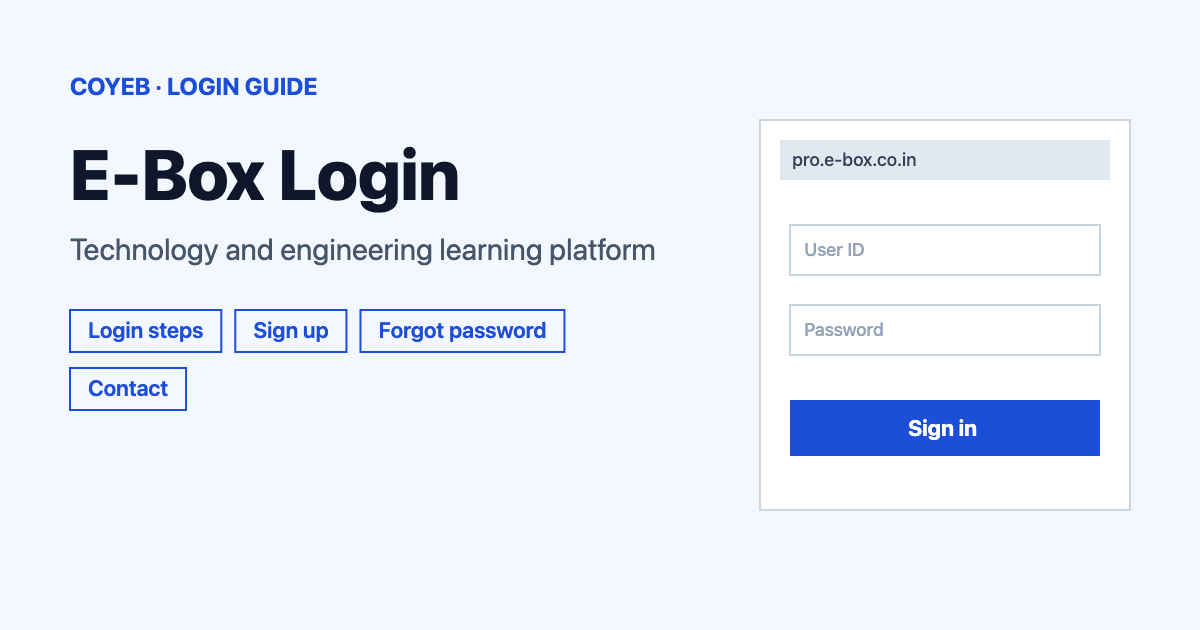
For an ebox login, open pro.e-box.co.in/login, type your Username or Email Address and Password, then press Login. The Log in and Sign up tabs share one page, so check that Log in is selected. The page also needs JavaScript turned on or it stays blank.
Last verified: 18 November 2026
Official E-Box login page: https://pro.e-box.co.in/login
coyeb.com is not affiliated with E-Box. Never share your password or OTP with anyone.
What you will see on the ebox login page
- Two tabs at the top: Log in and Sign up.
- Two boxes: Username or Email Address and Password.
- A Forgot Password? link and a Login button.
- A Continue with Google button under the Login button. The Sign up tab has the same button.
Ebox login steps
E-Box is a technology and engineering learning platform. The login page is on its own address, so type it in directly or use the Login / Register link on the E-Box home page.
- Open pro.e-box.co.in/login in your browser.
- Make sure the Log in tab is selected.
- Type your email address or username in Username or Email Address.
- Type your account password in Password.
- Press Login.
New to E-Box? Sign up first
If you do not have an account yet, choose the Sign up tab. The page is headed “Join E-Box for Free”. Learners aged 10 to 17 need legal parental or guardian consent to use the service. It is not meant for children under 10.
- Open pro.e-box.co.in/signup.
- Fill in Name, Email, the phone box and Password. The phone box shows the example 1 (702) 123-4567.
- Read the Terms & conditions and Privacy Policy, because signing up means you agree to them.
- Press Sign Up. Afterwards use the login page with the email and password you chose.
Give accurate and current details. E-Box can end your account if the information you provide is untrue or out of date.
Forgot password on the ebox login page
- On the login page, press Forgot Password?. This opens pro.e-box.co.in/forgetpassword.
- Type your email address or username in Username or Email Address.
- Press Send Me Reset Link and look for the email. Check your spam folder if it does not show up.
- Press Log In to go back to the login page once your password is changed.
The login page has no separate Forgot Username link. If you do not remember which email you used, try the address you gave on the Sign up page or ask E-Box support.
Ebox login on mobile
Open Chrome or Safari on your phone, type pro.e-box.co.in/login yourself and sign in the same way as on a computer. Be careful with app store results that only use a similar name, since you cannot confirm they belong to this platform.
Ebox login not working
The fixes below are general suggestions.
| What you see | What it means | Fix |
|---|---|---|
| Login does not accept your details | The email or password may have a typo, or you may have signed up with a different email. | Retype slowly, check Caps Lock and try the email you used on the Sign up page. If still stuck, reset the password. |
| Blank page or the page never loads | The site needs JavaScript to run. | Turn on JavaScript, refresh, or try another browser or network. |
| No reset email arrives | The address may be wrong or the mail may be in spam. | Check spam, confirm the address and request the link again. |
| You land on a different eBox website | Several unrelated services use a similar name. | Check the address bar shows e-box.co.in and use the link in this guide. |
After you log in
E-Box runs online courses. Inside a course you may be able to post in forums or chat with other learners and E-Box staff. If you finish a course with satisfactory performance you may receive a verified certificate. That certificate may not be linked to any college, university or company. What you see depends on your account.
Stay safe
- Check the address bar says pro.e-box.co.in before typing your password. The main E-Box site is e-box.co.in.
- Do not enter your details on a site that only looks similar or has a different domain.
- Never share your password or any code sent to you. E-Box terms say never to share access to your account with anyone.
Contact E-Box
- Phone: +91 93609 54237 (checked November 2026)
- Email: contact@amphisoft.co.in (checked November 2026)
- Payment issues: support@amphisoft.co.in. Course payments for academic credit or certification are non-refundable (checked November 2026)
- Address: 123 to 127, Kattoor Street, Gandhipuram, Coimbatore 641037, Tamil Nadu (checked November 2026)
- Help page: e-box.co.in/contact (checked November 2026)
More education sign-in guides for India: Sampoorna login and Brainware University login.