GLA Login: GLAMS Student ERP Portal Guide
GLA login steps for student.glauniversity.in and the GLA Online LMS: sign-in, password reset with OTP, lost user ID, mobile app links and helpline contacts.
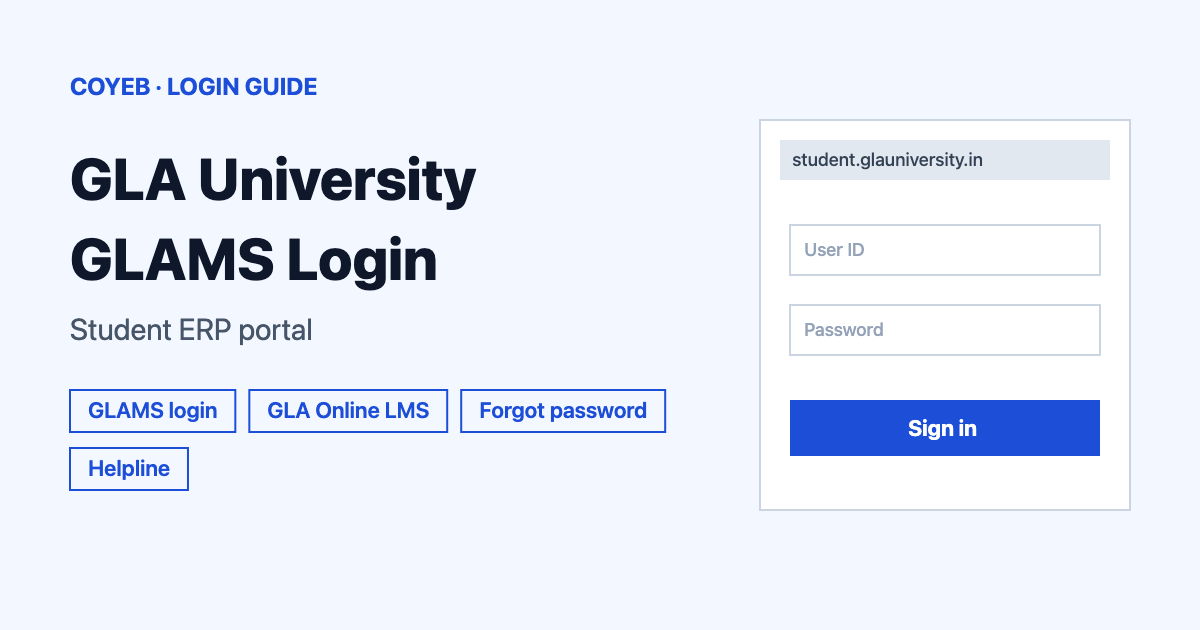
The GLA login for students is at student.glauniversity.in: open the Login form, enter your Student user name and Password, type the Captcha and tap Login. The catch is that GLA Online students sign in elsewhere: lms.glaonline.com for batches from January 2026 or myglaonline.com for earlier batches.
Last verified: 18 November 2026
Official link: student.glauniversity.in (checked November 2026)
coyeb.com is not affiliated with GLA University. Never share your password or OTP with anyone.
Which GLA login do you need
GLA University and GLA Online use different sign-in addresses, so pick the row that matches you.
| You are | Where to sign in | What you type |
|---|---|---|
| GLA University student (GLAMS student portal) | student.glauniversity.in | Student user name, Password and Captcha |
| GLA Online student admitted in January 2026 or later | lms.glaonline.com | Email Address / UserId, Password and CAPTCHA |
| GLA Online student admitted before January 2026 | myglaonline.com | Email, Password and Role |
How to do the GLA login on GLAMS
- Open student.glauniversity.in in your browser.
- Open the Login form. It asks for Student user name and Password.
- Type the characters shown in the Captcha image.
- Tick Remember me only on your own phone or laptop.
- Tap Login.
The Facebook, LinkedIn and Twitter buttons on the form are marked “(soon)”, so they do not work yet.
How to do the GLA login on the GLA Online LMS
This is for GLA Online students admitted in January 2026 or later. The page says Sign in to LMS and accepts an email ID or a GLA User ID.
- Open lms.glaonline.com.
- Type your email ID or GLA User ID in Email Address / UserId and your password in Password.
- Type the code in Enter CAPTCHA. Tap Refresh if you need a new code.
- Tick Keep me logged in only on your own device.
- Tap Sign In.
Students admitted before January 2026 use myglaonline.com. Its login page asks for Email, Password and Role (pick one from Select Role) and has a Login button and a Forgot Password? link.
First-time login and new accounts
On student.glauniversity.in, tap Create a new account if you do not have an account yet. The Create an Account form asks for User name, Email id, Password and Confirm password. If you already have an account, use the Login link on that form to go back.
New students who apply on the Admission page of the same site get their login credentials on the mobile number they enter there. Your details must match your 10th or other educational certificate. Admissions for the current session are closed. For the Winter Session (January batch), enquiries are taken from the first week of November on 9027068068 (checked November 2026).
Forgot password or user name on GLAMS
Tap Forgot password under the login form. You will see a captcha and a button called Recover Credentials. Enter the captcha and tap that button. Use the Login link on the same form to go back to sign-in.
Forgot password on the GLA Online LMS
- On lms.glaonline.com, tap Forgot Password?.
- Choose your User Type from the list: Student or Faculty.
- Fill the field the panel shows. It has Student UID/Email Id/Mobile No. and Employee Code fields.
- Tap Send OTP, type the code in Enter OTP and tap Verify OTP.
- Type New Password and Confirm Password, then tap Submit.
Lost GLA Online user ID
On lms.glaonline.com, tap Get Your Credentials?. The Forgot User ID panel asks for Email ID and Mobile Number. Tap Verify to continue or Cancel to close it.
GLA login on mobile
The student.glauniversity.in page links to the GLA University app on Google Play and the App Store. You can also open student.glauniversity.in in Chrome or Safari on your phone and sign in the same way.
GLA login not working
These fixes are general suggestions.
| What you see | What it means | Fix |
|---|---|---|
| Login does not accept your details | The user name or password may be mistyped or the password changed | Retype slowly and check caps lock. Then use Forgot password and Recover Credentials |
| Captcha is unreadable or rejected | The code may have expired | Refresh the page for a new captcha and try again. On the LMS tap Refresh next to the code |
| Page looks empty or broken | Part of the page may not have loaded | Reload the page or try another browser or use the app |
| You are an online student and student.glauniversity.in fails | You may need the LMS instead | Use lms.glaonline.com if you joined in January 2026 or later. Use myglaonline.com if you joined earlier |
| LMS login or a live class link will not open | The connection or the browser may be the problem | Check your internet connection and your LMS credentials and update your browser. Refresh the page and clear cache and cookies. Try Chrome or Edge |
After you log in
- Student portal: log in with your registered credentials and open the Results section.
- GLA Online LMS: the academic calendar is in the left-hand navigation panel. The exam portal opens from the LMS or at exam.glauniversity.in/home.
- Fee payment: GLA Online lists the fee portal (called GLAMS there) at glauniversity.in:8085. Receipts are under Fee Payment and then Payment History.
- Degree, migration and transcript requests: use Service Request in the OTHER tab of the GLA University portal.
Stay safe
Before typing your password check the address in your browser. The student site ends with glauniversity.in and the online LMS ends with glaonline.com. The older online login is myglaonline.com. Do not share your password or OTP on a call or chat.
Contact and helpline
GLA University (student portal)
- Phone: +91-5662-250900 (checked November 2026)
- Mobile: +91-9927064017 (checked November 2026)
- Software support email: glausoftwaresupport@gla.ac.in (checked November 2026)
- General email: glauniversity@gla.ac.in (checked November 2026)
- WhatsApp: 916399020003 (checked November 2026)
- Address: 17km Stone, NH-19, Mathura-Delhi Road, P.O. Chaumuhan, Mathura-281 406 (U.P.), India (checked November 2026)
- Hours: no opening hours are published for these numbers (checked November 2026)
GLA Online
- Support phone: +91-9568536853, 9:00 AM to 5:00 PM (checked November 2026)
- Support email: support.cdoe@gla.ac.in (checked November 2026)
- Technical support for exam issues: +91-8439954905 (checked November 2026)
- Online course helplines: +91 90459 54392 or +91 90459 54396 (checked November 2026)
- Help page: glaonline.com/faq (checked November 2026)
Studying at another Indian university? The Brainware University login guide covers that sign-in.