MCA V3 Login: Business and Registered User Sign-In
MCA V3 login steps: which User ID to use (CIN, LLPIN, FCRN or email), Forgot User ID and password screens, session note and the official MCA helpdesk.
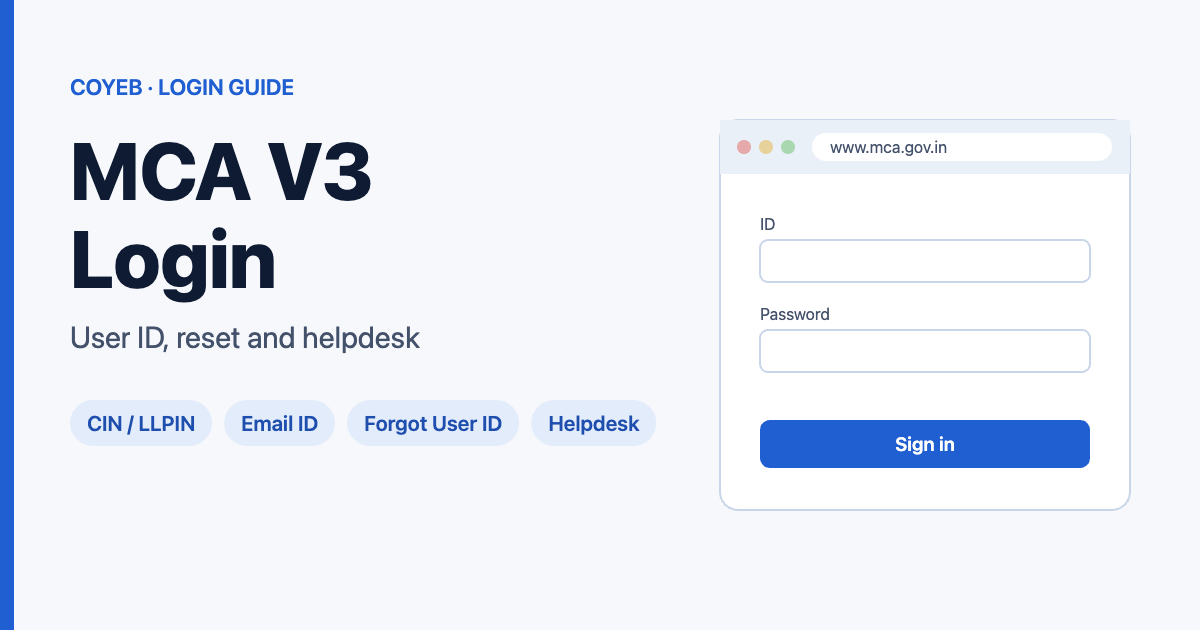
Quick answer: The official MCA V3 login page is www.mca.gov.in/content/mca/global/en/foportal/fologin.html, opened from Login/Register at the top of mca.gov.in. For MCA V3 login, enter your User ID and Password in the MCA User Login / Registration box and click Login. Your User ID is your CIN, LLPIN or FCRN if you log in as a company or LLP, and your email ID for every other user.
Last verified: 13 November 2026. Portal screens may change; check mca.gov.in for the latest steps.
Official MCA V3 login page: https://www.mca.gov.in/content/mca/global/en/foportal/fologin.html
coyeb.com is not affiliated with the Ministry of Corporate Affairs. Never share your password or OTP with anyone.
Which User ID do you use?
The login box itself says what goes in the User ID field:
| You are logging in as | Your User ID |
|---|---|
| A company or LLP | CIN, LLPIN or FCRN |
| Any other user | Your email ID |
The field’s placeholder reads “User ID, CIN, LLPIN, FCRN or Email ID”.
How to log in to the MCA V3 portal
- Go to www.mca.gov.in and click Login/Register.
- In the MCA User Login / Registration box, type your User ID (CIN/LLPIN/FCRN for a company or LLP, email ID for other users).
- Type your Password.
- Click Login.
The login box warns: “any ongoing user session will automatically end upon login.” So any session you already have open will end when you log in. We did not go past the Login button, because the next screens need a real account.
New user? Registered User or Business User
Click Register in the same login box. MCA has two user categories:
- Registered User: MCA’s registration page says these are “individuals with access to the basic services of MCA portal”.
- Business User: Company/LLP, individuals associated with a company/LLP, and professionals.
Pick the category that matches what you need to do. The same two categories appear when you recover a forgotten User ID.
Forgot MCA User ID or password
Forgot User ID
- On the login box, click Forgot User ID ?.
- Under User Category, choose Registered User or Business User.
- Click Next and follow the steps on screen.
Forgot Password
- Click Forgot Password ?.
- In Enter your User ID, type your CIN/LLPIN/FCRN (company or LLP users) or your email ID (other users).
- Click Proceed and follow the steps on screen.
We saw only these first screens. The steps after Next and Proceed need a real account.
MCA V3 login on mobile
The login page is a normal web page. The site footer says it “is best viewed at a screen resolution of 1366×768 using the latest versions of Chrome, Firefox, Safari, or Microsoft Edge.” On a phone, you could try your browser’s desktop-site option if the layout is hard to use (our suggestion, not an MCA instruction). We checked the page on desktop only.
MCA V3 login not working? What to check
| Problem | Likely cause | What to do |
|---|---|---|
| User ID not accepted | Wrong ID type for your account | Use CIN/LLPIN/FCRN for a company or LLP login, and your email ID for any other user (as stated on the login box). |
| Your other session ended | The portal ends any ongoing session when you log in | Expect any open session to close when you log in again. |
| You don’t know your User ID | Forgotten or never noted | Use Forgot User ID ? and pick Registered User or Business User. |
| Password not accepted | Forgotten password | Use Forgot Password ? with your User ID. |
These are general suggestions based on the login screens, not steps published by MCA as error fixes. For anything else, contact the MCA helpdesk below.
After you log in
MCA’s site menus include My Application and MCA Services. We did not log in, so we can’t describe the dashboard. If you also deal with other Indian business portals, see our guides to Udyam login, ICEGATE login and TRACES login.
Stay safe
- Log in only on www.mca.gov.in. Check the address bar before you type your password.
- Several pages ranking for “mca v3 login” are private filing consultants. Phone numbers on those pages may belong to the consultants, not to MCA.
- Never share your password or OTP with anyone who calls or messages you about an MCA filing.
MCA helpdesk
- Helpdesk Customer Care: 0120-4832500 / 0120-6951300 / 1800 202 3454
- Email: appl.helpdesk@mca.gov.in
Source: Contact Us / Grievance Cell page on mca.gov.in, checked November 2026.
FAQ
What is the MCA V3 login User ID?
The login box says to use your CIN, LLPIN or FCRN if you log in as a company or LLP, and your email ID for all other users.
Where is the MCA V3 login page?
It is at www.mca.gov.in/content/mca/global/en/foportal/fologin.html. You can also click Login/Register at the top of mca.gov.in.
What is the difference between a Registered User and a Business User?
MCA describes Registered Users as individuals with access to basic MCA services, and Business Users as companies/LLPs, individuals associated with them, and professionals.
How do I reset my MCA V3 password?
Click Forgot Password ?, enter your User ID (CIN/LLPIN/FCRN or email ID), click Proceed and follow the on-screen steps.
Why did my other MCA session end?
The login box says any ongoing user session will automatically end when you log in again.
What is the MCA helpdesk number?
MCA’s Contact Us page lists Helpdesk Customer Care on 0120-4832500, 0120-6951300 and 1800 202 3454, and the email appl.helpdesk@mca.gov.in.